
XML Escape / Unescape
Escape or unescape XML-safe text.
Type to search tools. Use the up and down arrow keys to move through results, Enter to open a result, and Escape to clear the search.
Escape or unescape XML-safe text.
Related tools
Ready tools are shown first.
Tool guide
Free Online XML Escape / Unescape Tool
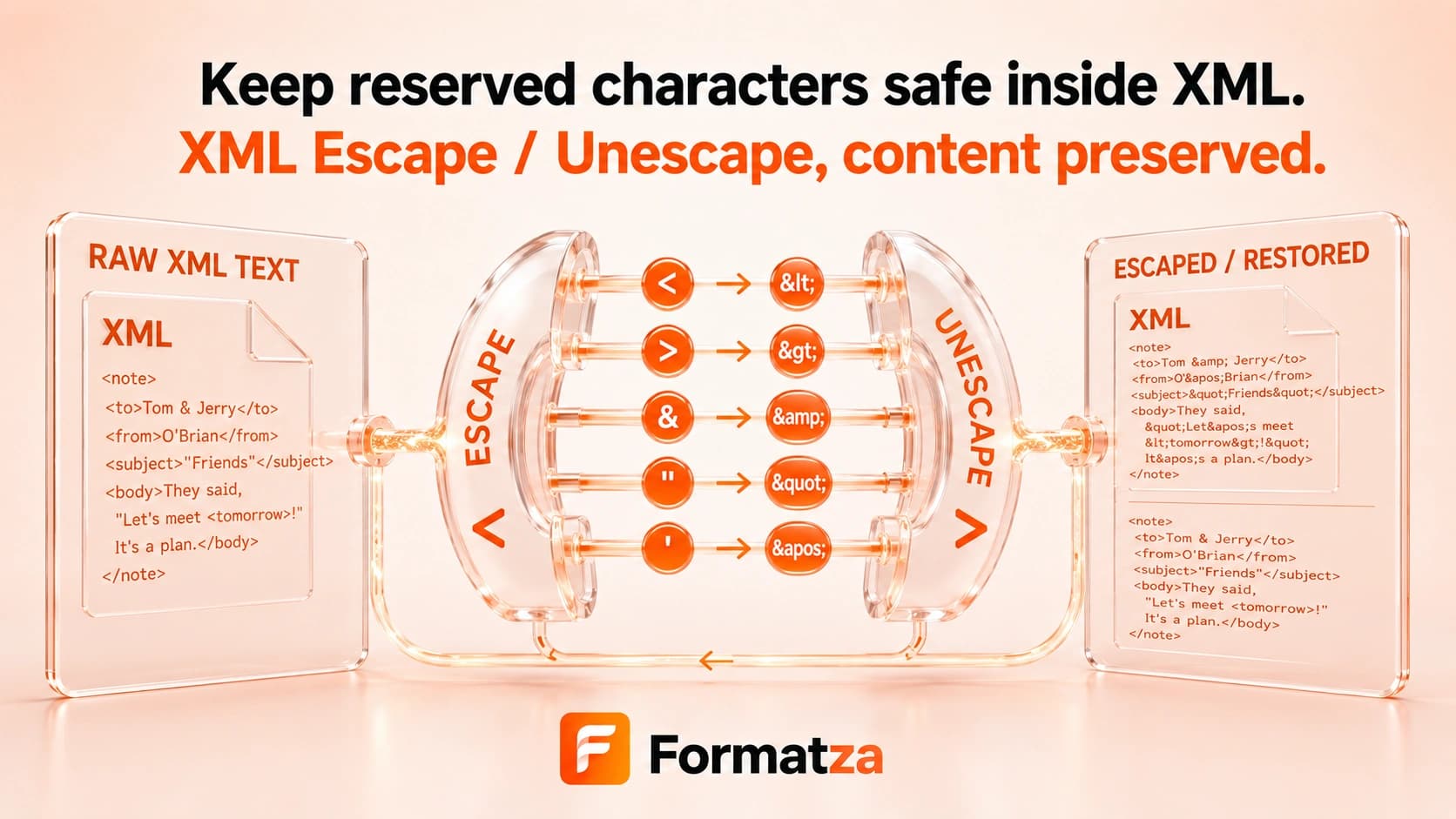
Escape XML-sensitive text by converting ampersands, angle brackets, quotes, and apostrophes to named entities, or decode the supported entities back to characters. Paste text or open a TXT or XML file, then copy or download the result in your browser.
Steps
How it works
- Choose Escape or Unescape.
- Paste text or select one supported TXT or XML file.
- Convert the text using the supported XML entity mappings.
- Copy the result or download it as a text file.
Highlights
Key features
- Escapes &, <, >, double quotes, and apostrophes to named XML entities.
- Unescapes &, <, >, ", ', and '.
- Works with pasted text and supported TXT or XML file input.
- Keeps escape and unescape operations separate with a clear direction control.
- Provides copy and text-download actions after conversion.
Use cases
Common uses
- Prepare plain text for insertion into XML text or attribute values.
- Decode common XML entities while inspecting payloads or configuration.
- Convert small XML-sensitive snippets for documentation and testing.
- Check how reserved characters appear after one escaping pass.
Notes
Limitations to know
- Numeric entities other than ' are not decoded, and custom DTD entities are not supported.
- Already escaped input is escaped again, so < becomes &lt; after another escape pass.
- Unknown or malformed entities remain unchanged when unescaping.
- The tool transforms text only; it does not format, parse, validate, encrypt, or sanitize a complete XML document.
- Context still matters: attribute quoting and application rules may require additional handling.
FAQ
Frequently asked questions
Which XML characters are escaped?
The tool escapes ampersands, less-than and greater-than signs, double quotes, and apostrophes.
Are quotes and apostrophes escaped?
Yes. Double quotes become " and apostrophes become '.
Does XML Unescape support numeric entities?
Only ' is recognized. Other decimal or hexadecimal numeric entities are left unchanged.
What happens to text that is already escaped?
Escaping applies another layer. For example, < becomes &lt;.
Is XML escaping the same as sanitization?
No. Escaping reserved characters is not security sanitization, XML validation, or encryption.
Can I escape a complete XML document?
You can transform its text, but the result represents the document as escaped text. Use XML Formatter or XML Validator when you need to process XML markup.