
Binary Encoder / Decoder
Convert text to and from binary.
Type to search tools. Use the up and down arrow keys to move through results, Enter to open a result, and Escape to clear the search.
Convert text to and from binary.
Related tools
Ready tools are shown first.
Tool guide
Free Online Binary Encoder / Decoder
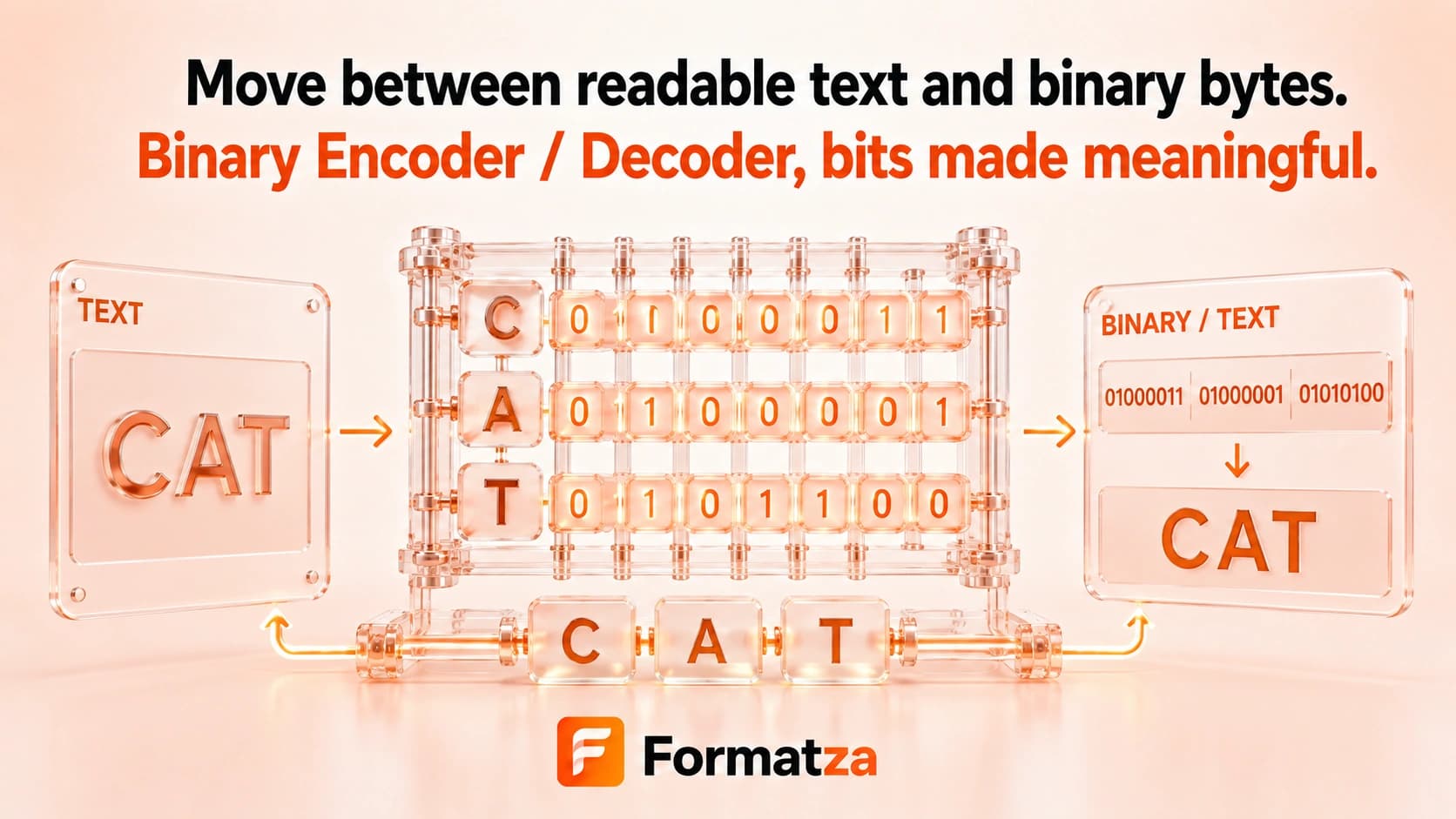
Convert Unicode text into space-separated 8-bit binary groups representing UTF-8 bytes, or decode matching binary byte groups back into text. This is a text-byte translator, not an arbitrary binary-file converter.
Steps
How it works
- Choose Text to Binary or Binary to Text.
- Enter text, or enter 8-bit binary groups separated by whitespace.
- Convert through the browser's UTF-8 text encoder or decoder.
- Copy or download the converted text.
Highlights
Key features
- Encodes text as UTF-8 bytes.
- Displays every byte as an 8-bit group with leading zeros.
- Accepts whitespace-separated binary bytes when decoding.
- Supports non-ASCII text and emoji through multiple UTF-8 byte groups.
- Rejects groups that contain non-binary digits or do not contain exactly eight bits.
- Provides plain-text file input, copy, and download actions.
Use cases
Common uses
- Inspect the UTF-8 bytes behind a text string.
- Translate an ASCII text example into 8-bit binary groups.
- Decode a correctly grouped UTF-8 binary sequence.
- Learn why some Unicode characters require multiple bytes.
Notes
Limitations to know
- Binary input must be split into complete 8-bit byte groups; ungrouped bit streams are not accepted.
- The representation is UTF-8 bytes, not Unicode code points or JavaScript UTF-16 code units.
- Malformed UTF-8 byte sequences may decode with replacement characters because the browser decoder is non-fatal.
- Arbitrary binary files, numeric base conversion, and binary arithmetic are not supported.
- Binary encoding is reversible representation, not encryption or compression.
FAQ
Frequently asked questions
Does Binary Encoder use ASCII or UTF-8?
It uses UTF-8 bytes. Standard ASCII characters share the same one-byte values within UTF-8.
How many bits represent each character?
The output always shows 8 bits per byte, but one Unicode character can require multiple UTF-8 bytes.
Are spaces required between binary groups?
Yes. Decode input must provide complete 8-bit groups separated by whitespace.
Are emoji supported?
Yes. An emoji is represented by several 8-bit UTF-8 byte groups.
Why did a binary sequence produce a replacement character?
Its bytes may not form valid UTF-8 text even though every individual group contains eight bits.
Can Binary Encoder / Decoder convert binary files?
No. It handles text and textual byte groups only.