
PDF to Text
Extract selectable text from PDF files directly in your browser.
Type to search tools. Use the up and down arrow keys to move through results, Enter to open a result, and Escape to clear the search.
Extract selectable text from PDF files directly in your browser.
Related tools
Ready tools are shown first.
PDF Compressor
Choose a target reduction and make PDF files smaller directly in your browser.
PDF to JPG
Convert PDF pages to JPG images directly in your browser.
PDF to PNG
Convert PDF pages to PNG images directly in your browser.
PDF to Images
Convert PDF pages to PNG or JPG images online.
PDF to Text
Extract selectable text from PDF files directly in your browser.
PDF to Word
Convert text-based PDF files to editable Word documents directly in your browser.
Tool guide
Free PDF to Text Converter
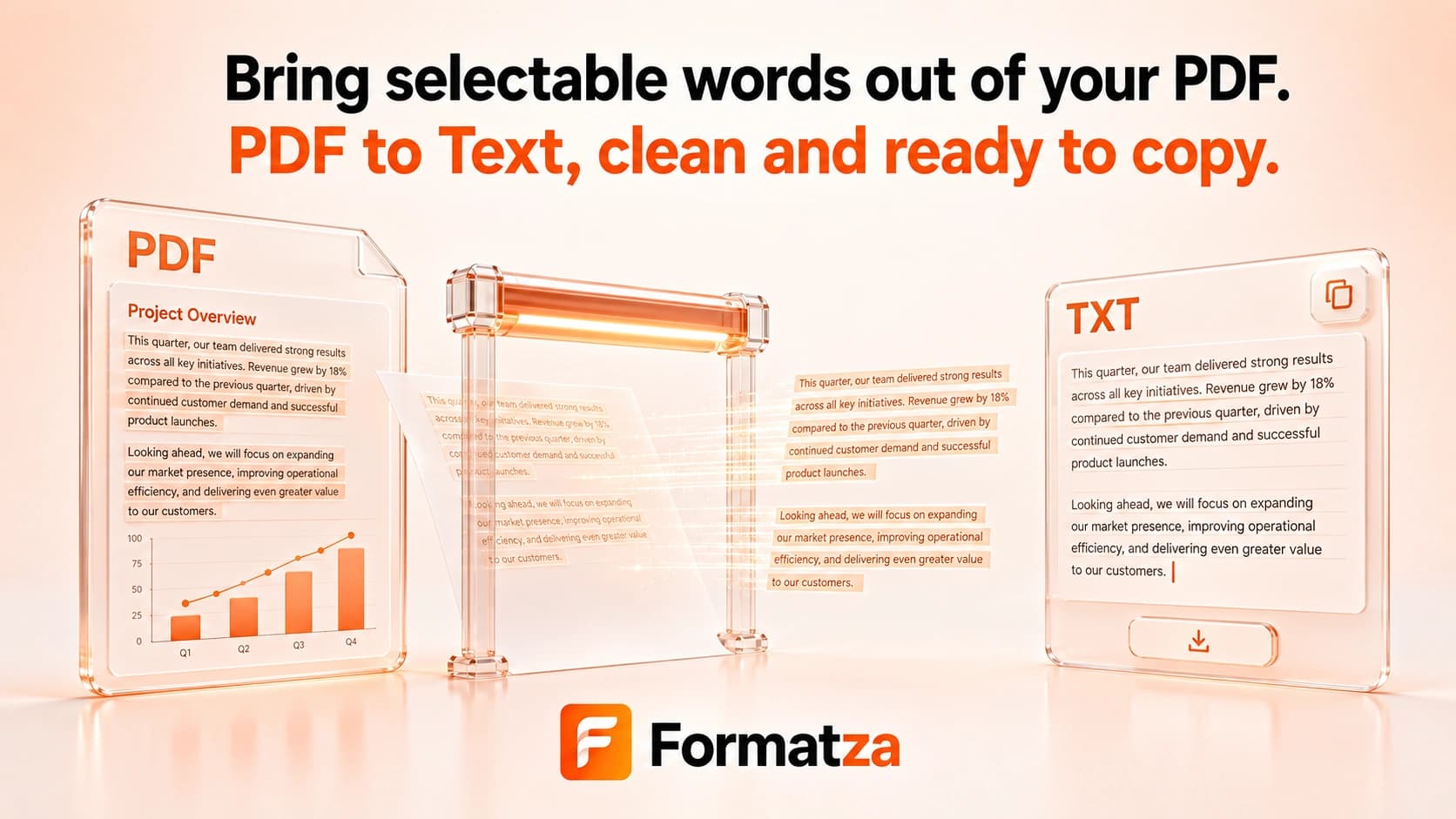
Extract selectable character data from a text-based PDF and turn it into copyable plain text. Formatza reads every page in order, labels page boundaries, and provides a TXT download without using OCR.
Steps
How it works
- Upload one readable PDF file.
- Let the browser read its page count.
- Extract the selectable text layer page by page.
- Review and copy the text or download it as a TXT file.
Highlights
Key features
- Reads selectable text from every PDF page.
- Preserves page sequence and adds visible page separators.
- Normalizes extracted whitespace into plain text.
- Provides Copy Text and Download TXT actions.
- Detects when no selectable text is available.
Use cases
Common uses
- Copy text from a text-based PDF report or article.
- Create a plain TXT version for notes or search.
- Recover readable text for editing in another application.
- Inspect the text layer of a PDF document.
Notes
Limitations to know
- OCR is not implemented, so scanned or image-only PDFs return no usable text.
- All pages are processed; page-range selection and multi-file batch extraction are not available.
- Columns, tables, headers, indentation, line endings, and visual formatting are not reconstructed.
- Custom font encodings can produce missing, substituted, or incorrectly ordered characters.
- Password-protected, malformed, or very large PDFs may fail or exceed browser resources.
FAQ
Frequently asked questions
Does PDF to Text work with scanned PDFs?
No. A scan is an image and requires OCR, which this tool does not provide.
Does the tool use OCR?
No. It reads only selectable character data already stored in the PDF text layer.
Are tables and columns preserved?
No. Text items are joined into plain page text, so complex reading order and table structure may change.
Can I extract selected pages only?
No. The current tool extracts all pages from one PDF and inserts a labeled separator for each page.
Can the result be downloaded as TXT?
Yes. After extraction, you can copy the text or download a UTF-8 plain text file named from the source PDF.
Why are some characters missing or out of order?
PDFs can store glyphs with custom encodings or visual positioning that does not match normal reading order.