
Base Converter
Convert numbers between binary, decimal, hex, and other bases.
Type to search tools. Use the up and down arrow keys to move through results, Enter to open a result, and Escape to clear the search.
Convert numbers between binary, decimal, hex, and other bases.
Live conversion
FF
Related tools
Ready tools are shown first.
Tool guide
Free Online Number Base Converter
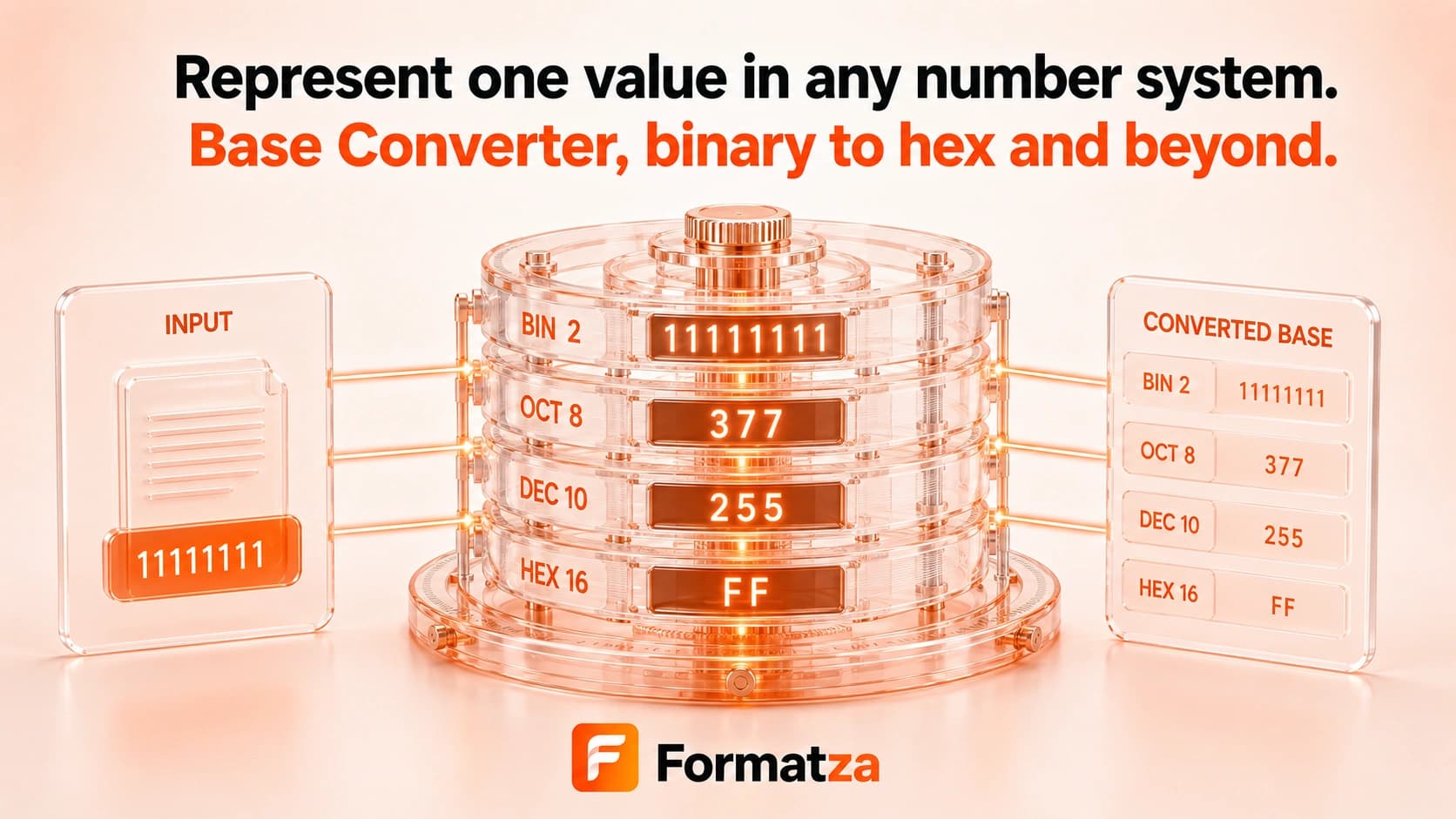
Convert positive integers between binary, octal, decimal, hexadecimal, and Base32 in your browser. BigInt-based parsing keeps long whole-number conversions exact while clear validation identifies digits that do not belong to the selected base.
Steps
How it works
- Choose Binary, Octal, Decimal, Hexadecimal, or Base32 as the source base.
- Choose one of the same supported bases for the output.
- Enter a positive integer using digits valid for the source base.
- Convert, copy, or download the uppercase result.
Highlights
Key features
- Supports bases 2, 8, 10, 16, and 32.
- Uses BigInt arithmetic for exact whole-number conversion.
- Accepts lowercase or uppercase letters and emits uppercase output.
- Shows a live preview for valid input.
- Reports the invalid digit when input does not match the selected base.
- Provides copy and text download actions.
Use cases
Common uses
- Convert binary values to decimal or hexadecimal.
- Translate decimal integers into binary, octal, or Base32.
- Inspect hexadecimal identifiers and bit-oriented values.
- Learn how the same integer is represented in common bases.
Notes
Limitations to know
- Only non-negative integers are supported; negative and fractional values are not.
- Radices other than 2, 8, 10, 16, and 32 are unavailable.
- Prefixes such as 0x, 0b, and 0o are not accepted and should be removed before conversion.
- Leading zeros are not retained in the output.
- The tool converts representations only; it does not perform arithmetic or Base64 text encoding.
FAQ
Frequently asked questions
Which number bases are supported?
Binary (2), octal (8), decimal (10), hexadecimal (16), and Base32 are available.
Can I convert very large integers exactly?
The converter uses BigInt, so whole-number precision is retained subject to practical browser memory and input-size limits.
Are negative or fractional numbers supported?
No. The current parser accepts non-negative whole numbers only.
Can I enter 0x or 0b prefixes?
No. Enter only the digits, then select Hexadecimal or Binary as the source base.
Why is a digit invalid for the selected base?
Each base has a limited digit set; for example, binary accepts only 0 and 1, while hexadecimal accepts 0-9 and A-F.