
CSV to JSON
Convert CSV data to JSON format.
Type to search tools. Use the up and down arrow keys to move through results, Enter to open a result, and Escape to clear the search.
Convert CSV data to JSON format.
Related tools
Ready tools are shown first.
Tool guide
Free Online CSV to JSON Converter
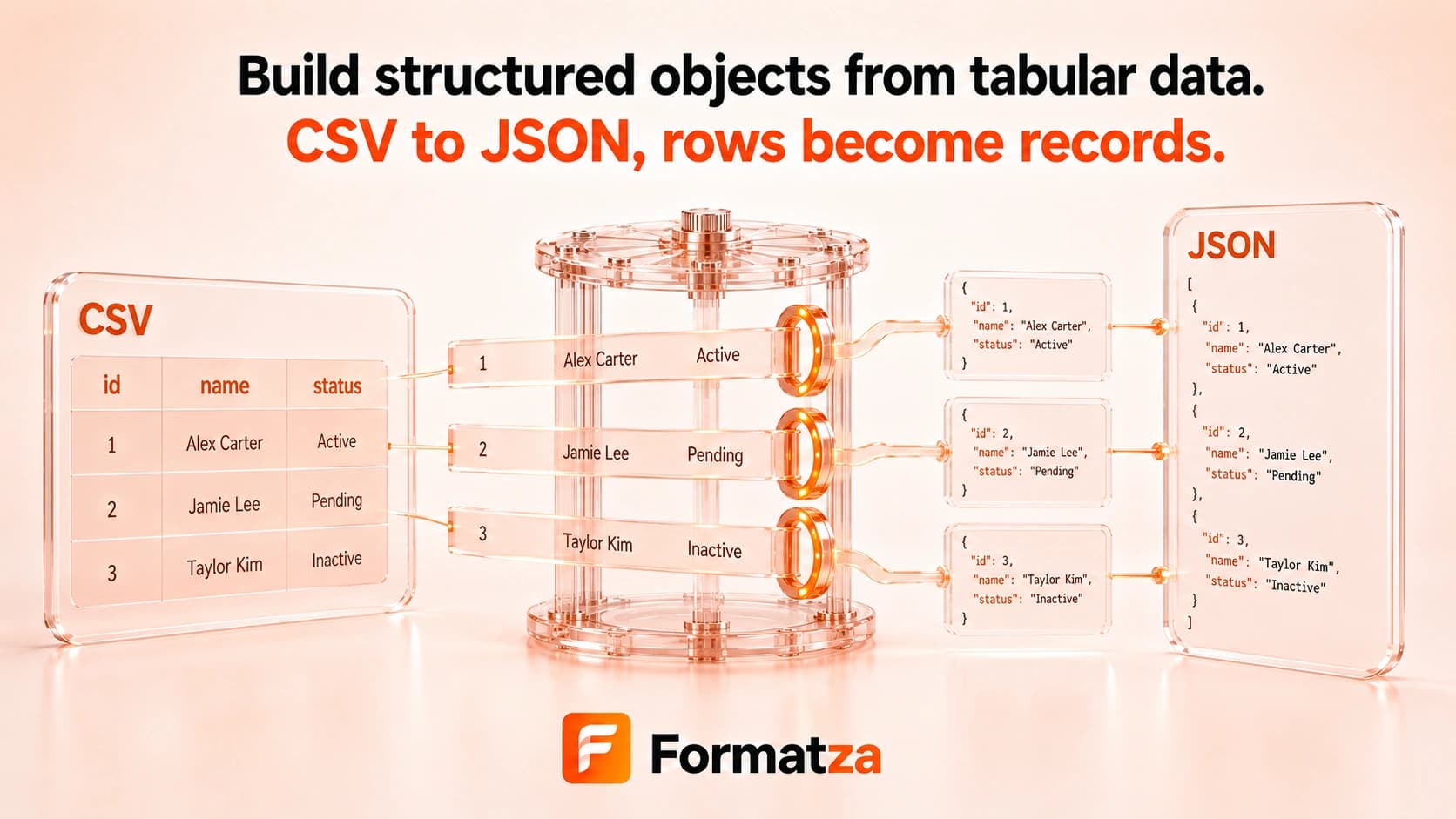
Convert comma-separated CSV text into a JSON array of objects in your browser. The first row supplies property names, quoted commas and line breaks are parsed, and every data value remains a string.
Steps
How it works
- Paste CSV text or choose one CSV or plain-text file.
- Use the first non-empty row as the property-name header.
- Convert each remaining row into a JSON object.
- Review, copy, or download the formatted JSON array.
Highlights
Key features
- Parses comma-separated fields, quoted values, escaped double quotes, and quoted line breaks.
- Uses the first row as JSON property names.
- Represents empty or missing cells as empty strings.
- Outputs an indented JSON array for easier reading.
- Supports pasted text and one uploaded CSV file.
Use cases
Common uses
- Convert spreadsheet exports into JSON records.
- Prepare CSV rows for development fixtures or API testing.
- Turn a header-based table into an array of objects.
- Inspect comma-separated data as readable JSON.
Notes
Limitations to know
- The parser uses commas only and does not detect semicolon, tab, or custom delimiters.
- A header row and at least one data row are required, and empty header names are rejected.
- All fields remain strings; numbers, booleans, dates, and null values are not inferred.
- Duplicate header names can overwrite earlier values in the same object.
- One input is processed at a time; batch files, schema generation, and ZIP output are unavailable.
FAQ
Frequently asked questions
Is the first CSV row used as headers?
Yes. Its trimmed values become the property names for each JSON object.
Are numbers and booleans converted automatically?
No. Every parsed CSV field remains a JSON string.
How are empty cells represented?
Empty and missing cells are represented as empty strings.
Are quoted commas supported?
Yes. Commas and line breaks inside properly double-quoted fields are parsed as part of the field.
Can I choose another delimiter?
No. The current converter expects comma-separated input.