
JSON Formatter
Format JSON data for easier reading.
Type to search tools. Use the up and down arrow keys to move through results, Enter to open a result, and Escape to clear the search.
Format JSON data for easier reading.
Related tools
Ready tools are shown first.
Tool guide
Free Online JSON Formatter
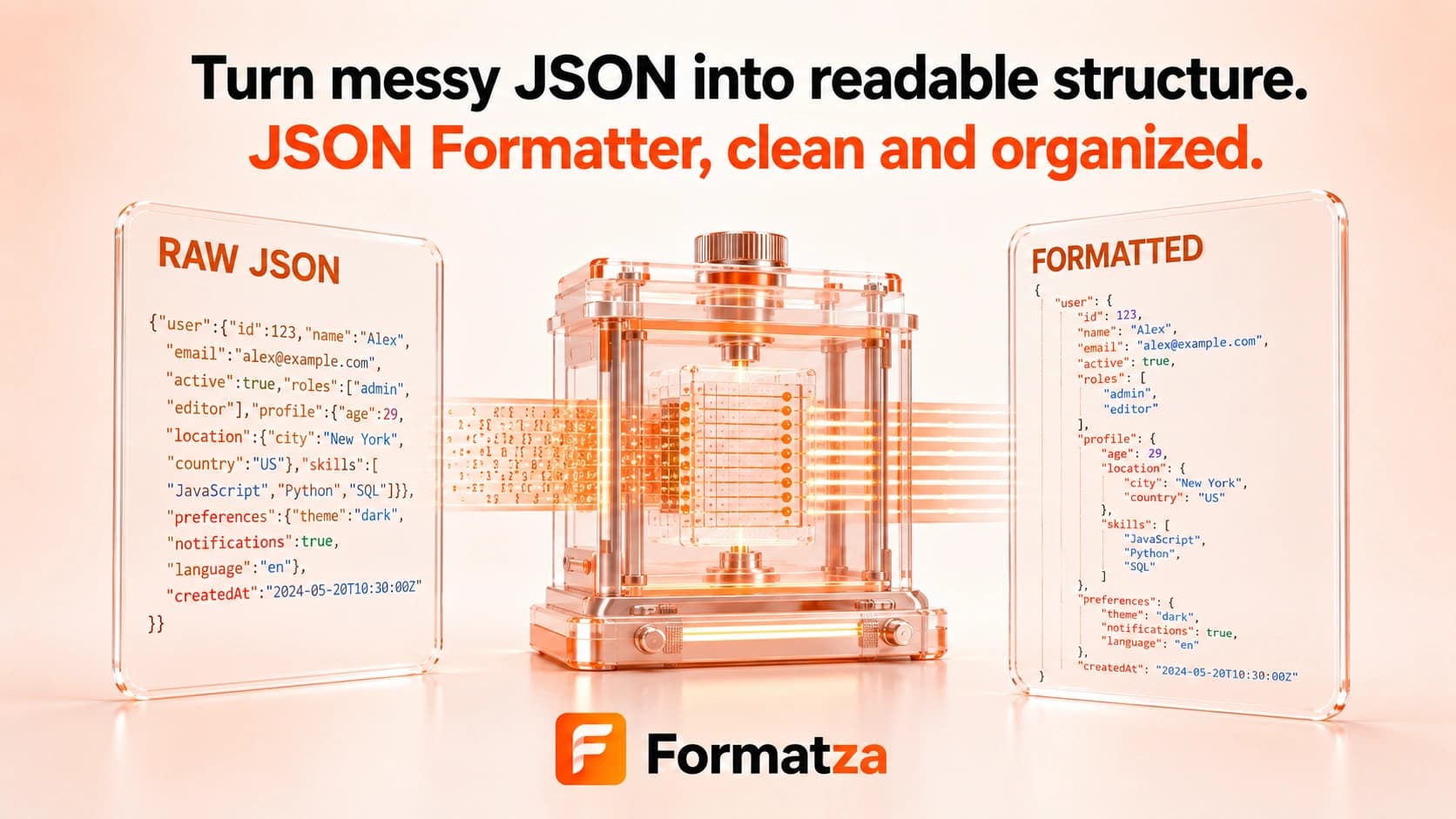
Format valid JSON with readable 2- or 4-space indentation directly in your browser. Paste JSON or load a JSON or text file, then copy or download the formatted result without changing its parsed data.
Steps
How it works
- Paste JSON text or choose one JSON or plain-text file.
- Choose 2-space or 4-space indentation.
- Parse and pretty-print the input as standard JSON.
- Review, copy, or download the formatted JSON.
Highlights
Key features
- Supports pasted input and one uploaded JSON or text file.
- Offers 2-space and 4-space indentation options.
- Checks standard JSON syntax before formatting.
- Reports a nearby character position when the browser parser provides one.
- Creates copyable output and a downloadable JSON file.
Use cases
Common uses
- Make compact API responses easier to read.
- Prepare JSON for code review or documentation.
- Inspect nested objects and arrays with consistent indentation.
- Reformat valid JSON without manually editing whitespace.
Notes
Limitations to know
- Formatting requires valid standard JSON and does not repair malformed input.
- Comments, trailing commas, single-quoted strings, unquoted keys, NaN, Infinity, undefined, and JSON5 syntax are unsupported.
- Keys are not alphabetically sorted, and duplicate object keys may already be resolved by the parser.
- Parse-and-serialize can normalize escape sequences and numeric representation even though parsed data remains equivalent.
- One text input is processed at a time; batch-file formatting is unavailable, and inputs over 1 MB only receive a performance warning.
FAQ
Frequently asked questions
Does formatting change the JSON data?
It changes indentation and serialization, not the parsed object or array values, although escapes or number text can be normalized.
Can I choose the indentation?
Yes. The formatter provides 2-space and 4-space options; tabs are not available.
Can it repair invalid JSON?
No. Input must parse as standard JSON before it can be formatted.
Are comments and trailing commas supported?
No. Standard JSON parsing rejects comments, trailing commas, and other JavaScript or JSON5 extensions.
How is this different from JSON Validator?
The formatter returns readable JSON output, while the validator only reports whether the syntax parses successfully.