
Password Generator
Generate strong random passwords.
Type to search tools. Use the up and down arrow keys to move through results, Enter to open a result, and Escape to clear the search.
Generate strong random passwords.
Related tools
Ready tools are shown first.
Tool guide
Free Secure Password Generator
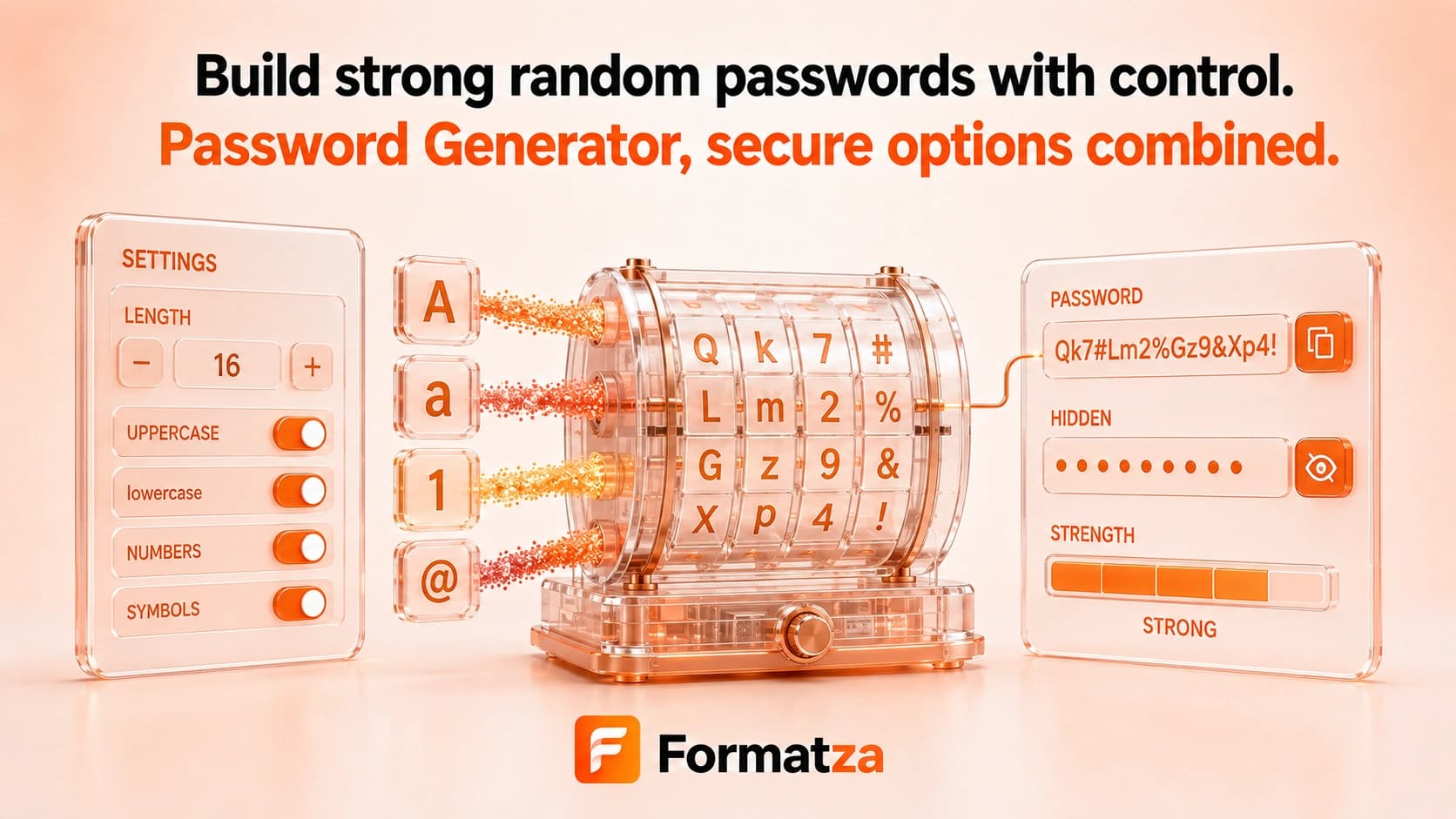
Generate random passwords locally with browser cryptographic randomness. Choose a length from 6 to 128 characters, select uppercase, lowercase, numbers, and symbols, optionally exclude similar characters, and create up to 100 passwords at once.
Steps
How it works
- Choose the password length and quantity.
- Select the character types to include and optionally exclude similar characters.
- Generate the passwords with crypto.getRandomValues.
- Copy the output or download the generated list as a TXT file.
Highlights
Key features
- Uses browser cryptographic randomness for character selection.
- Supports lengths from 6 through 128 characters.
- Includes separate uppercase, lowercase, number, and symbol options.
- Can exclude I, l, 1, O, and 0 to reduce visual ambiguity.
- Generates up to 100 passwords and shows a simple strength label.
Use cases
Common uses
- Create a strong password for a compatible account or application.
- Generate temporary credentials for testing environments.
- Prepare multiple random passwords for local test data.
- Create passwords without reusing memorable personal phrases.
Notes
Limitations to know
- The strength label is a simple rules-based hint, not a security audit or guarantee.
- Characters are chosen from the combined selected pool; every selected character type is not guaranteed to appear in every password.
- Custom symbols or arbitrary character sets cannot be entered.
- Generated passwords are not breach-checked, synced, saved to a password manager, or recoverable later.
- Some websites reject particular symbols or impose their own password rules.
FAQ
Frequently asked questions
Does Password Generator use secure randomness?
Yes. It uses crypto.getRandomValues supplied by the browser.
What password length should I choose?
Longer random passwords generally provide more resistance to guessing, but the correct length depends on the service's rules and your security requirements.
Can symbols or similar characters be excluded?
Symbols can be disabled as a group, and the similar-character option removes I, l, 1, O, and 0. Individual custom symbols cannot be selected.
Are generated passwords saved?
The tool has no password history or account storage. Save any password you need in a trusted password manager before clearing or leaving the page.
Can I generate multiple passwords?
Yes. Generate between 1 and 100 passwords at a time.
Does the strength label guarantee that a password is secure?
No. It is only a simple estimate based on length and selected character groups.