
JSON Beautifier
Beautify JSON data with readable formatting.
Type to search tools. Use the up and down arrow keys to move through results, Enter to open a result, and Escape to clear the search.
Beautify JSON data with readable formatting.
Related tools
Ready tools are shown first.
Tool guide
Free Online JSON Beautifier
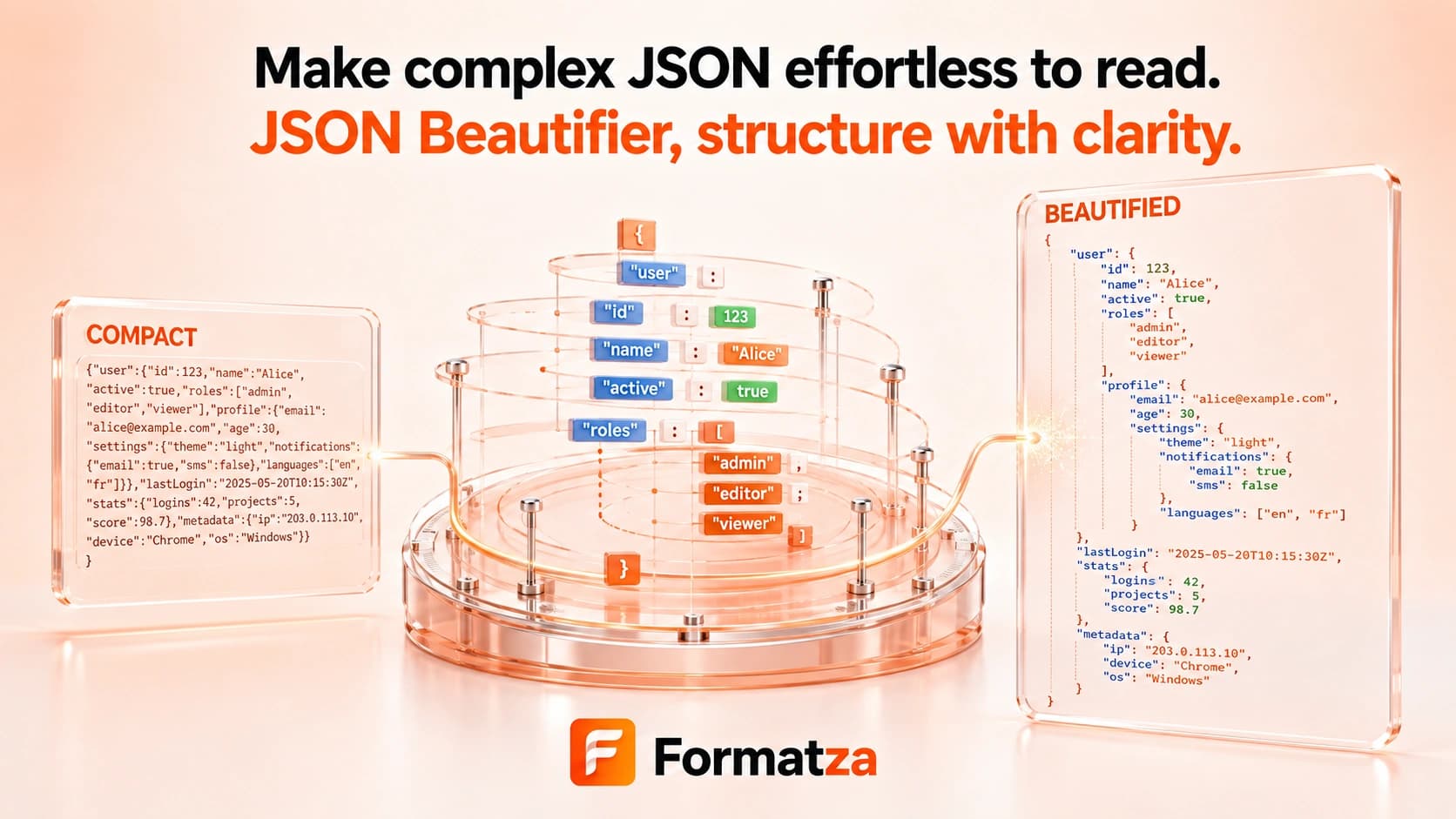
Beautify valid JSON with consistent 2- or 4-space indentation directly in your browser. Paste JSON or open one JSON or text file, then copy or download a readable version for inspection and sharing.
Steps
How it works
- Paste JSON text or choose one JSON or plain-text file.
- Select 2-space or 4-space indentation.
- Parse and beautify the input as standard JSON.
- Review, copy, or download the readable JSON output.
Highlights
Key features
- Accepts pasted content and one uploaded JSON or text file.
- Offers 2-space and 4-space indentation.
- Checks standard JSON syntax before producing output.
- Reports a nearby character position when the browser parser provides one.
- Provides copy and JSON download actions for the beautified result.
Use cases
Common uses
- Turn dense JSON into a readable development reference.
- Inspect nested API data with consistent indentation.
- Prepare JSON examples for documentation or code review.
- Create a readable copy of a compact configuration file.
Notes
Limitations to know
- Beautification requires valid JSON and does not repair syntax errors.
- Tabs are not offered; indentation is limited to 2 or 4 spaces.
- Comments, trailing commas, single-quoted strings, unquoted keys, NaN, Infinity, undefined, and JSON5 syntax are unsupported.
- Keys are not sorted, and parse-and-serialize can normalize escape sequences, number text, or duplicate object keys.
- Only one input is processed at a time; files over 1 MB receive a performance warning rather than a hard limit.
FAQ
Frequently asked questions
What does the JSON Beautifier change?
It changes whitespace and indentation around parsed JSON values to make the result easier to read.
Can I choose the indentation?
Yes. Choose either 2 spaces or 4 spaces; tab indentation is not available.
Will it repair malformed JSON?
No. The input must parse as standard JSON before it can be beautified.
How is this different from JSON Validator?
The beautifier returns readable JSON output, while the validator only reports whether the syntax is valid.
How is this different from JSON Minifier?
Beautifying adds readable indentation, while minifying removes unnecessary formatting whitespace.