
QR Code Generator
Generate QR codes from text or URLs.
Type to search tools. Use the up and down arrow keys to move through results, Enter to open a result, and Escape to clear the search.
Generate QR codes from text or URLs.
Related tools
Ready tools are shown first.
Tool guide
Free QR Code Generator
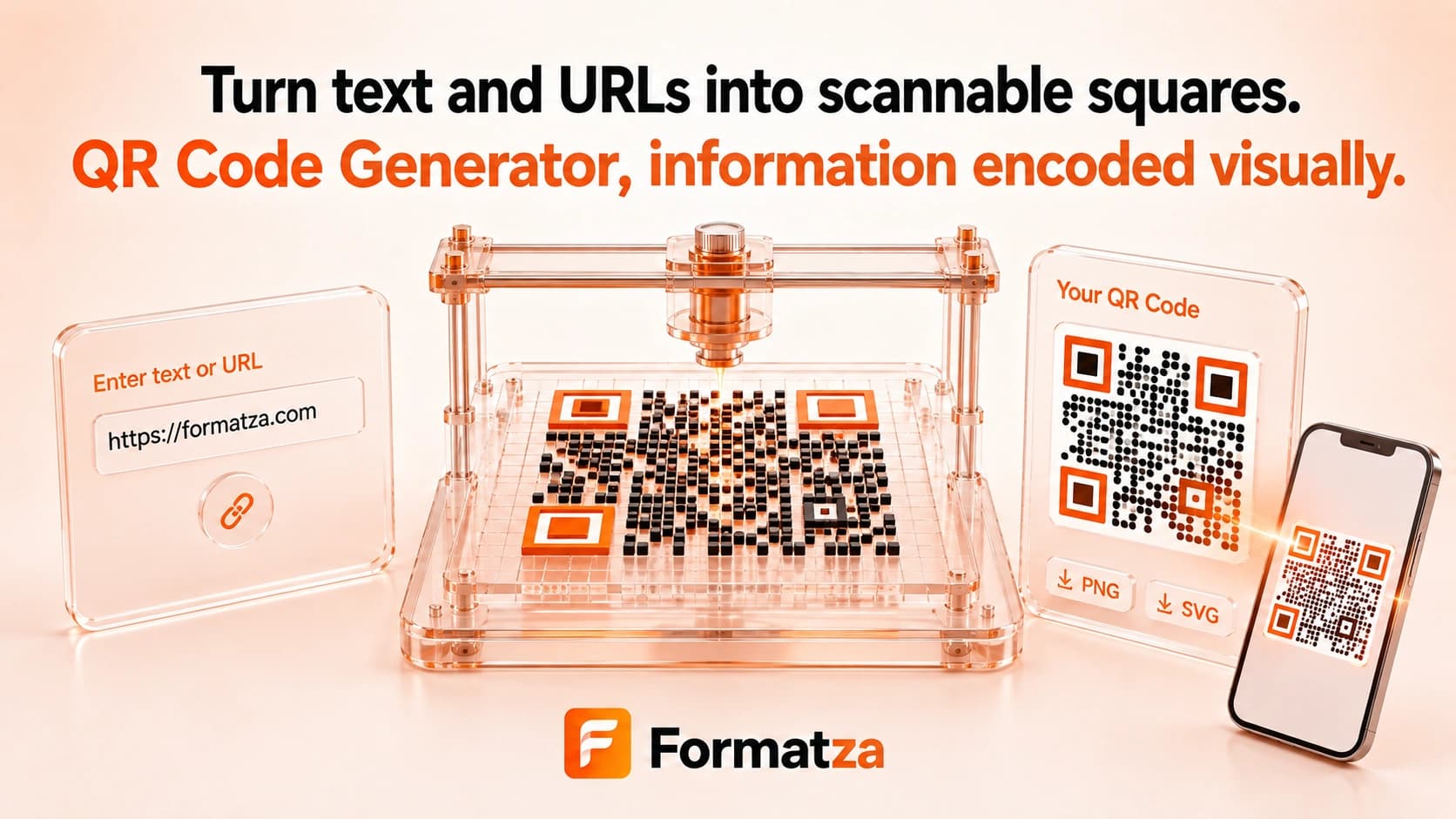
Create a static QR code from plain text or a URL in your browser. Adjust pixel size, quiet-zone margin, foreground color, and background color, then preview and download the QR code as PNG or SVG.
Steps
How it works
- Enter plain text, a URL, or an already formatted payload.
- Set an output size from 128 to 1024 pixels, a margin from 0 to 10, and the two colors.
- Generate and inspect the static QR code preview.
- Test it with a scanner, then download PNG or SVG output.
Highlights
Key features
- Encodes plain text and URLs into static QR codes.
- Supports output width, margin, foreground color, and background color settings.
- Creates a browser preview before download.
- Exports both PNG and scalable SVG files.
- Uses the QR encoding library locally without a hosted redirect service.
Use cases
Common uses
- Turn a website address into a downloadable QR image.
- Encode a short plain-text note or identifier.
- Create QR assets for documents, signage, slides, or labels.
- Export SVG artwork for further layout work.
Notes
Limitations to know
- QR codes are static; destinations cannot be edited after generation and no scan analytics are provided.
- There are no dedicated Wi-Fi, vCard, contact, email, or event payload builders.
- Error-correction level and logo overlay controls are not exposed.
- Long content produces denser codes that can be harder to scan.
- Low contrast, insufficient margin, small print size, or a modified SVG can reduce reliability, and URLs are not safety-checked.
FAQ
Frequently asked questions
Are these QR codes static or dynamic?
They are static. The entered content is encoded directly, with no hosted redirect or editable destination.
Can I create a Wi-Fi or vCard QR code?
There is no dedicated builder for those payloads. Only text entered into the field is encoded.
Can I add a logo or choose error correction?
No. Logo overlays and an error-correction selector are not available in the current interface.
Which QR download formats are supported?
You can download PNG or SVG after generating the code.
Does a generated QR code expire?
The image itself does not expire. A linked destination can still change, move, or become unavailable.
Why might a QR code be difficult to scan?
Dense content, poor color contrast, a small output, or too little quiet-zone margin can make scanning less reliable.