
JSON to Excel
Convert JSON data to Excel spreadsheets.
Type to search tools. Use the up and down arrow keys to move through results, Enter to open a result, and Escape to clear the search.
Convert JSON data to Excel spreadsheets.
Related tools
Ready tools are shown first.
Excel to CSV
Convert Excel spreadsheets to CSV files.
CSV to Excel
Convert CSV files to Excel spreadsheets.
Excel to JSON
Convert Excel spreadsheets to JSON data.
JSON to Excel
Convert JSON data to Excel spreadsheets.
Excel to HTML
Convert Excel sheets to HTML tables.
HTML Table to Excel
Convert HTML tables to Excel spreadsheets.
Tool guide
Free Online JSON to Excel Converter
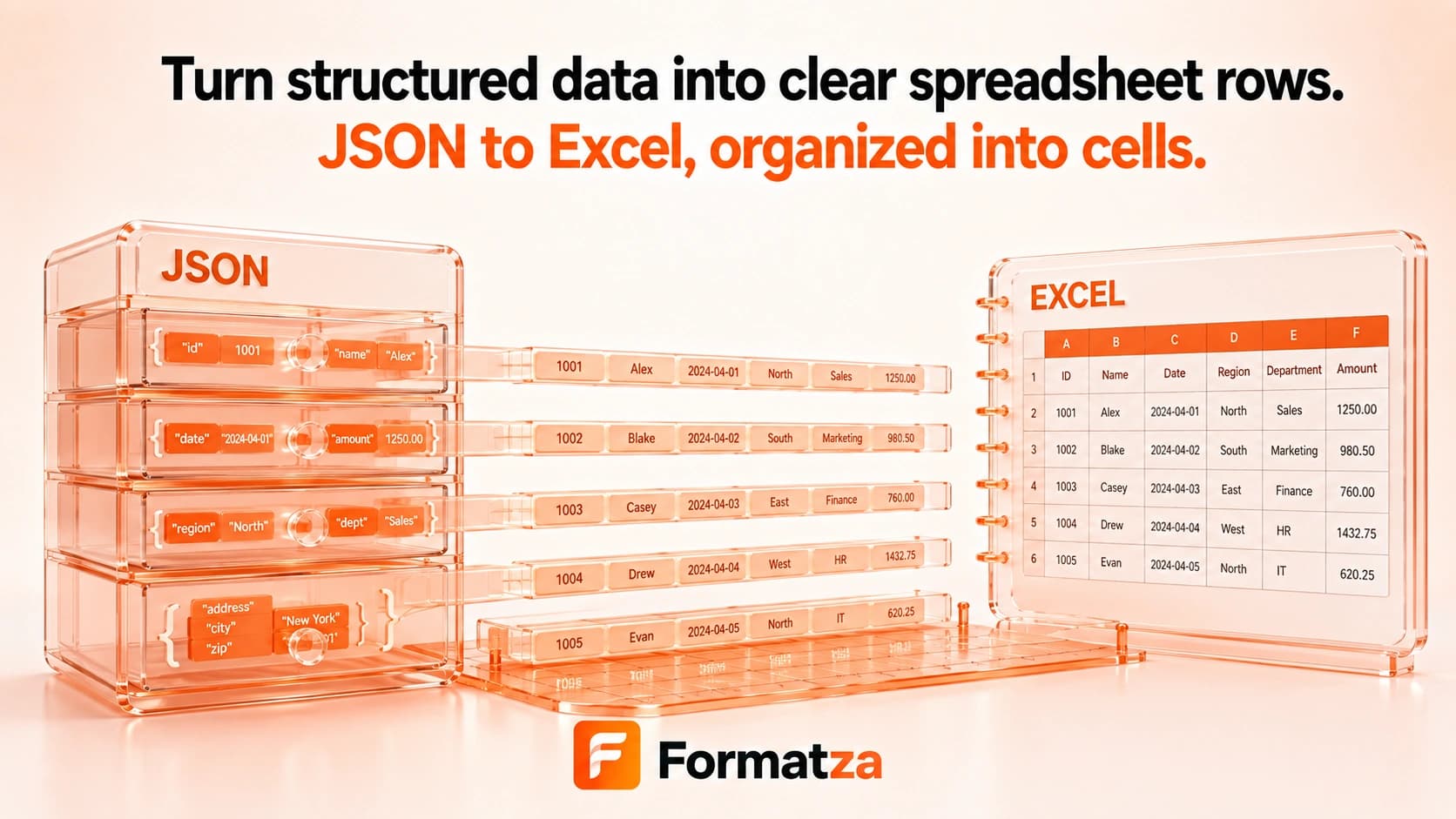
Convert one JSON object or an array of flat objects into a single-sheet XLSX workbook in your browser. Keys become columns and records become rows, with the best results coming from consistently shaped objects containing simple scalar values.
Steps
How it works
- Choose one JSON file or paste JSON into the editor.
- Review the rows parsed from the object or array of objects.
- Create an XLSX workbook with one Sheet1 worksheet.
- Download the generated Excel file.
Highlights
Key features
- Accepts one JSON object or an array of JSON objects.
- Builds columns from the union of keys found across all records.
- Keeps the discovered key order and leaves blank cells where a record lacks a key.
- Accepts uploaded JSON files as well as pasted JSON text.
- Creates a real XLSX workbook for download.
Use cases
Common uses
- Review flat API response records in a spreadsheet.
- Turn JSON exports into rows and columns for office workflows.
- Compare records with different optional keys.
- Create an XLSX table from locally stored JSON data.
Notes
Limitations to know
- Only one JSON input is converted per run; batch, bulk, multiple-file, and ZIP conversion are unavailable.
- Arrays of arrays and roots containing primitive values are rejected; objects or arrays of objects are required.
- Nested objects and arrays are not flattened or relationally modeled and may not become useful cell values.
- Plain JSON does not contain Excel formatting, formulas, worksheet structure, or reliable date types, so these are not inferred.
- Very irregular or deeply nested records may not convert cleanly.
FAQ
Frequently asked questions
What JSON structure works best?
A flat array of similarly shaped objects with string, number, boolean, or null values maps most naturally to rows and columns.
Can I convert a single JSON object?
Yes. A single object is treated as one data record beneath the generated header row.
How are different keys across records handled?
Columns are built from all discovered keys, and records that do not contain a key receive an empty cell.
Are nested objects automatically flattened?
No. The current implementation does not flatten nested objects or arrays.
Can I batch convert JSON files?
No. The tool accepts one uploaded or pasted JSON source at a time.