
Barcode Generator
Generate barcodes from supported values.
Type to search tools. Use the up and down arrow keys to move through results, Enter to open a result, and Escape to clear the search.
Generate barcodes from supported values.
Related tools
Ready tools are shown first.
Tool guide
Free Online Barcode Generator
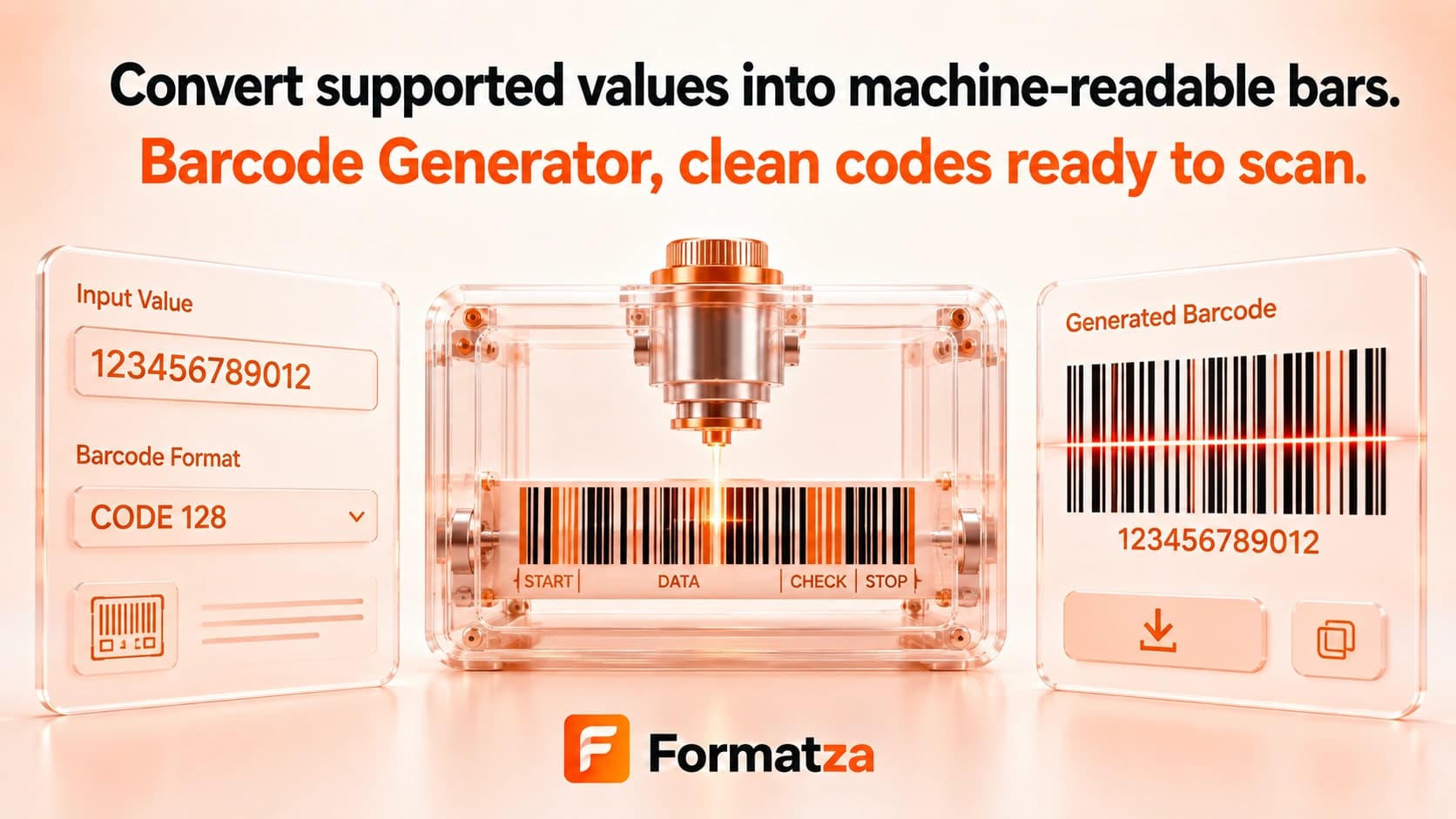
Create Code 128, EAN-13, or UPC barcodes from supported values in your browser. Preview the human-readable value and download the rendered barcode as PNG or SVG for testing, mockups, or label preparation.
Steps
How it works
- Enter the value you want to encode.
- Choose Code 128, EAN-13, or UPC.
- Generate the barcode and correct any format-specific validation error.
- Test the preview, then download PNG or SVG output.
Highlights
Key features
- Supports Code 128 for flexible text values.
- Supports EAN-13 and UPC when the supplied numeric value meets the renderer's rules.
- Displays the encoded value beneath the bars.
- Uses a consistent built-in margin around the generated symbol.
- Provides PNG and SVG downloads.
Use cases
Common uses
- Generate sample barcodes for interface and scanner testing.
- Create placeholder labels for prototypes or internal demos.
- Render an existing UPC or EAN value for a document.
- Export a Code 128 SVG for layout work.
Notes
Limitations to know
- Code 39, ISBN-specific, ITF, Codabar, GS1, QR, and other symbologies are not available in the selector.
- EAN-13 and UPC accept only values that satisfy the JsBarcode renderer's numeric length and check-digit rules.
- There are no controls for bar width, height, colors, displayed text, or batch generation.
- Generating an image does not register a product, assign a retail code, confirm ownership, or provide GS1 compliance.
- Scanner success depends on valid data, contrast, print size, resolution, quiet zones, and the scanner itself.
FAQ
Frequently asked questions
Which barcode formats are supported?
The current selector includes Code 128, EAN-13, and UPC.
Are Code 39 or ISBN barcodes supported?
No. Code 39 and a dedicated ISBN format are not included.
Are check digits calculated automatically?
The JsBarcode renderer validates EAN and UPC input and may calculate the final check digit for accepted input lengths. Verify the displayed result against your assigned code.
Does creating a barcode register a product?
No. This tool only renders a symbol and does not register values with GS1, a retailer, or any database.
Which download formats are available?
Generated barcodes can be downloaded as PNG or SVG.
Why might a scanner not read the barcode?
The value may be invalid for its format, or the printed size, contrast, resolution, quiet zone, or scanner may be unsuitable.