
Excel to CSV
Convert Excel spreadsheets to CSV files.
Type to search tools. Use the up and down arrow keys to move through results, Enter to open a result, and Escape to clear the search.
Convert Excel spreadsheets to CSV files.
Related tools
Ready tools are shown first.
Excel to CSV
Convert Excel spreadsheets to CSV files.
CSV to Excel
Convert CSV files to Excel spreadsheets.
Excel to JSON
Convert Excel spreadsheets to JSON data.
JSON to Excel
Convert JSON data to Excel spreadsheets.
Excel to HTML
Convert Excel sheets to HTML tables.
HTML Table to Excel
Convert HTML tables to Excel spreadsheets.
Tool guide
Free Online Excel to CSV Converter
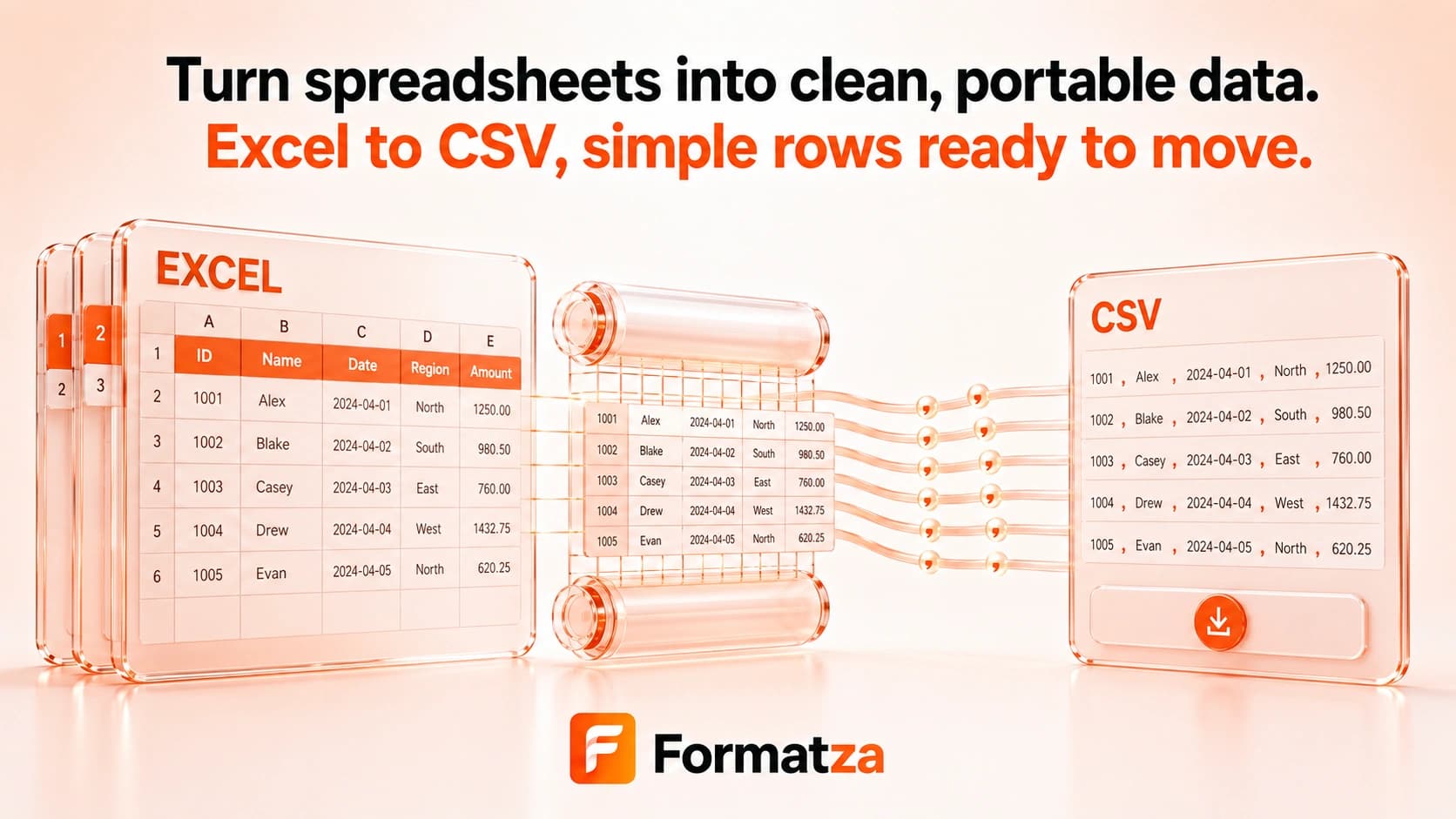
Convert one XLS or XLSX workbook sheet to a comma-separated CSV file in your browser. Choose the worksheet you need and export its tabular cell content without treating CSV as a full replacement for an Excel workbook.
Steps
How it works
- Choose one .xls or .xlsx workbook.
- Select a worksheet from the workbook and review its row preview.
- Convert the selected sheet to comma-separated CSV.
- Review, copy, or download the generated CSV file.
Highlights
Key features
- Reads both XLS and XLSX workbooks supported by the included spreadsheet parser.
- Lets you select one worksheet instead of silently using the first sheet.
- Uses comma delimiters with spreadsheet-library handling for quotes and embedded values.
- Exports one CSV file named from the source workbook.
- Shows a browser-based worksheet preview before conversion.
Use cases
Common uses
- Export a worksheet for a database or data-import workflow.
- Create plain tabular data for analysis or scripting.
- Share one Excel sheet with software that accepts CSV.
- Move supported worksheet values into a simpler interchange format.
Notes
Limitations to know
- Only one workbook and one selected worksheet are exported per run; batch, bulk, all-sheet, and ZIP export are not available.
- CSV cannot preserve multiple worksheets, cell styles, charts, images, comments, macros, merged-cell layout, or other workbook features.
- Formulas may be represented by available calculated cell values rather than preserved as working Excel formulas.
- Dates, large numbers, and formatted values may appear differently when another application opens the CSV.
- The interface uses a comma separator and does not provide delimiter or encoding controls.
FAQ
Frequently asked questions
Which worksheet is converted?
The first worksheet is selected initially, and you can choose another sheet from the worksheet menu before converting.
Can I export every worksheet at once?
No. The current tool creates one CSV from one selected worksheet per run.
Are Excel formulas and formatting preserved?
No. CSV stores plain tabular text, so working formulas, formatting, charts, images, and workbook structure are not retained.
What delimiter does the CSV use?
The converter uses commas and relies on the spreadsheet library to quote or escape CSV content where needed.
Can I convert multiple Excel files?
No. Despite related search interest, this implementation processes one workbook at a time.