
Timestamp Converter
Convert timestamps into readable dates and back.
Type to search tools. Use the up and down arrow keys to move through results, Enter to open a result, and Escape to clear the search.
Convert timestamps into readable dates and back.
Switch between Unix seconds, milliseconds, and readable date input without guessing the unit.
Timestamp or date
Enter the number of seconds since January 1, 1970 UTC.
Conversion preview
Your date and timestamp values
Your converted values will appear here
Enter a valid value above to see an immediate preview.
Related tools
Ready tools are shown first.
Tool guide
Free Online Timestamp Converter
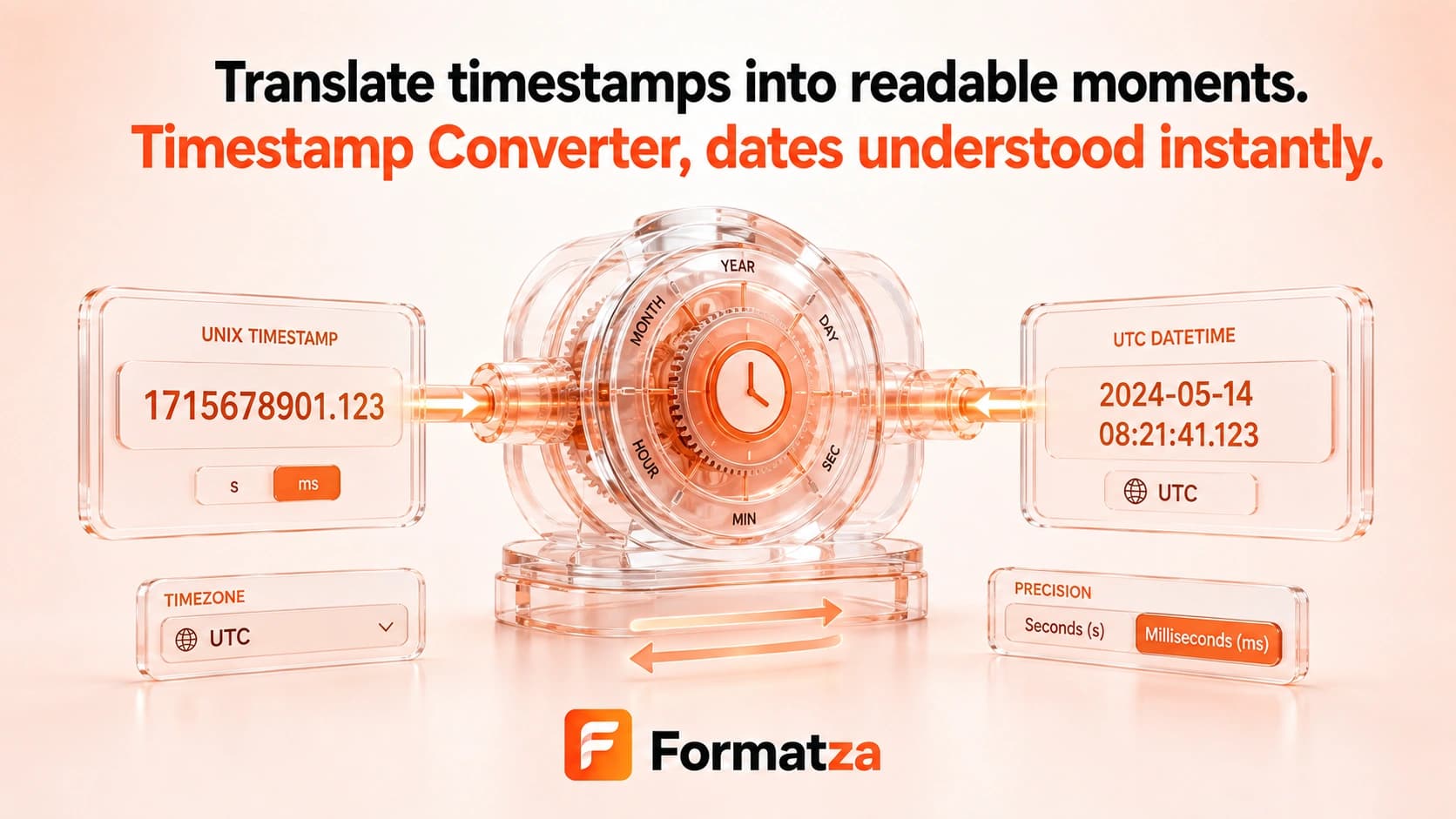
Convert Unix seconds, Unix milliseconds, or a browser-readable date into Unix and human-readable date values. The output includes ISO 8601, local time, and UTC views so you can inspect the same instant in common formats.
Steps
How it works
- Choose Unix seconds, Unix milliseconds, or Date / ISO input mode.
- Enter the matching timestamp or date text, or insert the current value.
- Convert the value into Unix seconds, milliseconds, ISO 8601, local time, and UTC.
- Copy or download the complete conversion summary.
Highlights
Key features
- Provides explicit input modes for Unix seconds, Unix milliseconds, and date text.
- Outputs Unix seconds and milliseconds together.
- Shows ISO 8601, browser-local time, and UTC representations.
- Can fill the current timestamp or current ISO date according to the selected mode.
- Supports negative timestamps and dates within the browser Date range.
- Provides a live preview plus copy and text download actions.
Use cases
Common uses
- Read timestamps from API payloads and application logs.
- Convert a date into Unix seconds or milliseconds.
- Compare local and UTC display for the same instant.
- Generate a current epoch value for testing.
Notes
Limitations to know
- Timestamp units are selected manually; seconds and milliseconds are not auto-detected.
- Date text is parsed by the browser, so ambiguous or non-standard formats can vary or fail.
- There is no named-timezone selector, relative-time output, or daylight-saving override.
- Local time uses the device timezone and its browser-provided daylight-saving rules.
- Values outside the JavaScript Date range are rejected or cannot be represented reliably.
FAQ
Frequently asked questions
Does Timestamp Converter use seconds or milliseconds?
Choose the matching mode explicitly. The tool does not guess the timestamp unit.
Is the converted time shown in UTC or local time?
The summary shows both UTC and the local time configured on your device, plus ISO 8601.
Can I convert a date back to a Unix timestamp?
Yes. Select Date / ISO, enter a browser-readable date, and convert it to Unix seconds and milliseconds.
Are dates before 1970 supported?
Negative timestamps can work when the corresponding date is within the JavaScript Date range.
How is daylight saving time handled?
Local output follows the timezone and daylight-saving rules supplied by the browser and operating system.