
Markdown to HTML
Convert Markdown text to HTML markup.
Type to search tools. Use the up and down arrow keys to move through results, Enter to open a result, and Escape to clear the search.
Convert Markdown text to HTML markup.
Related tools
Ready tools are shown first.
Tool guide
Free Online Markdown to HTML Converter
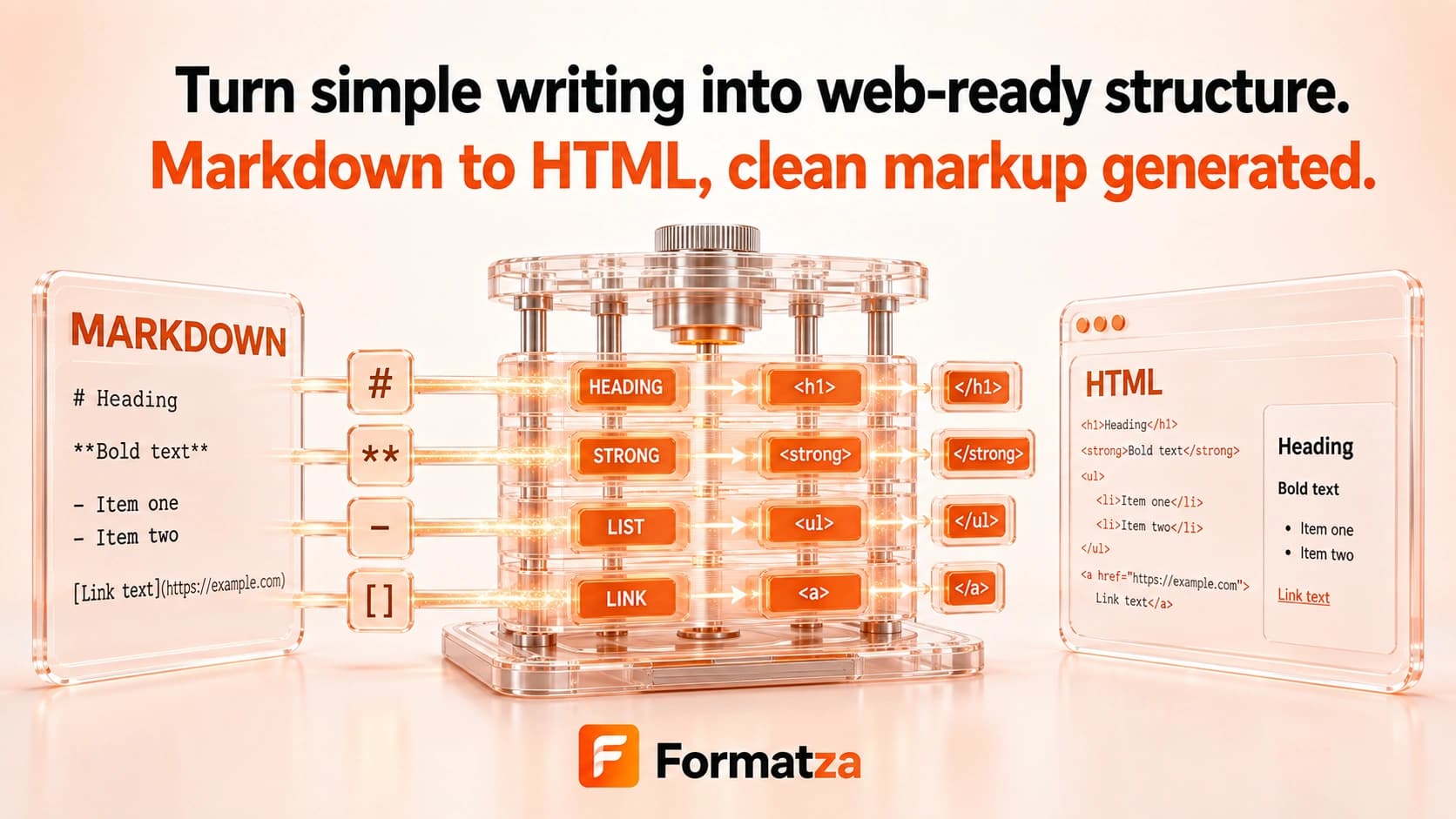
Convert Markdown or an MD file into HTML markup with GitHub Flavored Markdown parsing and a live browser preview. Copy the generated fragment or download it as an HTML file for documentation and publishing workflows.
Steps
How it works
- Paste Markdown or choose one MD, Markdown, or plain-text file.
- Review the live rendered preview.
- Convert the Markdown into an HTML fragment.
- Copy or download the generated HTML.
Highlights
Key features
- Uses GitHub Flavored Markdown parsing.
- Supports common headings, emphasis, links, images, lists, blockquotes, and fenced code blocks.
- Supports GFM features such as tables, task lists, and strikethrough.
- Shows a live preview while the source is edited.
- Accepts pasted content or one uploaded Markdown or text file.
- Provides copy and HTML download actions.
Use cases
Common uses
- Turn README-style content into HTML markup.
- Preview documentation before publishing.
- Create HTML fragments for a CMS or template.
- Convert an MD file into reusable browser-rendered content.
Notes
Limitations to know
- The output is an HTML fragment, not a complete document with head, styles, or page metadata.
- Syntax highlighting is not added to fenced code blocks.
- Raw HTML in Markdown may pass through to the generated output, which is not a security sanitizer.
- Relative links and image paths may need adjustment for their destination.
- Rendering can differ from other Markdown engines or from sites with different CSS.
FAQ
Frequently asked questions
Does Markdown to HTML support GitHub Flavored Markdown?
Yes. The parser enables GFM features including tables, task lists, and strikethrough.
Does it add syntax highlighting to code blocks?
No. It creates code markup but does not apply a syntax-highlighting library.
Is raw HTML sanitized?
No. Generated HTML may include raw HTML from the Markdown, so untrusted input must be sanitized before publication.
Does the result include a complete HTML webpage?
No. The result is an HTML fragment without a doctype, head, stylesheet, or surrounding page template.
Can I upload an MD file?
Yes. The tool accepts one .md, .markdown, or plain-text file as well as pasted Markdown.