
Crop Video
Crop video frames to a selected region.
Type to search tools. Use the up and down arrow keys to move through results, Enter to open a result, and Escape to clear the search.
Crop video frames to a selected region.
Tool guide
Free Online Video Cropper
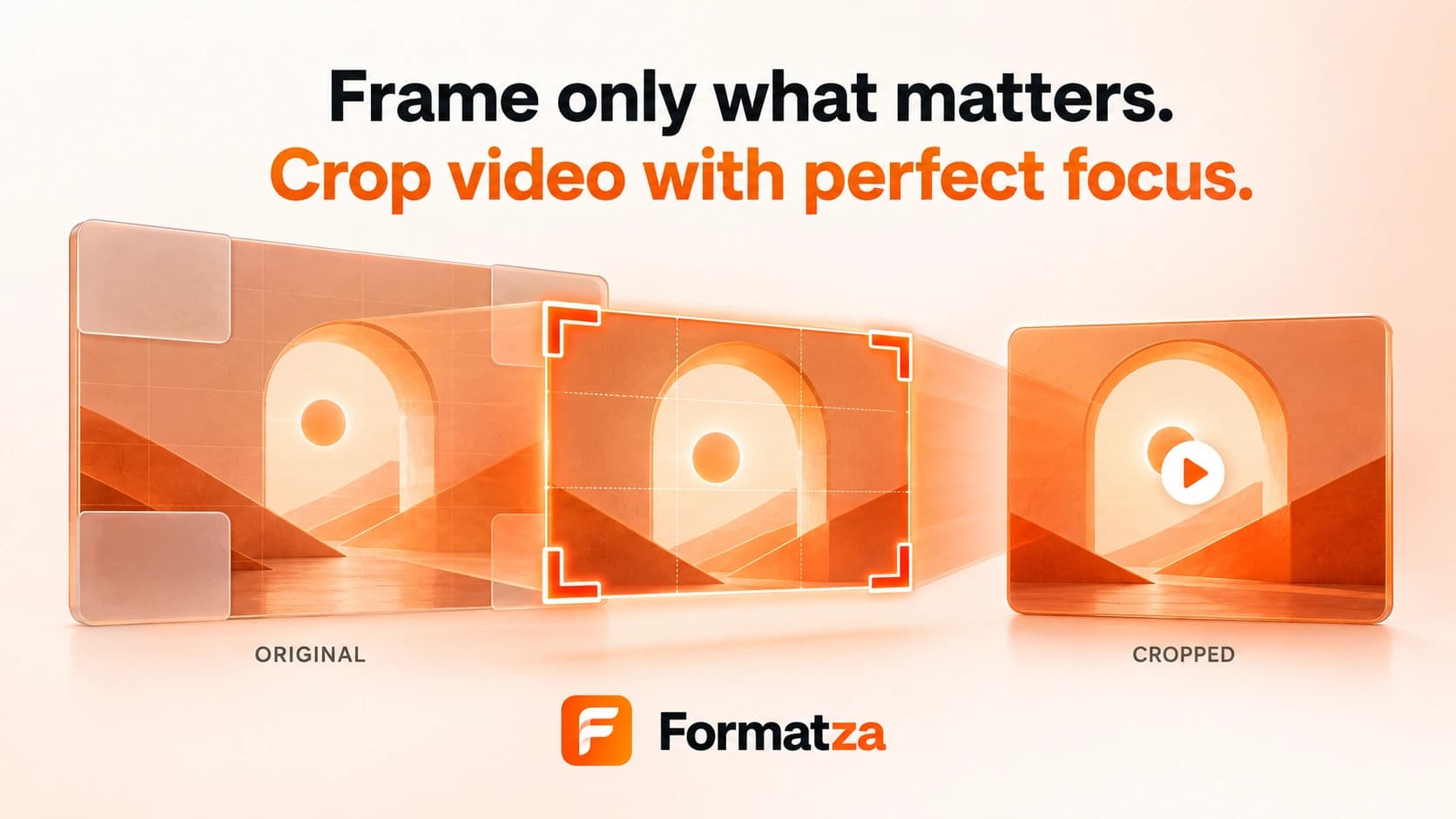
Crop one video to a selected frame region using a visual pointer-based crop box or exact X, Y, width, and height values. The output is re-encoded at the cropped dimensions directly in your browser.
Steps
How it works
- Choose one supported video file up to 250 MB and let its dimensions load.
- Use Adjust crop mode to draw, move, or resize the crop rectangle, or enter exact coordinates and dimensions.
- Switch to Preview video when you want to use the native playback controls.
- Crop the video, review the output, and download the generated file.
Highlights
Key features
- Visual crop selection supports creating, moving, and corner-resizing the selected region.
- Pointer controls work with mouse and compatible touch input.
- Manual X, Y, width, and height fields stay synchronized with the visual crop area.
- Crop coordinates are constrained to the natural video dimensions.
- Exports MP4/MOV input as H.264 MP4 and WebM input as VP9 WebM, with re-encoded audio where supported.
Use cases
Common uses
- Remove unwanted edges or surrounding content from a video.
- Reframe footage for a vertical, square, or focused social-media composition.
- Crop an MP4 around a particular subject or screen area.
- Create a smaller frame for presentations or embedded media.
Notes
Limitations to know
- The tool processes one video at a time and has no batch or bulk crop mode.
- Cropping changes output dimensions and requires video and audio re-encoding, so quality may change.
- The encoder safely rounds crop dimensions and offsets to even values, which can adjust an entered boundary by a pixel.
- There are no built-in Instagram or TikTok aspect-ratio presets, automatic subject tracking, rotation, or padding controls.
- Input is limited to 250 MB, and browser codec or memory limits can affect large videos.
FAQ
Frequently asked questions
Does cropping change the video duration?
No. Cropping changes the visible frame area, while the timeline duration remains based on the source video.
Can I crop a video with exact dimensions?
Yes. Use the X, Y, width, and height controls. The output encoder rounds values to safe even dimensions where required.
Can I crop video for Instagram or TikTok?
You can create a suitable composition manually, but the tool does not include official platform presets, safe zones, or guaranteed acceptance settings.
Will the crop preserve audio?
Audio is included and re-encoded where FFmpeg can decode it. The crop operation itself applies only to video frames.
Is video cropping lossless?
No. The cropped video is re-encoded, so visual and audio quality can change.