
JSON Minifier
Minify JSON data to reduce size.
Type to search tools. Use the up and down arrow keys to move through results, Enter to open a result, and Escape to clear the search.
Minify JSON data to reduce size.
Related tools
Ready tools are shown first.
Tool guide
Free Online JSON Minifier
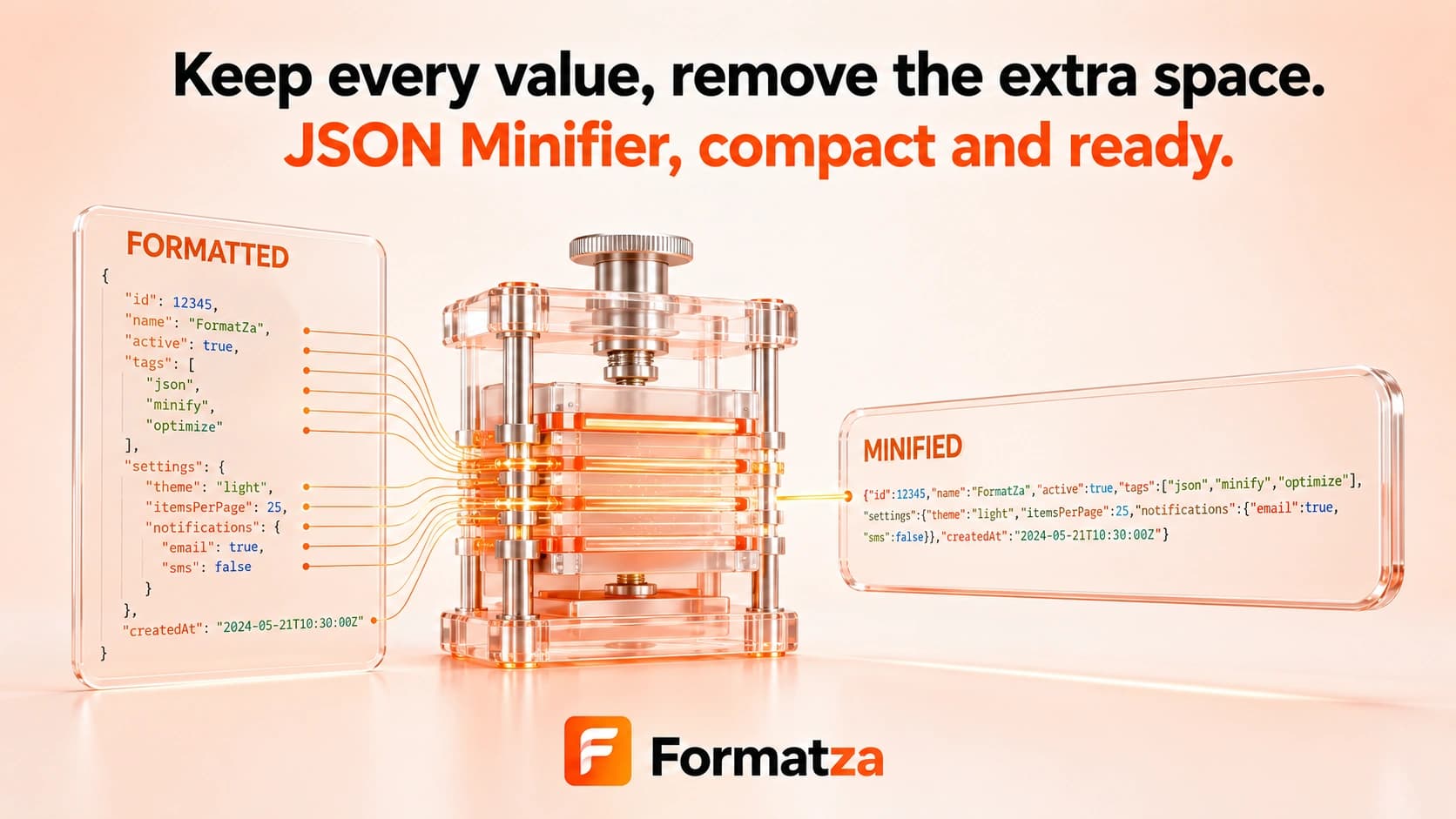
Minify valid JSON by parsing it and removing unnecessary formatting whitespace in your browser. Copy or download the compact JSON and compare its reported size with the source without confusing minification with Gzip or archive compression.
Steps
How it works
- Paste valid JSON or choose one JSON or plain-text file.
- Parse and serialize the input without pretty-print spacing.
- Review the original size, minified size, and reduction percentage.
- Copy or download the compact JSON output.
Highlights
Key features
- Removes formatting whitespace through standard JSON parse-and-serialize.
- Rejects invalid JSON instead of compacting malformed text.
- Reports source size, output size, and percentage reduction.
- Provides copy and downloadable JSON output.
- Supports pasted input and one uploaded JSON or text file.
Use cases
Common uses
- Reduce whitespace in JSON payloads before distribution.
- Create compact configuration or fixture files.
- Compare readable and compact JSON file sizes.
- Prepare valid JSON for storage where formatting whitespace is unnecessary.
Notes
Limitations to know
- Minification removes formatting whitespace only; it is not Gzip, Brotli, ZIP, binary compression, or semantic optimization.
- Property names and values are not shortened, so already compact JSON may become only slightly smaller.
- Input must be valid standard JSON; comments, trailing commas, JSON5 syntax, and malformed data cannot be minified.
- Parse-and-serialize can normalize escape sequences or number representation, and duplicate object keys may not survive as originally written.
- One input is processed at a time; batch-file minification is unavailable, and inputs over 1 MB receive a performance warning.
FAQ
Frequently asked questions
Does minifying JSON change its data?
The parsed values remain equivalent, but serialization can normalize escape sequences, numeric text, and duplicate keys.
Is JSON minification the same as Gzip?
No. Minification removes formatting whitespace; it does not apply network or archive compression.
Why was the size reduction small?
JSON that already contains little whitespace has less removable formatting, and property names and values are left intact.
Can invalid JSON be minified?
No. The input must parse as standard JSON first.
Can I restore the exact original formatting later?
No. You can pretty-print the data again, but the exact original spaces, line breaks, escapes, and duplicate-key text are not retained.