
Compress Video
Reduce video file size for faster sharing.
Type to search tools. Use the up and down arrow keys to move through results, Enter to open a result, and Escape to clear the search.
Reduce video file size for faster sharing.
Tool guide
Free Online Video Compressor
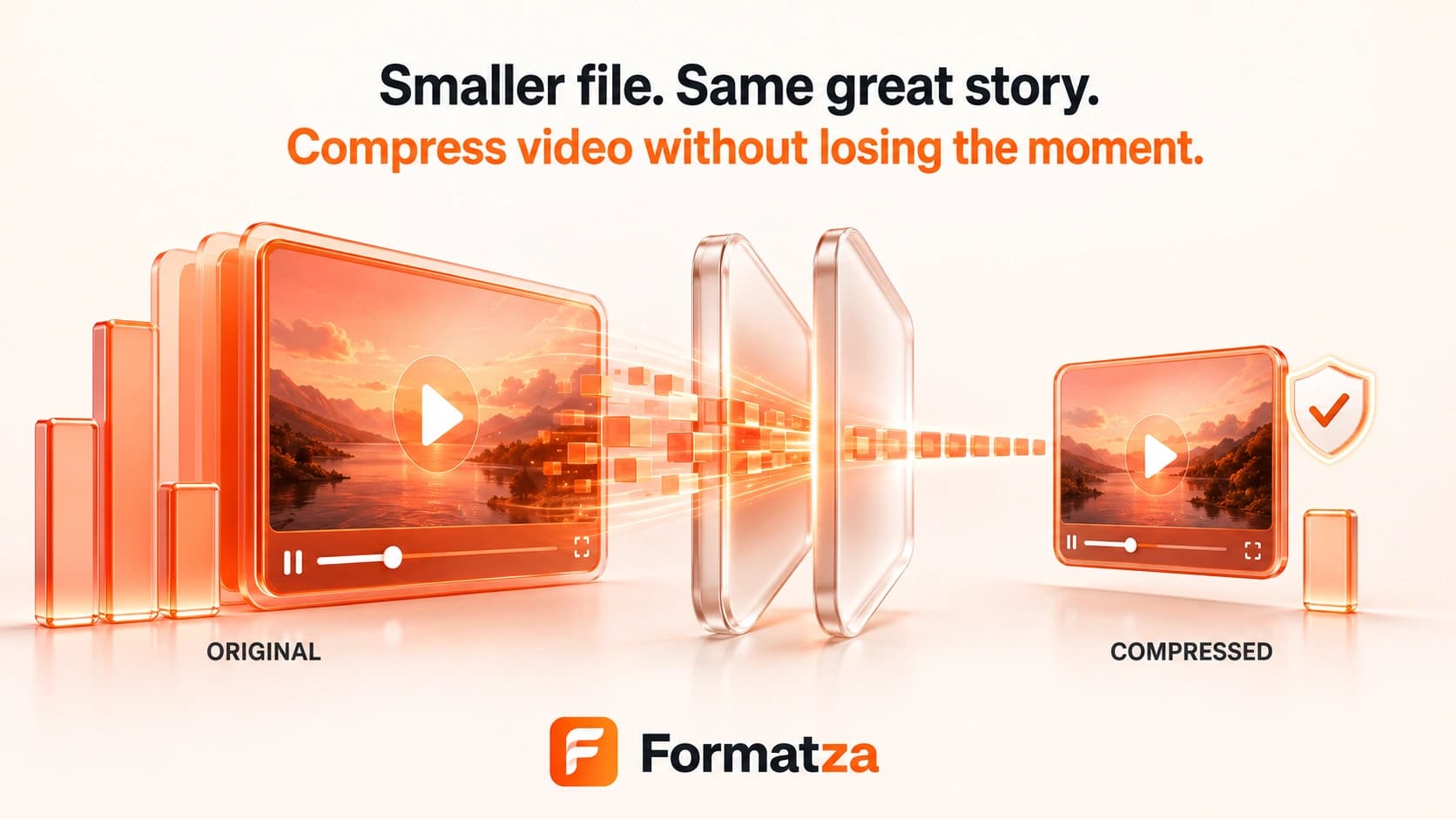
Compress one MP4, WebM, MOV, or other browser-recognized video up to 250 MB. Choose a file-size or quality preset and optionally limit the resolution to 720p or 480p before Formatza re-encodes the video in your browser.
Steps
How it works
- Choose one supported video file up to 250 MB.
- Select a low-file-size, medium, or high-quality preset.
- Keep the original resolution or limit the video to a maximum height of 720p or 480p.
- Compress the video, preview the result, and download the completed file.
Highlights
Key features
- Three compression presets balance file size and visual quality.
- Optional 720p and 480p limits reduce oversized video dimensions without enlarging smaller sources.
- Exports MP4 as H.264 with AAC audio and WebM as VP9 with Opus audio.
- Shows the source duration and dimensions, processing progress, output preview, and output size.
- Processes one video through the browser-loaded FFmpeg engine.
Use cases
Common uses
- Make a video easier to attach to an email or message.
- Reduce storage used by a large recording.
- Prepare a smaller video for a website or upload form.
- Create a lower-resolution copy for faster transfers.
Notes
Limitations to know
- The current tool compresses one video at a time and does not provide batch, bulk, or ZIP processing.
- Video and audio are re-encoded, so this is not lossless and visible or audible quality may change.
- A smaller output is not guaranteed when the source is already efficiently compressed.
- Results depend on duration, resolution, motion, source bitrate, codecs, and the selected preset.
- Input is limited to 250 MB; browser memory and codec support can still prevent some files from completing.
FAQ
Frequently asked questions
Can I compress a video without losing quality?
No lossless guarantee is made. Compression re-encodes the video and audio, so stronger size reduction can make quality changes more noticeable.
Which video formats can I compress?
The tool accepts MP4, WebM, MOV, and other files recognized as video by the browser. Codec support inside those containers still varies.
What do the resolution options do?
Original keeps the source dimensions. The 720p and 480p choices limit maximum height while preserving aspect ratio and do not enlarge a smaller source.
Is audio preserved?
Audio is included where FFmpeg can decode it, but it is re-encoded as AAC for MP4 or Opus for WebM.
Why did my compressed video stay large?
Already-compressed footage, long duration, high motion, and the selected quality or resolution can all limit the size reduction.