
JSON Validator
Validate JSON syntax and structure.
Type to search tools. Use the up and down arrow keys to move through results, Enter to open a result, and Escape to clear the search.
Validate JSON syntax and structure.
Related tools
Ready tools are shown first.
Tool guide
Free Online JSON Syntax Validator
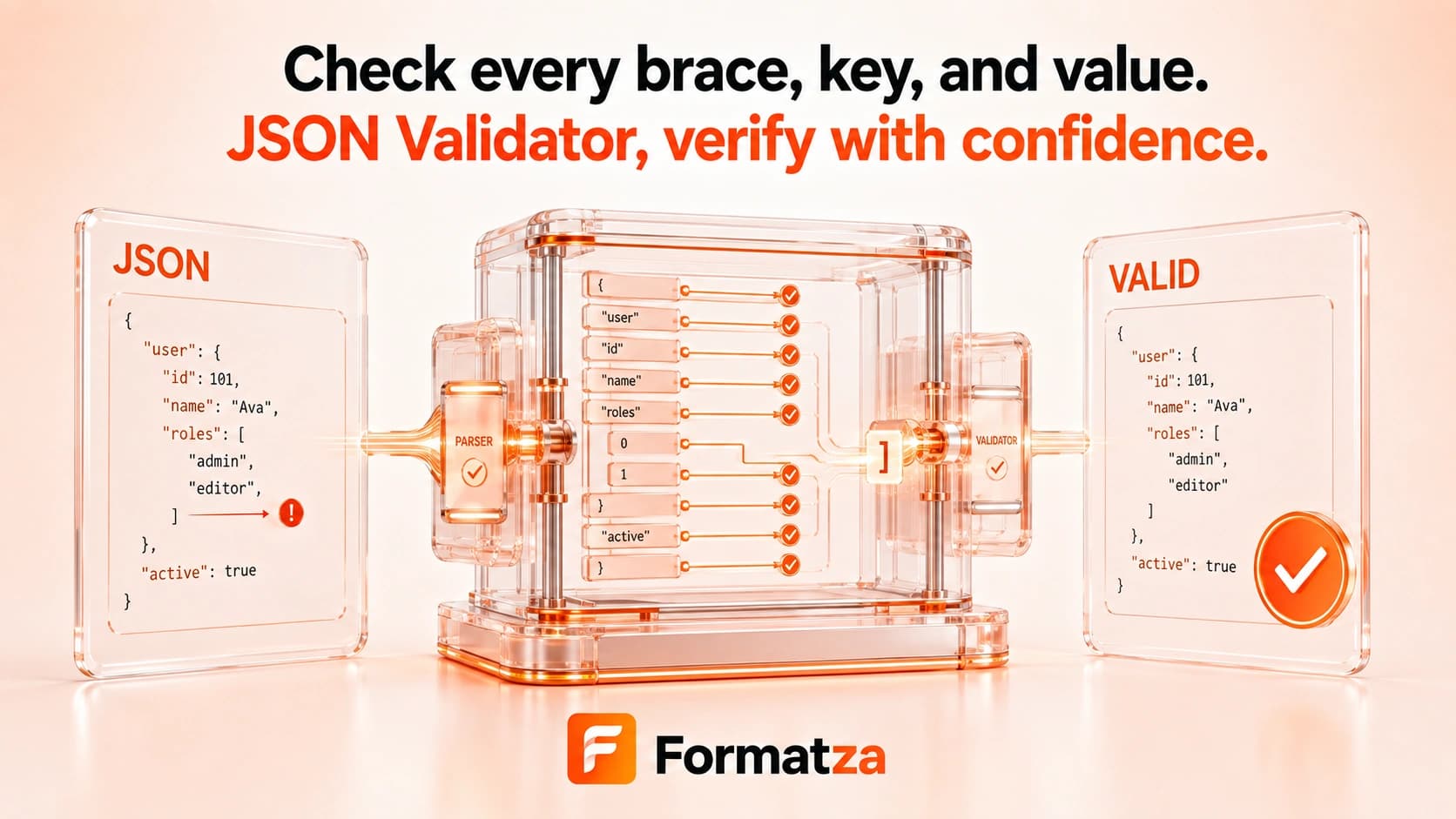
Check whether pasted or uploaded text is valid standard JSON in your browser. This syntax checker reports a friendly parsing error and a nearby character position when available; it does not validate JSON Schema or business rules.
Steps
How it works
- Paste JSON or choose one JSON or plain-text file.
- Run the syntax validation check.
- Review the valid-JSON confirmation or parsing error.
- Correct the source input and validate it again as needed.
Highlights
Key features
- Validates input using the browser's standard JSON parser.
- Accepts pasted text and one uploaded JSON or text file.
- Reports a nearby character position when available in the parser error.
- Clearly separates successful syntax validation from malformed input.
- Runs without producing or downloading a replacement JSON file.
Use cases
Common uses
- Check API request or response JSON before use.
- Find basic syntax errors in configuration data.
- Confirm that copied JSON can be parsed by a standard parser.
- Test nested objects and arrays during development.
Notes
Limitations to know
- Validation is syntax-only and does not support JSON Schema, data types required by an application, business rules, or security checks.
- The interface does not highlight a line and column; it reports a nearby character position only when the parser message supplies one.
- Comments, trailing commas, single quotes, unquoted keys, NaN, Infinity, undefined, and JSON5 syntax are invalid.
- Duplicate object keys may parse without a warning because the standard parser can retain only a resulting property value.
- One input is checked at a time; batch validation is unavailable, and files over 1 MB receive only a performance warning.
FAQ
Frequently asked questions
Does this validate JSON Schema?
No. It checks whether the input parses as standard JSON; it does not apply a schema.
Does it show the error location?
It reports a nearby character position when that position can be extracted from the browser parser's error message.
Are comments or trailing commas allowed?
No. Both are outside standard JSON syntax and will cause validation to fail.
Can valid JSON still contain incorrect data?
Yes. Syntactically valid JSON can still violate an application's expected fields, types, values, or business rules.
Does it detect duplicate keys?
Not reliably. The standard parser can accept duplicate keys without reporting them as a syntax error.