
HTML to Markdown
Convert HTML markup to Markdown text.
Type to search tools. Use the up and down arrow keys to move through results, Enter to open a result, and Escape to clear the search.
Convert HTML markup to Markdown text.
Related tools
Ready tools are shown first.
Tool guide
Free Online HTML to Markdown Converter
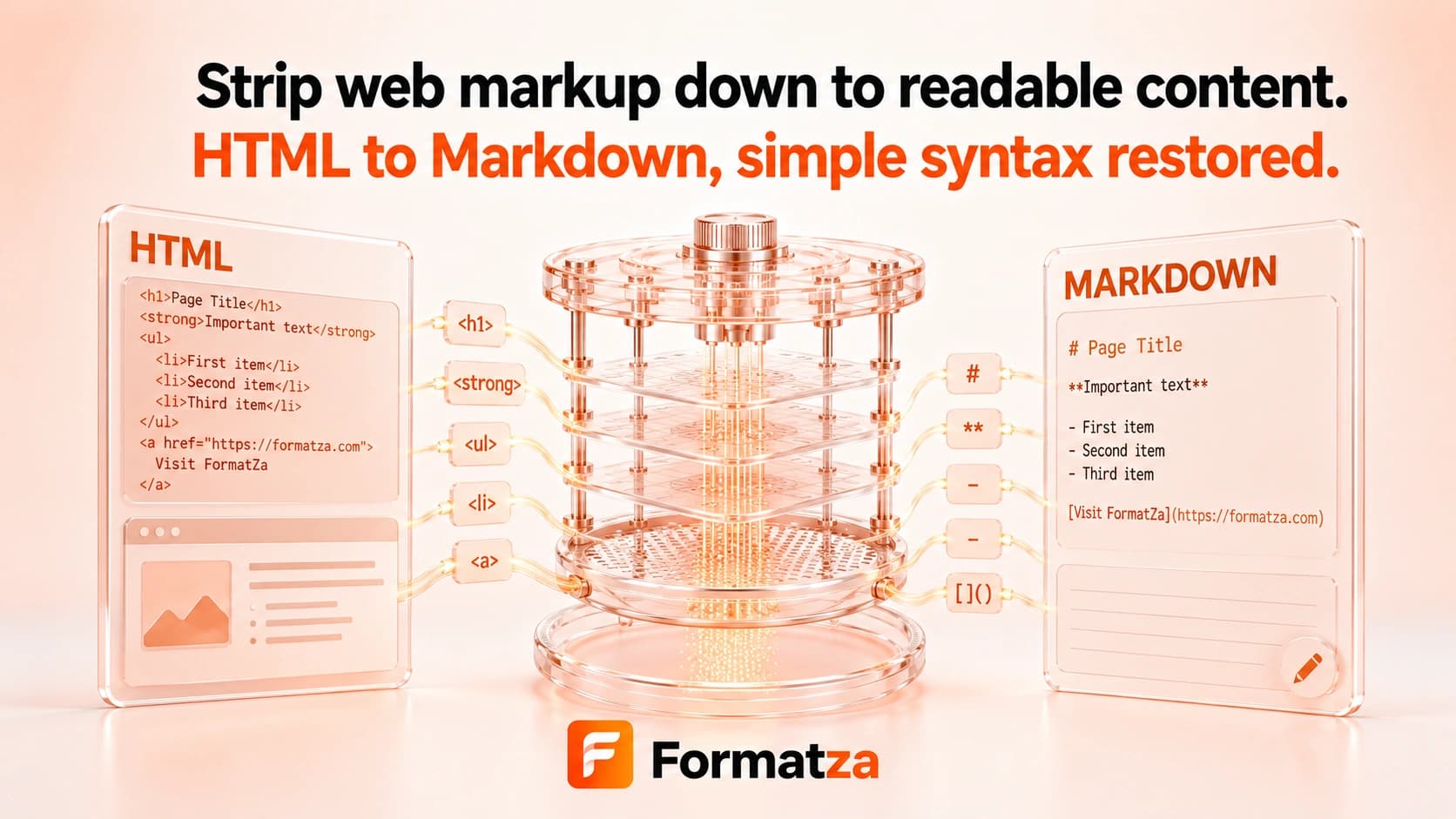
Convert pasted HTML or one HTML file into clean, editable Markdown in your browser. The converter handles common semantic content while simplifying CSS-driven layouts and markup that has no direct Markdown equivalent.
Steps
How it works
- Paste HTML or choose one HTML, HTM, or plain-text file.
- Convert supported elements into Markdown syntax.
- Review the normalized Markdown output.
- Copy or download the generated MD file.
Highlights
Key features
- Converts common headings, paragraphs, emphasis, blockquotes, links, images, and lists.
- Uses ATX headings, hyphen list markers, and fenced code-block output.
- Handles nested lists supported by the conversion library.
- Normalizes repeated blank lines in the result.
- Accepts pasted content or one uploaded HTML or text file.
- Provides copy and Markdown download actions.
Use cases
Common uses
- Move semantic web content into Markdown documentation.
- Create a README draft from an HTML snippet.
- Simplify article markup for a Markdown editor.
- Extract readable content from basic HTML.
Notes
Limitations to know
- CSS styling, layout, forms, interactive behavior, and custom components do not have direct Markdown equivalents.
- Tables are reduced to their text content because a GFM table conversion plugin is not enabled.
- Script and style markup is not a safe-content filter; their text can remain in the Markdown output.
- Complex nesting and whitespace may be simplified or normalized.
- The conversion cannot recreate the original webpage or provide pixel-perfect round trips.
FAQ
Frequently asked questions
Are HTML links and images preserved?
Common anchor and image elements are converted to their Markdown equivalents when their markup is usable.
Are HTML tables converted into Markdown tables?
No. This implementation does not enable a table plugin, so table cells are generally reduced to plain text.
What happens to CSS and page layout?
CSS presentation and layout are not represented in Markdown and are not preserved.
Are scripts and styles safely removed?
Do not rely on this converter as a sanitizer. Element markup is removed, but script or style text may remain in the result.
Can Markdown recreate the original HTML page?
No. The tool prioritizes readable Markdown rather than exact structural or visual reconstruction.