
Extract Audio from Video
Extract audio track from a video file.
Type to search tools. Use the up and down arrow keys to move through results, Enter to open a result, and Escape to clear the search.
Extract audio track from a video file.
Related tools
Ready tools are shown first.
Tool guide
Extract Audio from Video Online
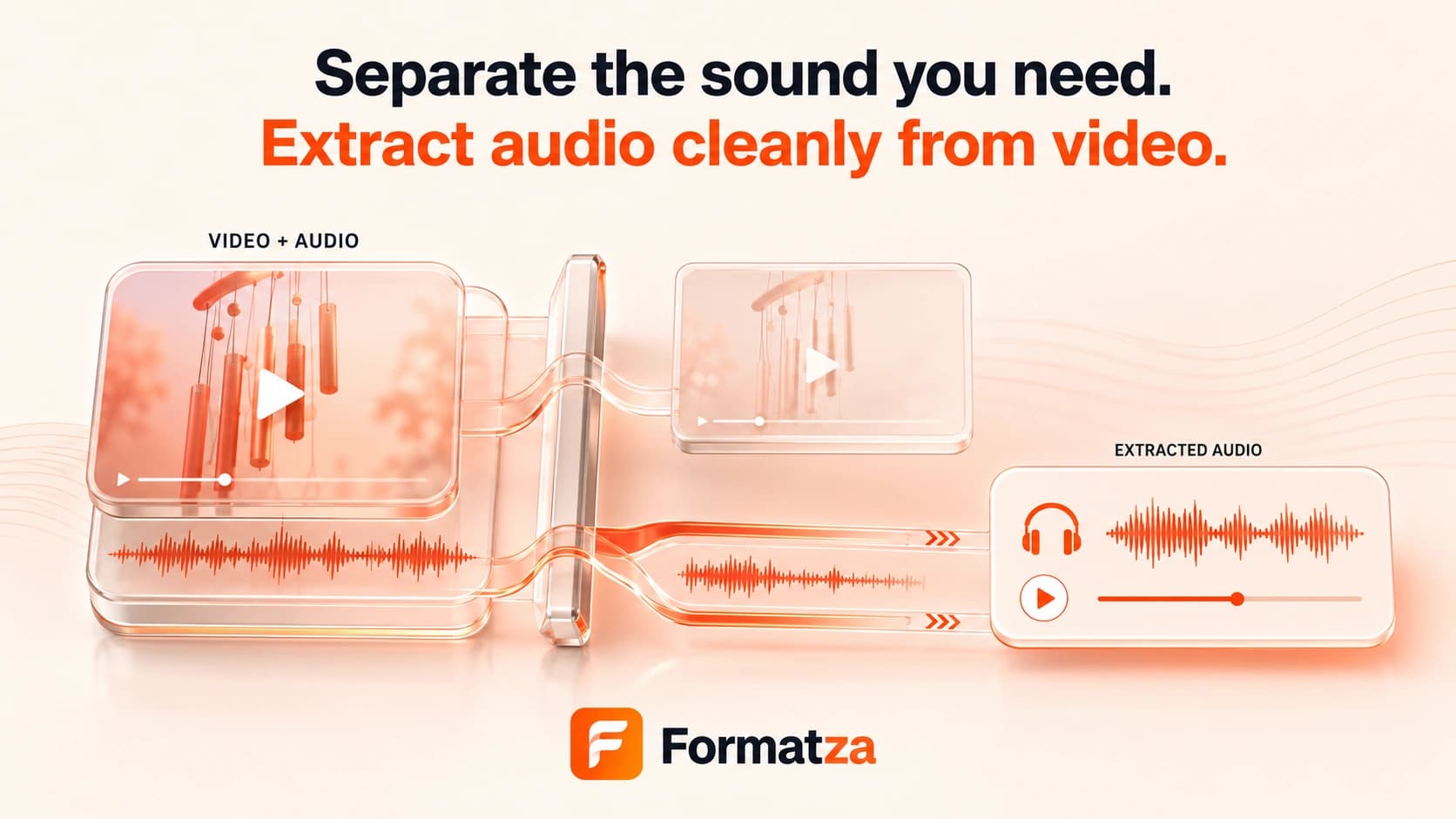
Save the primary audio track from one supported video as a 192 kbps MP3. This audio extractor is intended for broad video input when you want a separate, playable audio file.
Steps
How it works
- Choose one browser-recognized video file up to 150 MB.
- Preview the video and confirm its duration.
- Extract the primary audio stream and encode it as MP3.
- Preview and download the separate audio result.
Highlights
Key features
- Separates audio from the video rather than creating another video.
- Accepts supported MP4, WebM, MOV, and other browser-recognized video input.
- Exports one MP3 file encoded at 192 kbps.
- Shows video metadata, extraction progress, audio preview, output name, and size.
- Runs the extraction and conversion through browser-loaded FFmpeg.
Use cases
Common uses
- Save narration from a video recording.
- Extract a soundtrack for a permitted editing workflow.
- Create an audio-only copy for listening.
- Separate sound from a video before further audio editing.
Notes
Limitations to know
- Despite the general extractor name, the current output option is MP3 only.
- The source audio is decoded and re-encoded rather than copied in its original codec.
- There is no audio-stream selector, so multiple language or commentary tracks cannot be chosen manually.
- There are no time-range, bitrate, sample-rate, mono/stereo, metadata, or batch controls.
- This tool does not isolate vocals, remove noise, separate music, or retrieve online media.
FAQ
Frequently asked questions
Does Extract Audio preserve the original audio codec?
No. It decodes the source audio and creates a new MP3 at 192 kbps.
How is this different from Video to MP3?
Both currently use the same broad video input and MP3 engine. This page emphasizes separating the primary audio track, while Video to MP3 emphasizes format conversion.
Can I choose WAV or the original audio format?
No. The current Extract Audio tool outputs MP3 only.
Can I choose a different audio track?
No. The tool uses FFmpeg's default primary audio stream and provides no track selector.
What happens when the video has no audio?
FFmpeg cannot create a useful output without a decodable audio stream, so processing will fail with an error.