
CSV to Excel
Convert CSV files to Excel spreadsheets.
Type to search tools. Use the up and down arrow keys to move through results, Enter to open a result, and Escape to clear the search.
Convert CSV files to Excel spreadsheets.
Related tools
Ready tools are shown first.
Excel to CSV
Convert Excel spreadsheets to CSV files.
CSV to Excel
Convert CSV files to Excel spreadsheets.
Excel to JSON
Convert Excel spreadsheets to JSON data.
JSON to Excel
Convert JSON data to Excel spreadsheets.
Excel to HTML
Convert Excel sheets to HTML tables.
HTML Table to Excel
Convert HTML tables to Excel spreadsheets.
Tool guide
Free Online CSV to Excel Converter
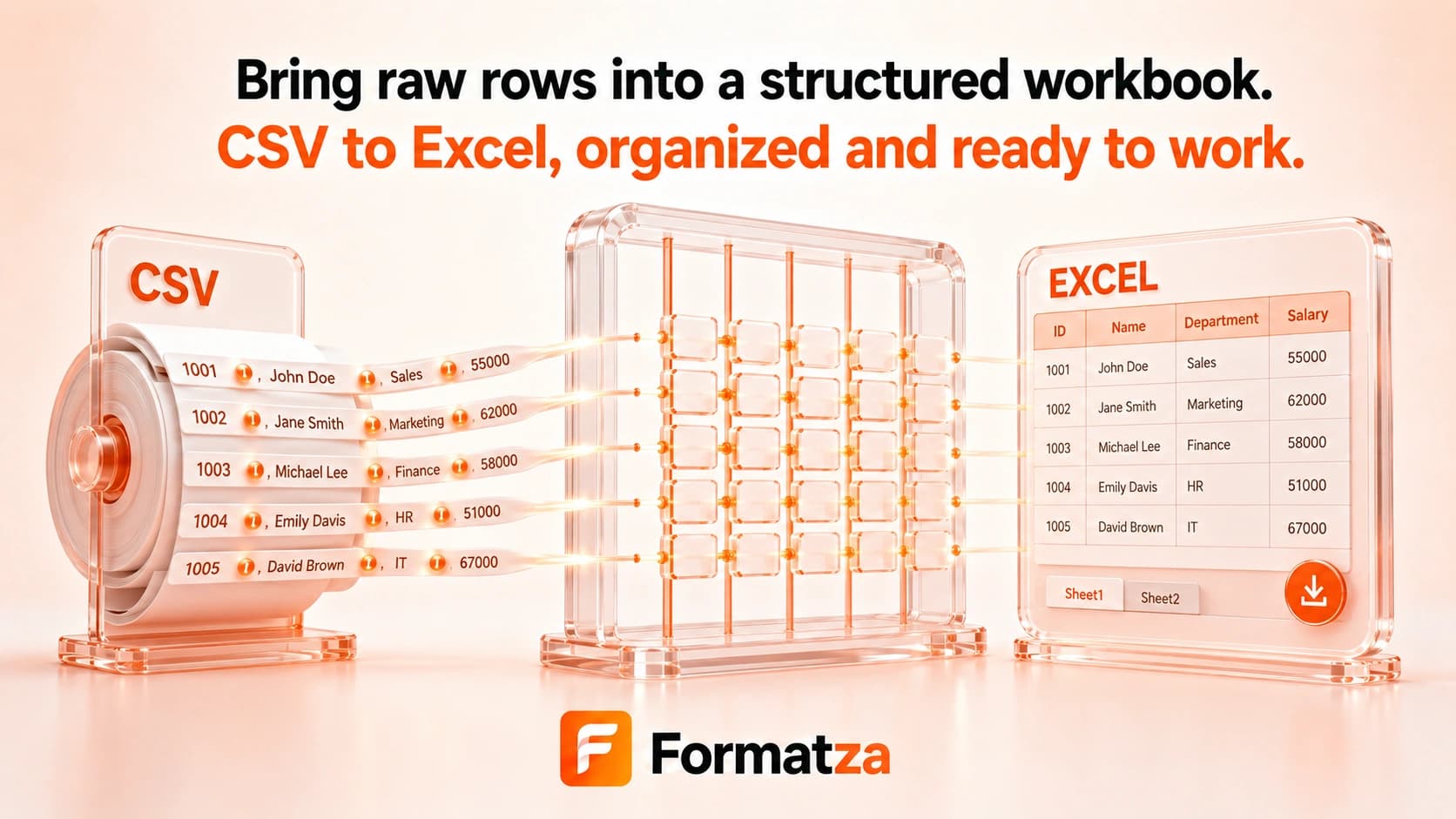
Convert one comma-separated CSV file or pasted CSV data into an XLSX workbook directly in your browser. Parsed fields are placed into a single worksheet as text, which helps retain identifiers such as leading-zero codes without inventing formatting that CSV never contained.
Steps
How it works
- Choose one CSV file or paste comma-separated data into the editor.
- Review the parsed rows in the table preview.
- Create a single-sheet XLSX workbook from those rows.
- Download the generated Excel file.
Highlights
Key features
- Accepts an uploaded .csv file or pasted CSV text.
- Parses comma delimiters, quoted fields, escaped double quotes, and line breaks inside quoted fields.
- Keeps parsed field values as text instead of automatically inferring dates or numbers.
- Creates one worksheet named Sheet1 in an XLSX workbook.
- Uses the uploaded CSV name as the base for the Excel download.
Use cases
Common uses
- Open CSV data in an Excel-compatible workbook.
- Turn exported application data into a spreadsheet file.
- Preserve text identifiers such as ZIP codes or account codes during import.
- Create a simple XLSX table from pasted comma-separated values.
Notes
Limitations to know
- Only one CSV is converted per run; batch, bulk, multiple-file, and ZIP conversion are not available.
- The parser uses a comma delimiter and does not auto-detect semicolons or offer a custom delimiter.
- CSV contains no styles, formulas, charts, multiple sheets, or typed dates, so those features cannot be restored.
- All imported values are written as text; automatic numeric and date typing is not performed.
- Malformed quoting or unusual encodings may produce unexpected rows or characters.
FAQ
Frequently asked questions
Will leading zeros be preserved?
The custom parser keeps CSV fields as strings, which helps preserve leading zeros when the XLSX is created.
Does the tool detect dates and numbers?
No. Values are written as text rather than automatically converted into Excel date or number types.
Can I use a semicolon-separated file?
Not directly. This converter expects commas and does not currently provide delimiter detection or selection.
Does each CSV become a separate sheet?
No. One CSV is processed per run and becomes one worksheet named Sheet1.
Can I convert multiple CSV files together?
No. Batch and bulk CSV conversion are not implemented in this tool.