
PNG to JPG
Convert PNG images to JPG individually or batch process up to 500 files in your browser.
Type to search tools. Use the up and down arrow keys to move through results, Enter to open a result, and Escape to clear the search.
Convert one PNG or batch convert up to 500 PNG images to JPG.
Related tools
Ready tools are shown first.
Resize Image
Resize images to custom dimensions.
Compress Image
Reduce image file size while preserving quality.
JPG to PNG
Convert one JPG or batch convert up to 500 JPG images to PNG.
PNG to JPG
Convert one PNG or batch convert up to 500 PNG images to JPG.
JPG to WEBP
Convert one JPG or batch convert up to 500 JPG images to WebP.
PNG to WEBP
Convert one PNG or batch convert up to 500 PNG images to WebP.
Tool guide
PNG to JPG
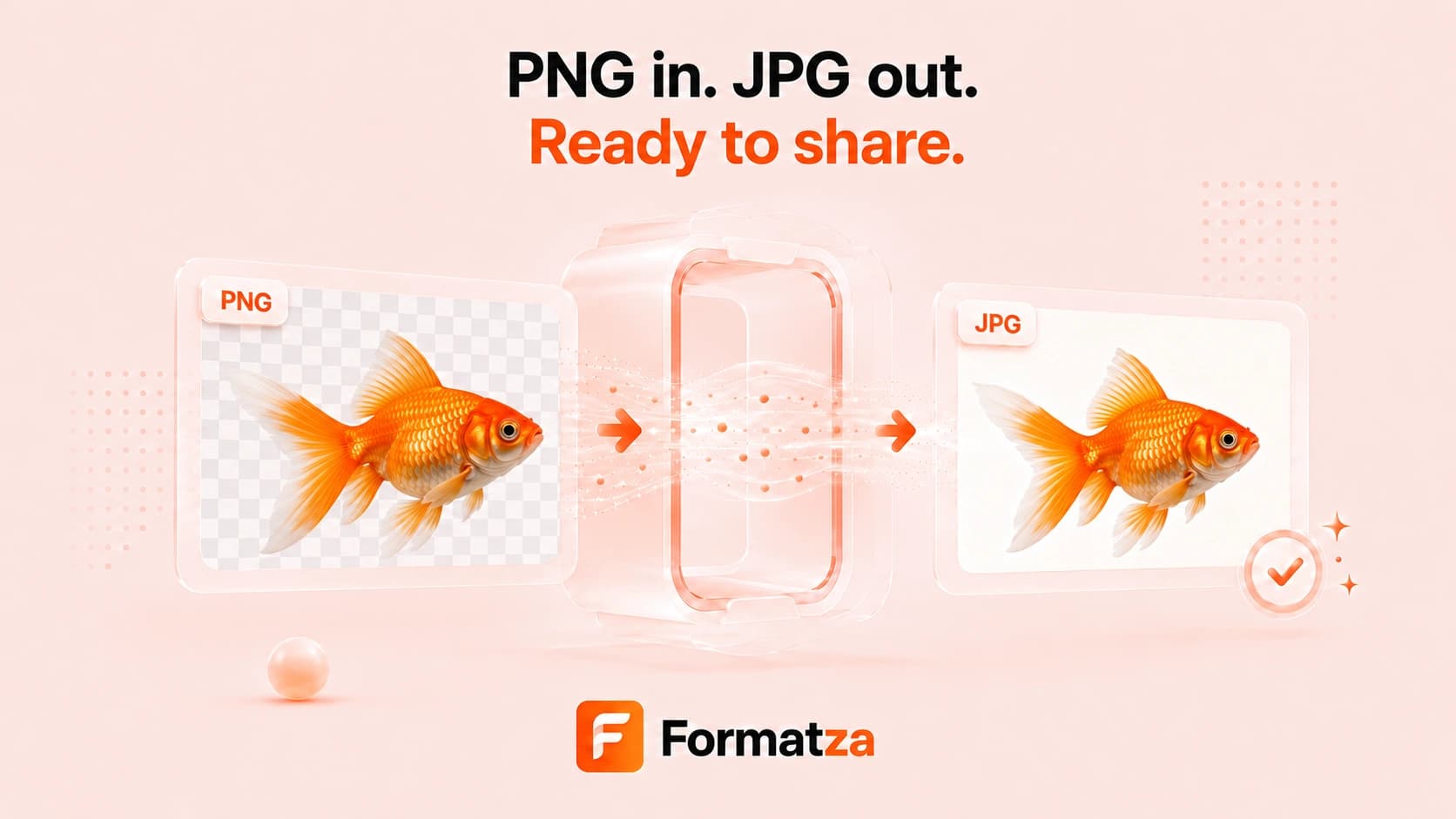
Convert one PNG image or batch convert up to 500 PNG files to JPG in your browser. Choose the background color used behind transparent pixels, process files sequentially, and download completed JPG images individually or through available ZIP options.
Steps
How it works
- Choose PNG files or drop a folder containing PNG images.
- Select the background color for transparent areas.
- Convert the single image or batch to JPG.
- Review and download the completed JPG files.
Highlights
Key features
- Single and batch PNG-to-JPG conversion.
- Custom background color for transparent pixels.
- Folder drop and sequential processing for up to 500 files.
- Individual and grouped ZIP downloads where supported.
Use cases
Common uses
- Create JPG photos for sites or forms that do not accept PNG.
- Flatten transparent graphics onto a chosen background.
- Convert batches of PNG assets for sharing or storage.
- Prepare broadly compatible image files for documents and email.
Notes
Limitations to know
- JPG does not support transparency, so transparent pixels are flattened onto the selected background.
- The converter uses a fixed JPG export quality rather than an exposed quality slider.
- JPG compression may soften sharp text, logos, or line art.
- Large batches can be limited by browser memory and ZIP capacity.
FAQ
Frequently asked questions
Can I convert multiple PNG files to JPG?
Yes. The tool supports up to 500 PNG files in one sequential batch.
What happens to PNG transparency?
Transparent areas are filled with the background color you select because JPG cannot store transparency.
Can I choose the JPG background color?
Yes. Use the background color control before conversion.
Why can text or graphics look different in JPG?
JPG uses lossy compression and is best suited to photographs. PNG is often better for sharp text, flat graphics, and transparency.