
Resize Video
Resize video dimensions.
Type to search tools. Use the up and down arrow keys to move through results, Enter to open a result, and Escape to clear the search.
Resize video dimensions.
Tool guide
Free Online Video Resizer
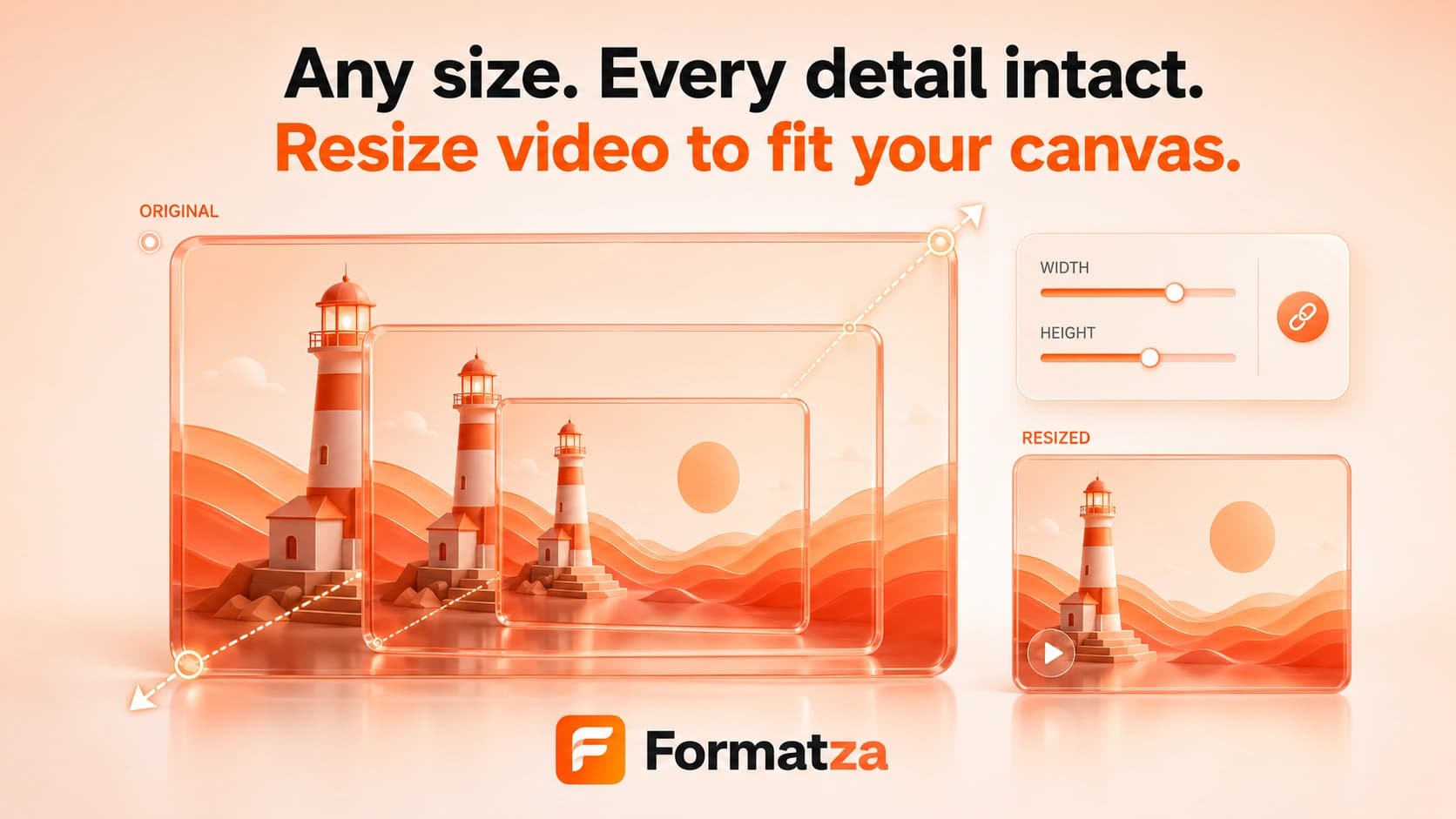
Resize one video to custom pixel dimensions or choose a 1080p, 720p, or 480p height preset. Keep the aspect ratio linked for proportional resizing, or unlock it when a stretched custom frame is intentional.
Steps
How it works
- Choose one supported video file up to 250 MB and review its original dimensions.
- Choose a 1080p, 720p, or 480p preset, or enter a custom width and height.
- Keep Preserve aspect ratio enabled for proportional dimensions, or disable it to edit both values independently.
- Resize the video, preview the re-encoded result, and download it.
Highlights
Key features
- Custom width and height controls change the output video dimensions.
- Aspect-ratio preservation automatically updates the paired dimension.
- Quick 1080p, 720p, and 480p height presets preserve the source ratio.
- Exports MP4/MOV input as H.264 MP4 and WebM input as VP9 WebM.
- Shows original metadata, processing progress, output preview, and output size.
Use cases
Common uses
- Prepare video dimensions for a website, presentation, or upload form.
- Create a smaller-resolution copy of a large MP4.
- Resize footage for a general Instagram, TikTok, or YouTube workflow.
- Standardize a clip to a specific custom width and height.
Notes
Limitations to know
- Only one video is processed at a time; batch resizing is not available.
- Resizing re-encodes video and audio, so quality and file size may change.
- Smaller dimensions often reduce size but do not guarantee a smaller file.
- Upscaling cannot create missing detail, and disabling aspect-ratio preservation can visibly stretch the picture.
- The current tool has no fit, fill, crop, padding, background-color, or official social-platform preset modes.
FAQ
Frequently asked questions
Can I keep the original aspect ratio?
Yes. Keep Preserve aspect ratio enabled and changing either dimension will update the other proportionally.
Does resizing also compress the video?
The video is re-encoded and dimensions can affect size, but a smaller file is not guaranteed. Use Compress Video when file-size reduction is the main goal.
Can I resize for Instagram, YouTube, or TikTok?
You can enter dimensions for those workflows, but Formatza does not claim built-in official platform presets or current platform acceptance requirements.
What happens if I disable aspect-ratio preservation?
Width and height become independent. A target ratio different from the source will stretch or squeeze the video because no padding or cropping mode is applied.
Will audio remain in the resized video?
Audio is included and re-encoded where the source codec can be decoded by the browser FFmpeg build.