
Days Between Two Dates
Calculate the number of days between two dates.
Type to search tools. Use the up and down arrow keys to move through results, Enter to open a result, and Escape to clear the search.
Calculate the number of days between two dates.
Date range
Related tools
Ready tools are shown first.
Timestamp Converter
Convert timestamps into readable dates and back.
Days Between Two Dates
Calculate the number of days between two dates.
Date Difference Calculator
Find the difference between dates in years, months, weeks, and days.
Business Days Calculator
Calculate working days between dates excluding weekends.
Add/Subtract Date Calculator
Add or subtract days, weeks, months, or years from a date.
Date Format Converter
Convert dates between common formats.
Tool guide
Free Online Days Between Two Dates Calculator
Calculate the signed and absolute calendar-day distance between two dates. You can keep elapsed-day counting or include the end date, and the browser-first result also explains which date comes first.
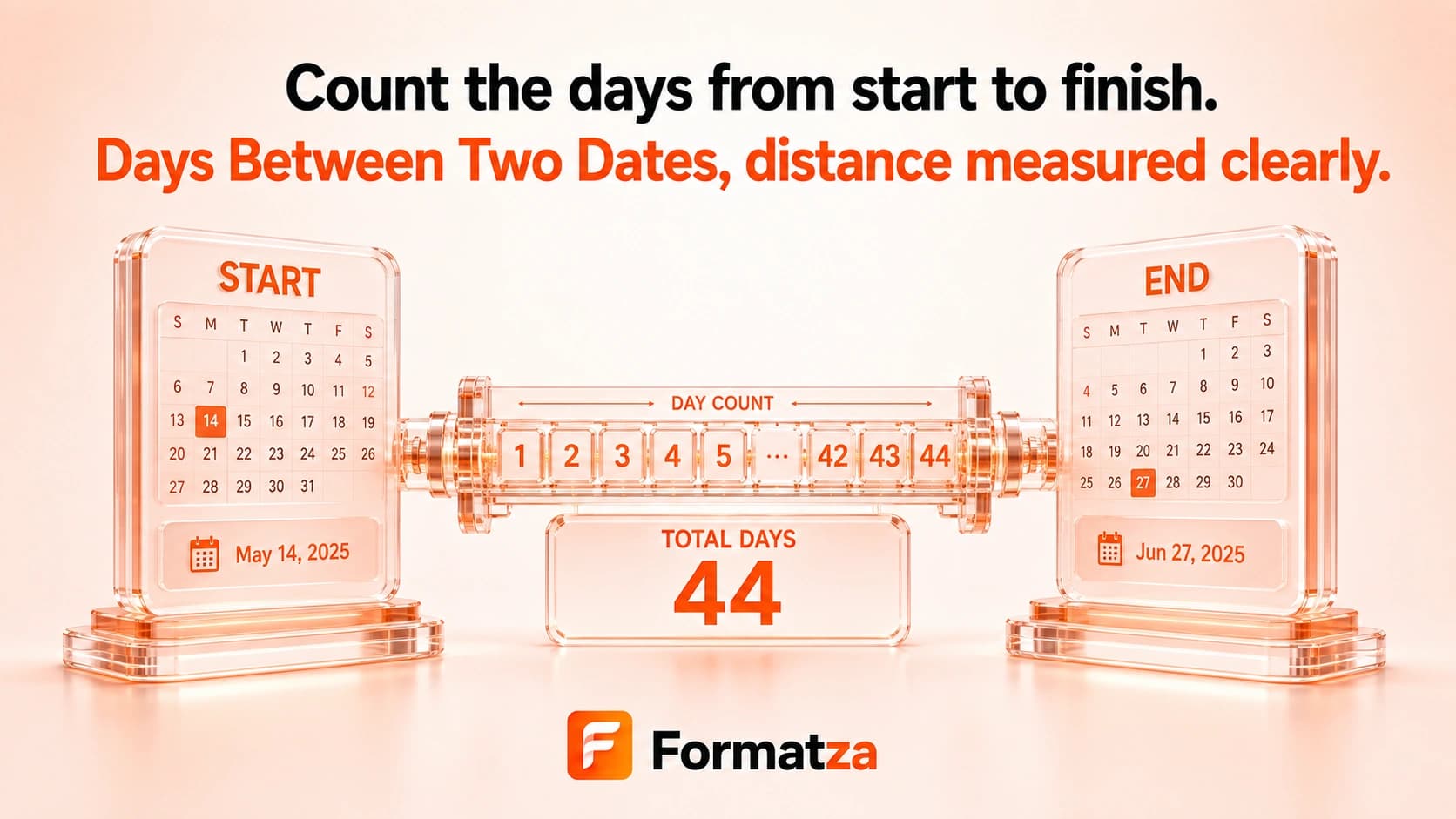
Steps
How it works
- Choose a start date and an end date.
- Decide whether to include the end date in the absolute count.
- Run the calendar-day calculation.
- Copy the result or download it as a TXT file.
Highlights
Key features
- Calculates both signed and absolute day differences.
- Accepts the earlier date in either field.
- Offers an option to include the end date.
- Uses date-only inputs and calendar date arithmetic.
- Handles leap-year dates through the browser date system.
Use cases
Common uses
- Count elapsed calendar days between two events.
- Measure how far a deadline is before or after a starting date.
- Compare date ranges entered in either order.
- Include both endpoints when a calendar-day count requires it.
Notes
Limitations to know
- The tool counts calendar days, not working or business days.
- Weekends and public holidays are not excluded.
- The inclusive option adds one to the absolute count, including when both dates are the same.
- It does not break the result into years, months, and days; use Date Difference Calculator for that.
- Date-only arithmetic uses the browser's local calendar and rounds day differences to avoid common daylight-saving hour offsets.
FAQ
Frequently asked questions
Are both the start and end dates included?
By default the result is elapsed days. Enable Include end date to add the ending calendar date to the absolute count.
What happens when both dates are the same?
The elapsed difference is zero. With Include end date enabled, the absolute count is one.
Can the earlier date be entered second?
Yes. The absolute result remains positive, while the signed difference and direction show that the end date is earlier.
Are weekends or holidays excluded?
No. This tool counts calendar days. Use Business Days Calculator when weekend handling is required.
How are leap years handled?
Valid date inputs use browser calendar arithmetic, so February 29 is included when it occurs in the selected range.