
JSON to CSV
Convert JSON data to CSV format.
Type to search tools. Use the up and down arrow keys to move through results, Enter to open a result, and Escape to clear the search.
Convert JSON data to CSV format.
Related tools
Ready tools are shown first.
Tool guide
Free Online JSON to CSV Converter
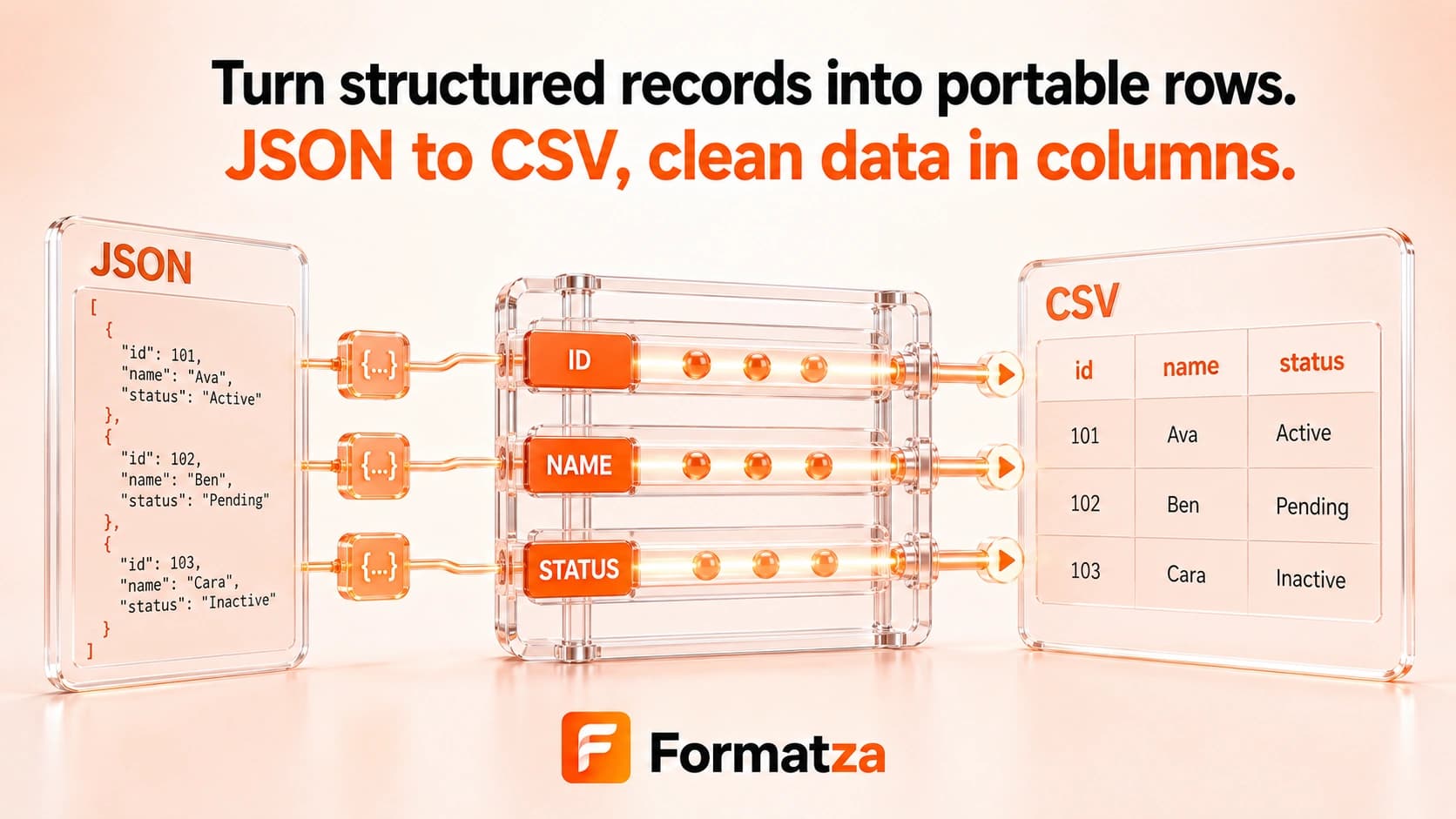
Convert one JSON object or an array of objects into comma-separated CSV data in your browser. Nested object keys are flattened with dot-separated headers, while array values are stored as JSON text inside CSV cells.
Steps
How it works
- Paste JSON or choose one JSON or text file.
- Parse an object or array of objects and flatten nested object fields.
- Build CSV headers from the discovered property paths.
- Review, copy, or download the generated CSV file.
Highlights
Key features
- Supports one JSON object or multiple records in an array of objects.
- Flattens nested object properties into dot-separated column names.
- Builds a combined header list in the order fields are first discovered.
- Quotes commas, double quotes, and line breaks in CSV cells.
- Represents missing record fields as empty CSV values.
Use cases
Common uses
- Export a JSON API response to a spreadsheet-friendly table.
- Convert a list of similarly shaped objects into CSV records.
- Flatten nested object properties for simple tabular analysis.
- Prepare supported JSON records for CSV import workflows.
Notes
Limitations to know
- Only one pasted or uploaded input is processed; batch, bulk, multiple-file, and ZIP conversion are unavailable.
- Top-level primitives, null, an empty array, and arrays containing non-object records are unsupported.
- Arrays inside records are serialized as JSON text rather than expanded into rows or columns.
- Complex or irregular JSON structures may not map cleanly to a flat table, and a CSV round trip is not lossless.
- Object values are stringified for CSV, so original JSON types are not preserved by the CSV format.
FAQ
Frequently asked questions
Can nested JSON be converted?
Nested objects are flattened into dot-separated headers such as user.name. Nested arrays are written as JSON text in one cell.
Can I convert multiple JSON records?
Yes, when they are objects inside one top-level JSON array. Multiple separate files are not supported.
How are CSV headers generated?
Headers are collected from flattened property paths in the order those paths are first encountered across the records.
What happens when a record is missing a field?
Its CSV cell is left empty under the combined header for that field.
Will JSON types be preserved in CSV?
No. CSV stores textual fields, so numbers, booleans, nulls, objects, and arrays cannot retain full JSON type information.