
GIF to MP4
Convert GIF animations to MP4.
Type to search tools. Use the up and down arrow keys to move through results, Enter to open a result, and Escape to clear the search.
Convert GIF animations to MP4.
Related tools
Ready tools are shown first.
Tool guide
Free Online GIF to MP4 Converter
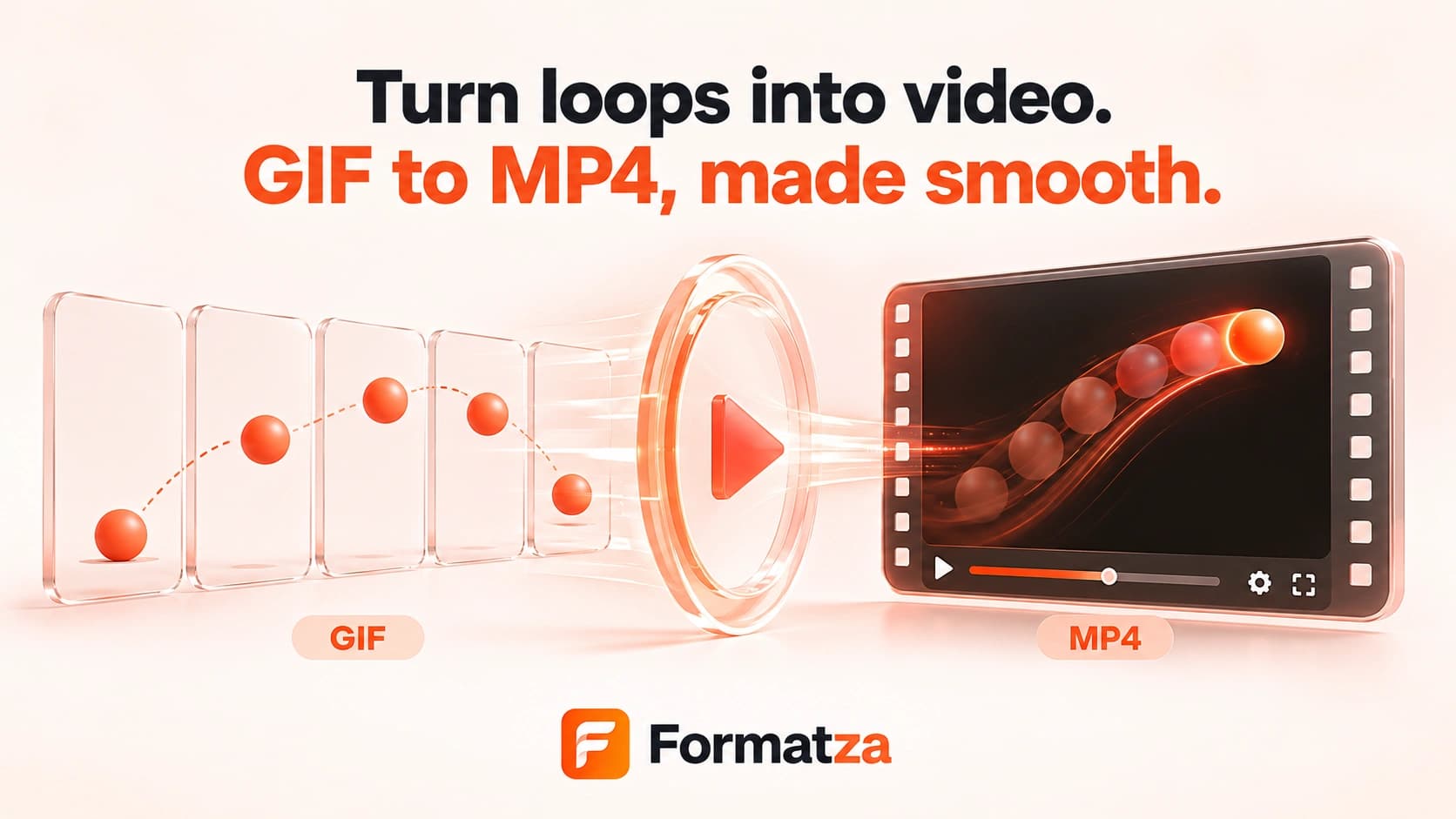
Convert one animated or static GIF into an MP4 video directly in your browser. Formatza uses the bundled FFmpeg engine to read the GIF frames and create a silent, compatibility-focused video with even dimensions.
Steps
How it works
- Choose one GIF file up to 80 MB.
- Preview the original GIF and start the conversion.
- FFmpeg decodes the GIF frames, adjusts odd dimensions when needed, and encodes an MP4 video.
- Preview the completed video and download the generated MP4 file.
Highlights
Key features
- Converts animated GIF frames into a real MP4 video file.
- Accepts animated GIFs as well as static single-frame GIF files.
- Uses yuv420p pixel output and even dimensions for broad MP4 playback compatibility.
- Shows conversion progress plus original and output previews.
- Processes one GIF locally through the browser-loaded FFmpeg engine.
Use cases
Common uses
- Share a GIF animation on a platform that prefers MP4 video.
- Create a silent video asset from an animated reaction or illustration.
- Prepare GIF content for a video-oriented publishing workflow.
- Turn a static GIF into a short single-frame video where needed.
Notes
Limitations to know
- The tool accepts one GIF at a time and does not provide batch, bulk, multiple-file, or ZIP conversion.
- GIF has no audio track, so the generated MP4 is silent.
- MP4 yuv420p output does not preserve GIF transparency; transparent areas may be flattened by the encoder.
- There are no frame-rate, quality, trimming, resize, or background controls in the current interface.
- Frame timing is interpreted by FFmpeg and may not match every variable GIF delay exactly; large animations can require substantial memory and processing time.
FAQ
Frequently asked questions
Will an animated GIF remain animated in MP4?
FFmpeg converts the decoded GIF frame sequence into video. Timing is interpreted during encoding and should be checked in the output preview.
Does the MP4 include sound?
No. GIF files do not contain audio, and this converter does not add an audio track.
Can MP4 keep a transparent GIF background?
No reliable alpha channel is produced by the current yuv420p MP4 workflow, so transparent areas may be flattened.
Can I batch convert GIF files to MP4?
No. The current tool processes one GIF file at a time, with an 80 MB input limit.
Why can a large GIF take a long time?
Every decoded frame must be held and encoded in the browser, so long, high-resolution, or frame-heavy animations use more memory and CPU time.