
SVG to JPG
Convert SVG vector files to JPG individually or as a browser-first batch.
Type to search tools. Use the up and down arrow keys to move through results, Enter to open a result, and Escape to clear the search.
Convert one SVG or batch convert up to 500 SVG files to JPG images.
Related tools
Ready tools are shown first.
SVG to PNG
Convert one SVG or batch convert up to 500 SVG files to PNG images.
SVG to JPG
Convert one SVG or batch convert up to 500 SVG files to JPG images.
SVG to WebP
Convert one SVG or batch convert up to 500 SVG files to WebP images.
SVG to PDF
Convert SVG graphics to PDF documents.
SVG Viewer
Preview SVG files directly in your browser.
SVG Optimizer
Optimize SVG files for cleaner output.
Tool guide
Free Online SVG to JPG Converter
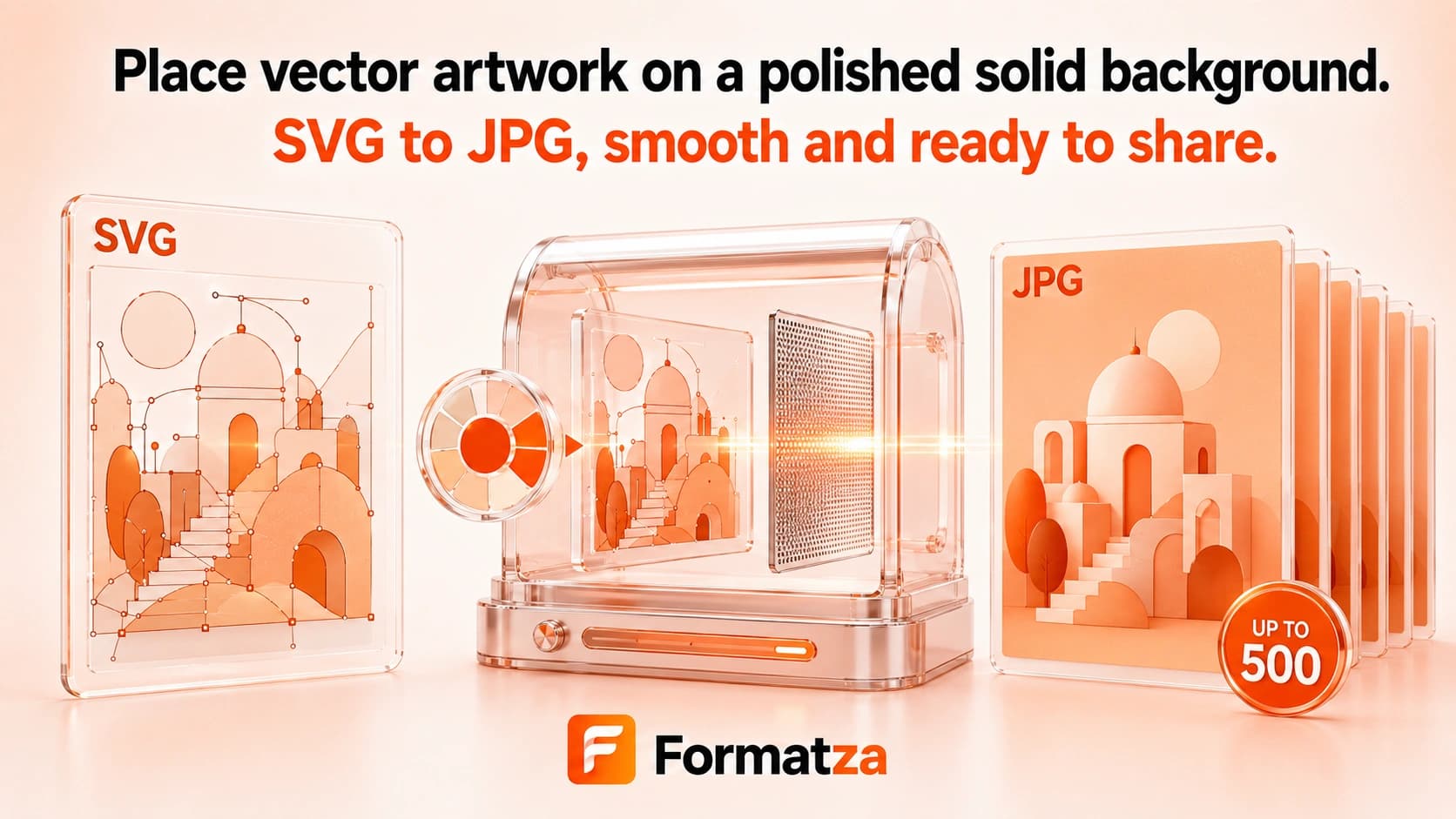
Convert SVG vector graphics to JPG or JPEG images individually or in browser-first batches of up to 500 files. Set raster dimensions and choose the background used for transparent SVG regions before exporting.
Steps
How it works
- Choose SVG files or drop a folder containing them.
- Set the JPG output width, height, and transparency background color.
- Run the sequential conversion to rasterize each SVG.
- Preview a single JPG or download successful files individually or through available ZIP groups.
Highlights
Key features
- Single and batch SVG-to-JPG conversion for up to 500 files.
- Accepts SVG files up to 20 MB each.
- Provides output width and height controls up to 4096 pixels.
- Lets you choose the background color used for transparent areas.
- Includes folder drop, status tracking, individual downloads, and ZIP options.
Use cases
Common uses
- Create JPG artwork for websites or apps that reject SVG.
- Flatten transparent vector graphics onto a branded background.
- Prepare SVG illustrations for email, documents, or photo-oriented platforms.
- Batch rasterize a collection of SVG files into JPEG images.
Notes
Limitations to know
- JPG is raster output and does not preserve vector scalability.
- JPG cannot store transparency, so transparent regions are filled with the selected background.
- The converter uses a fixed JPG quality setting rather than a quality slider.
- Changing width and height independently can distort the source aspect ratio.
- Scripts and foreignObject content are removed; external fonts, images, filters, masks, and animation may not render faithfully.
FAQ
Frequently asked questions
Can I convert multiple SVG files to JPG?
Yes. Up to 500 SVG files can be processed sequentially, with each source limited to 20 MB.
What happens to transparent SVG areas?
They are filled with the background color you choose because JPG does not support transparency.
Can I adjust JPG quality?
No. The current batch converter uses a fixed JPG export quality, while width, height, and background remain configurable.
Is the converted JPG still vector-based?
No. The SVG is rendered to pixels at the selected dimensions before JPG encoding.
Why might an SVG render differently?
Missing external fonts or images, browser rendering differences, and removed unsafe or unsupported SVG content can affect the result.