
WebP Maker
Convert one image or batch convert up to 500 files into WebP directly in your browser.
Type to search tools. Use the up and down arrow keys to move through results, Enter to open a result, and Escape to clear the search.
Convert one image or batch convert up to 500 files to WebP directly in your browser.
Related tools
Ready tools are shown first.
JPG to WEBP
Convert one JPG or batch convert up to 500 JPG images to WebP.
PNG to WEBP
Convert one PNG or batch convert up to 500 PNG images to WebP.
WebP to JPG
Convert one WebP or batch convert up to 500 WebP images to JPG.
WebP to PNG
Convert one WebP or batch convert up to 500 WebP images to PNG.
Compress Image
Reduce image file size while preserving quality.
Resize Image
Resize images to custom dimensions.
Tool guide
WebP Maker
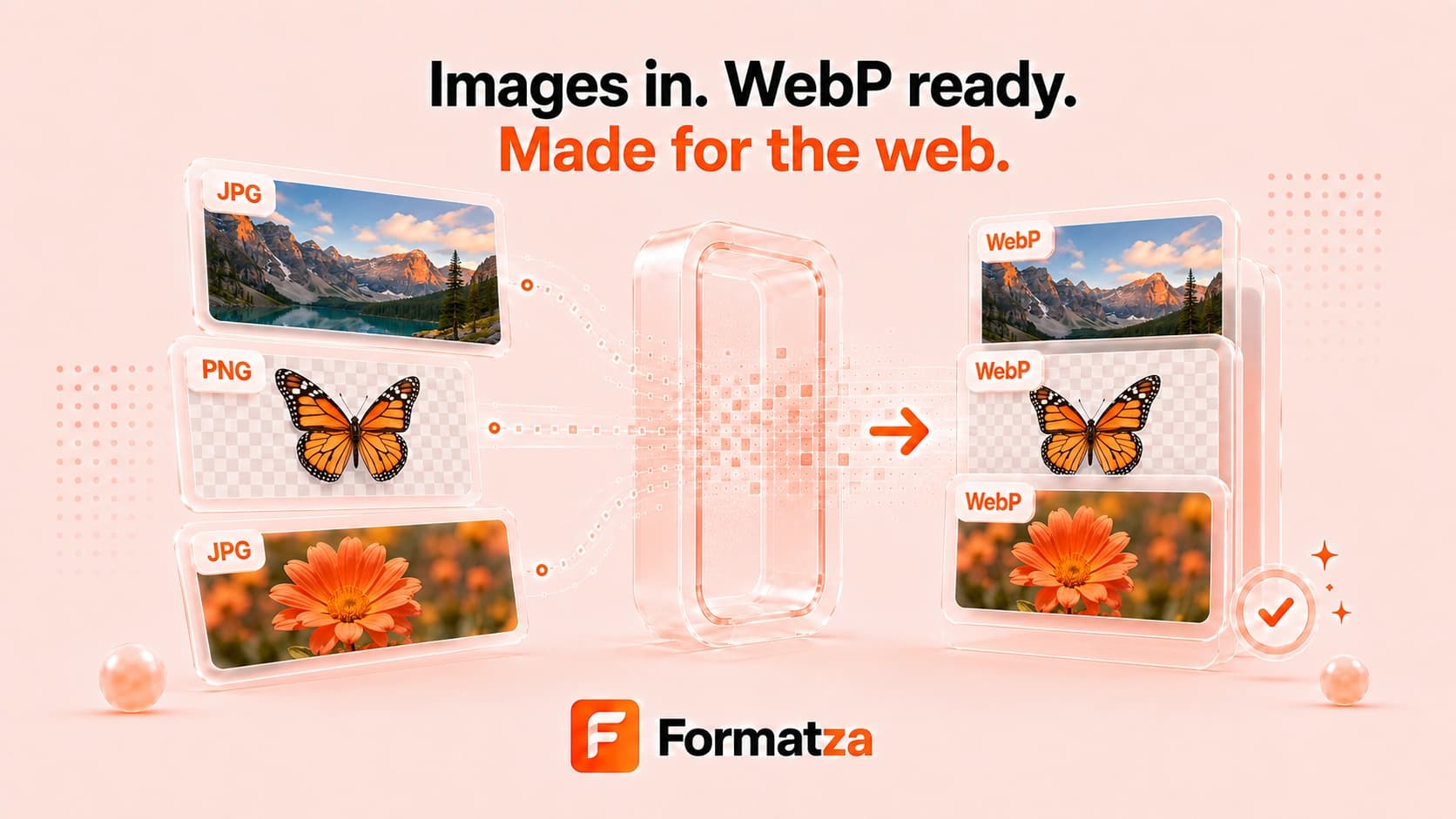
Create WebP images from one file or batch convert up to 500 JPG, PNG, GIF, BMP, or WebP files in your browser. Adjust quality, optionally reduce large dimensions, follow per-file progress, and download successful outputs individually or through available ZIP groups.
Steps
How it works
- Choose one or more supported images, or drop an image folder.
- Set WebP quality and optionally enable maximum width and height limits.
- Create one WebP or process the batch sequentially.
- Preview single output or download completed files individually or in available ZIP archives.
Highlights
Key features
- Single-image and bulk WebP creation in one workflow.
- Sequential processing for batches of up to 500 files.
- Adjustable WebP quality.
- Optional proportional downscaling with maximum width and height.
- Per-file results plus resilient single or smaller ZIP downloads.
Use cases
Common uses
- Prepare modern image assets for websites.
- Convert folders of JPG or PNG images to WebP.
- Reduce oversized image dimensions during WebP export.
- Re-encode existing WebP files with a different quality setting.
- Create compatible static WebP copies from browser-decodable images.
Notes
Limitations to know
- WebP export depends on browser encoding support.
- Smaller files are not guaranteed; results depend on source content, dimensions, and quality.
- Animated GIF or WebP input is drawn through the browser image element and exports a static decoded frame rather than preserving animation.
- The resize option only reduces images to fit the limits; it does not upscale smaller images.
- Large batches and ZIP creation depend on browser and device memory.
FAQ
Frequently asked questions
How many images can WebP Maker convert?
You can select up to 500 supported images. Batch files are processed sequentially for better browser stability.
Which image formats can I use?
The tool accepts JPG, JPEG, PNG, GIF, BMP, and WebP files that your browser can decode.
Can WebP Maker resize images?
Yes. Enable Resize large images and set maximum width and height. Images are proportionally reduced only when they exceed those limits.
Does it preserve transparent backgrounds?
PNG and WebP transparency can be retained when the browser's canvas and WebP encoder support it correctly.
Will animated GIF files remain animated?
No. The current canvas workflow exports a static browser-decoded frame rather than an animated WebP.