
Video Speed Changer
Change playback speed of videos.
Type to search tools. Use the up and down arrow keys to move through results, Enter to open a result, and Escape to clear the search.
Change playback speed of videos.
Tool guide
Free Online Video Speed Changer
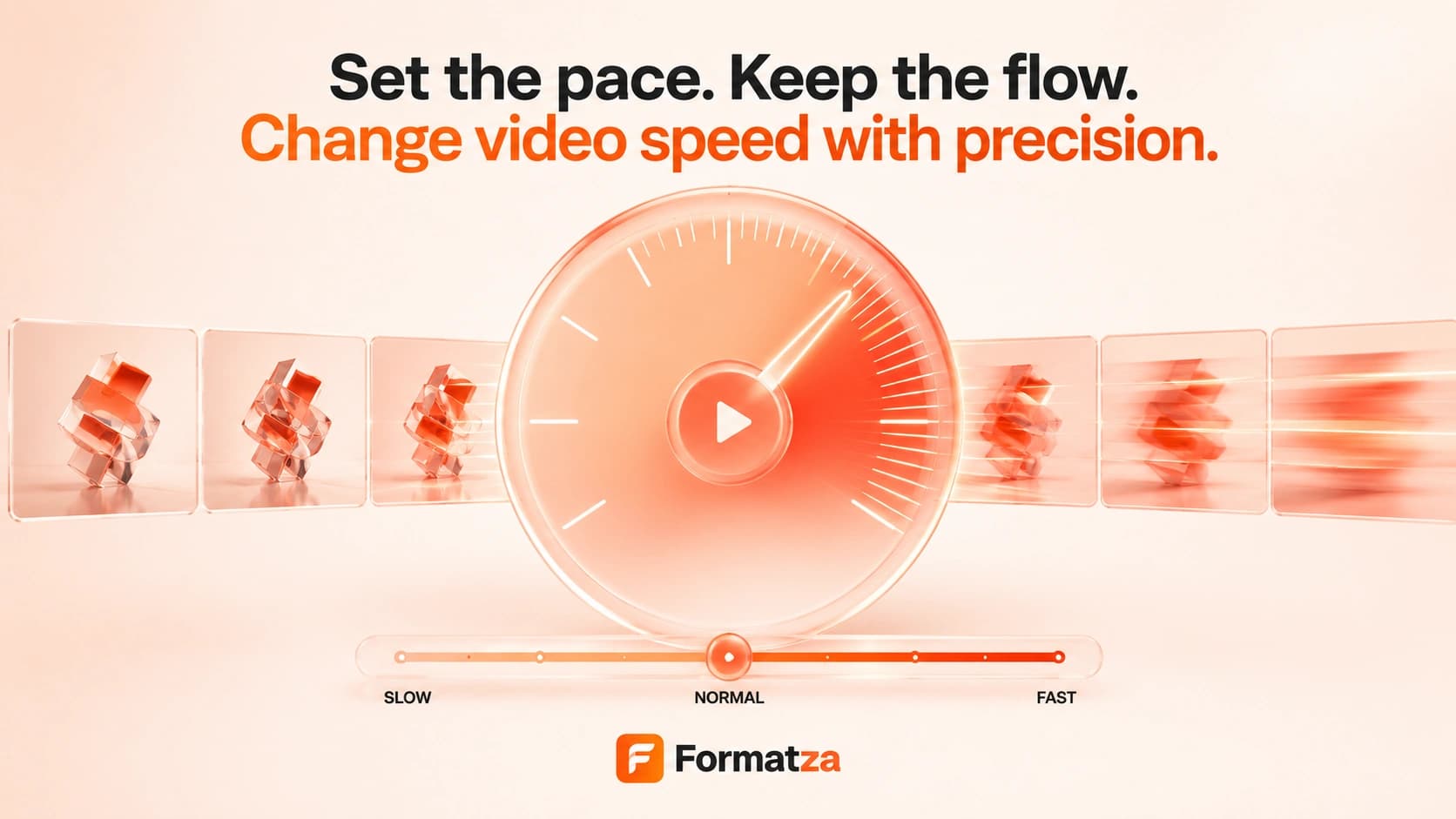
Speed up or slow down one video with selectable 0.5x, 0.75x, 1x, 1.25x, 1.5x, and 2x settings. Preview the playback rate, then generate a permanently speed-adjusted output with browser-loaded FFmpeg.
Steps
How it works
- Choose one supported video file up to 250 MB.
- Select a playback speed from 0.5x through 2x.
- Preview the source at that rate and start the speed-change process.
- Review the generated output and download the completed video.
Highlights
Key features
- Six speed presets cover half-speed playback through double speed.
- The source preview updates its playback rate before export.
- Creates a real downloadable video with permanently adjusted timing.
- Attempts to adjust audio duration with the video and exports without audio if that audio operation fails.
- Keeps WebM input as WebM, exports MP4 input as MP4, and exports MOV input as MP4.
Use cases
Common uses
- Speed up a tutorial or long recording.
- Create a time-lapse-style result from ordinary footage.
- Slow down a demonstration for easier review.
- Adjust the pacing of a clip for a presentation.
Notes
Limitations to know
- The current interface uses fixed speed presets and does not accept a custom numeric rate.
- Only one video is processed at a time; batch speed editing is not available.
- Speed changes require re-encoding, and output quality or file size may change.
- Slow motion does not interpolate new frames, so it cannot create true high-frame-rate detail and may look less smooth.
- Audio pitch correction is not separately controlled; if audio adjustment fails, the tool exports a silent result and shows a warning.
FAQ
Frequently asked questions
Can I speed up and slow down a video?
Yes. Choose 0.5x or 0.75x to slow it down, or 1.25x, 1.5x, or 2x to speed it up.
How does speed affect output duration?
Faster settings shorten the video, while slower settings lengthen it. For example, 2x is about half the original duration.
Does the tool preserve audio pitch?
There is no separate pitch-preservation control. FFmpeg adjusts audio timing where possible, and the tool exports without audio if that step fails.
Does slow motion create extra frames?
No. The current tool changes timing without frame interpolation, so slowed footage may appear less smooth.
Can this tool reverse a video?
No. It changes playback speed only. Use the separate Reverse Video tool to play footage backward.