
Unix Timestamp Converter
Convert Unix timestamps in seconds or milliseconds.
Type to search tools. Use the up and down arrow keys to move through results, Enter to open a result, and Escape to clear the search.
Convert Unix timestamps in seconds or milliseconds.
Timestamp conversion
Related tools
Ready tools are shown first.
Timestamp Converter
Convert timestamps into readable dates and back.
Days Between Two Dates
Calculate the number of days between two dates.
Date Difference Calculator
Find the difference between dates in years, months, weeks, and days.
Business Days Calculator
Calculate working days between dates excluding weekends.
Add/Subtract Date Calculator
Add or subtract days, weeks, months, or years from a date.
Date Format Converter
Convert dates between common formats.
Tool guide
Free Online Unix Timestamp Converter
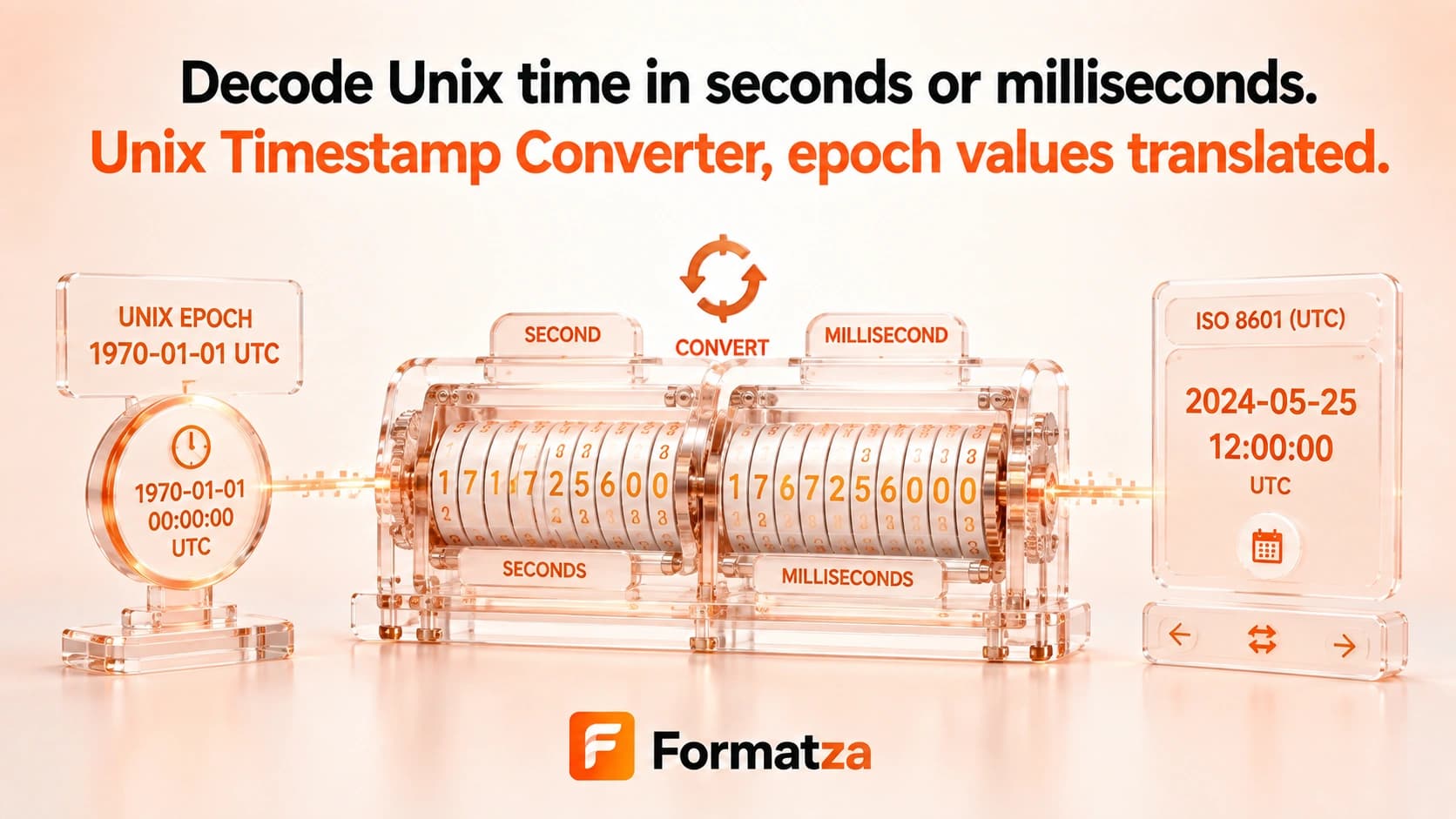
Convert Unix seconds, Unix milliseconds, or a browser date-time into matching epoch, local, UTC, and ISO values. Select the input unit explicitly so seconds and milliseconds are never guessed.
Steps
How it works
- Choose Unix seconds, Unix milliseconds, or Date/time as the input type.
- Enter a value or select Use current time.
- Run the timestamp conversion in your browser.
- Review, copy, or download the epoch and readable date results.
Highlights
Key features
- Accepts Unix timestamps in seconds or milliseconds.
- Converts a local date-time back to both Unix units.
- Shows local time, UTC time, and ISO 8601.
- Provides a current-time shortcut.
- Supports negative numeric timestamps where the browser Date range permits.
Use cases
Common uses
- Translate an API epoch value into a readable date.
- Generate Unix seconds or milliseconds from a selected date-time.
- Compare local, UTC, and ISO representations of one instant.
- Diagnose a timestamp interpreted with the wrong unit.
Notes
Limitations to know
- Seconds and milliseconds must be selected manually; automatic unit detection is not provided.
- Date/time input is interpreted in the browser's local timezone.
- Fractional numeric values are accepted by JavaScript, but output precision is limited to milliseconds and Unix seconds are floored.
- Supported dates are limited by the browser's JavaScript Date range.
- Microseconds, nanoseconds, and leap-second modeling are not supported.
FAQ
Frequently asked questions
Does the converter use seconds or milliseconds?
It supports both, but you must choose the correct input type before converting.
Can it detect the timestamp unit automatically?
No. Explicit unit selection avoids silently interpreting a value with the wrong factor of 1,000.
Is the output shown in UTC or local time?
Both are shown, along with ISO 8601 and the corresponding Unix values.
Can I convert a date back to Unix time?
Yes. Select Date/time, choose the local date and time, and calculate its Unix seconds and milliseconds.
Are dates before 1970 supported?
Negative timestamps can represent dates before the Unix epoch when they fall within the browser Date range.
Why is the converted year far from what I expected?
The most common cause is selecting seconds for a millisecond value or milliseconds for a seconds value.