
Date Format Converter
Convert dates between common formats.
Type to search tools. Use the up and down arrow keys to move through results, Enter to open a result, and Escape to clear the search.
Convert dates between common formats.
Date to format
Related tools
Ready tools are shown first.
Timestamp Converter
Convert timestamps into readable dates and back.
Days Between Two Dates
Calculate the number of days between two dates.
Date Difference Calculator
Find the difference between dates in years, months, weeks, and days.
Business Days Calculator
Calculate working days between dates excluding weekends.
Add/Subtract Date Calculator
Add or subtract days, weeks, months, or years from a date.
Date Format Converter
Convert dates between common formats.
Tool guide
Free Online Date Format Converter
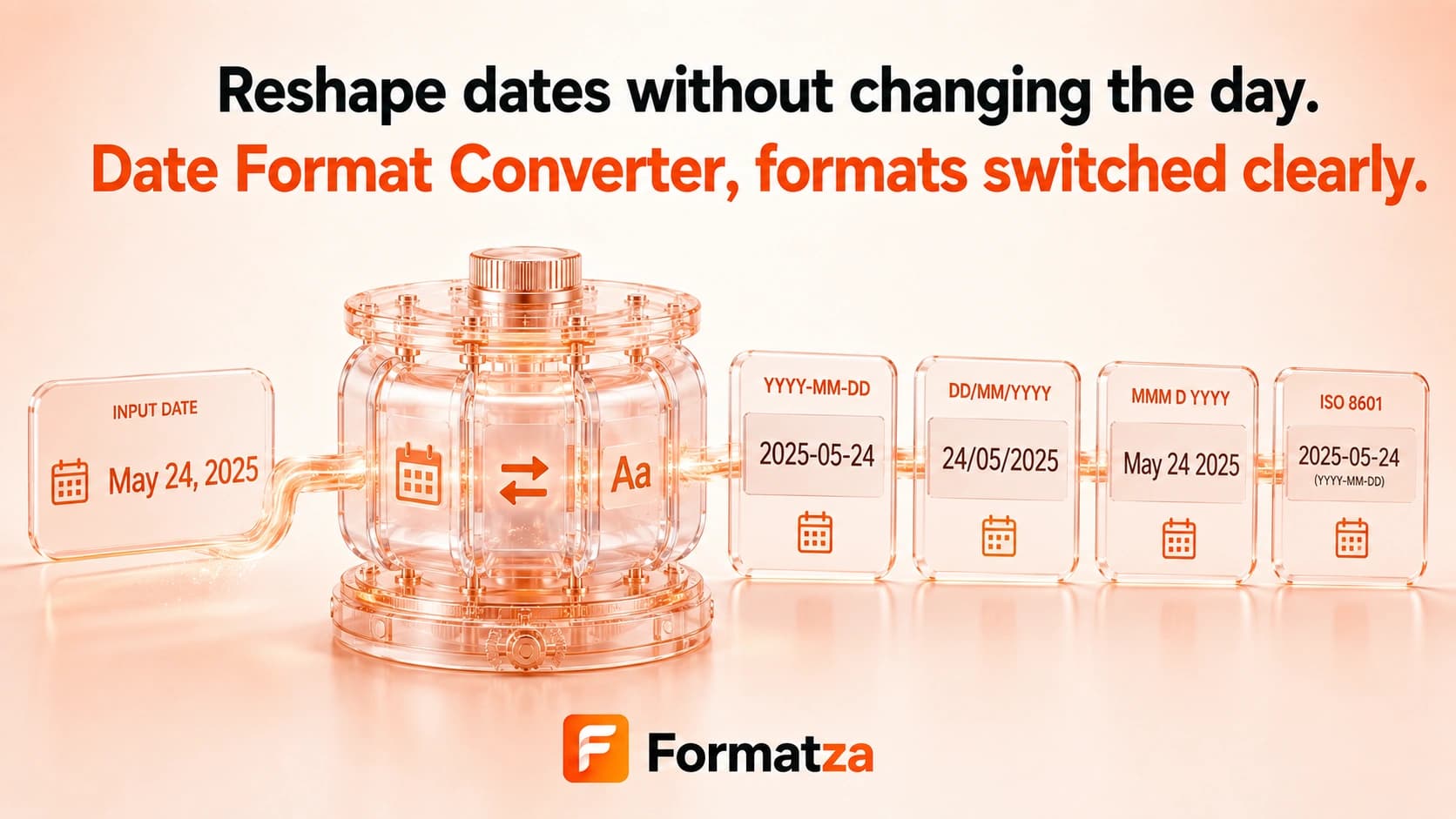
Enter a date and time with the browser's date-time control and convert that instant into ISO 8601, common numeric and readable date formats, and Unix seconds or milliseconds.
Steps
How it works
- Choose a date and time using the browser input.
- Run the formatter in your browser.
- Review ISO, numeric, readable, and Unix representations.
- Copy the result or download it as a text file.
Highlights
Key features
- Outputs ISO 8601 and YYYY-MM-DD values.
- Produces MM/DD/YYYY and DD/MM/YYYY formats.
- Includes two readable month-name formats.
- Returns Unix seconds and Unix milliseconds.
- Uses a controlled date-time input to avoid ambiguous typed date syntax.
Use cases
Common uses
- Create an ISO timestamp from a local date and time.
- Switch between US-style and day-first numeric dates.
- Generate readable date labels.
- Obtain Unix timestamp values for a selected date-time.
Notes
Limitations to know
- The input is a browser date-time field, not a free-form parser for arbitrary date strings.
- The available output formats are fixed and cannot be customized.
- The entered date-time is interpreted in the browser's local timezone.
- Formatting does not provide a source and target timezone selector.
- Locale rendering of the readable format can vary with browser settings.
FAQ
Frequently asked questions
Which date formats are available?
The output includes ISO 8601, YYYY-MM-DD, MM/DD/YYYY, DD/MM/YYYY, two readable formats, Unix seconds, and Unix milliseconds.
How are ambiguous dates interpreted?
The tool avoids free-form ambiguous strings by using the browser's structured date-and-time input.
Does it support ISO 8601?
Yes. The result includes a full ISO 8601 timestamp and a separate YYYY-MM-DD date.
Can it convert Unix timestamps as input?
No. It outputs Unix values from a selected date-time. Use Unix Timestamp Converter to enter seconds or milliseconds.
Does formatting change the timezone?
No source-to-target timezone conversion is performed. The selected local date-time is represented in several formats.