
SVG Optimizer
Optimize SVG files for cleaner output.
Type to search tools. Use the up and down arrow keys to move through results, Enter to open a result, and Escape to clear the search.
Optimize SVG files for cleaner output.
Related tools
Ready tools are shown first.
SVG to PNG
Convert one SVG or batch convert up to 500 SVG files to PNG images.
SVG to JPG
Convert one SVG or batch convert up to 500 SVG files to JPG images.
SVG to WebP
Convert one SVG or batch convert up to 500 SVG files to WebP images.
SVG to PDF
Convert SVG graphics to PDF documents.
SVG Viewer
Preview SVG files directly in your browser.
SVG Optimizer
Optimize SVG files for cleaner output.
Tool guide
Free Online SVG Optimizer
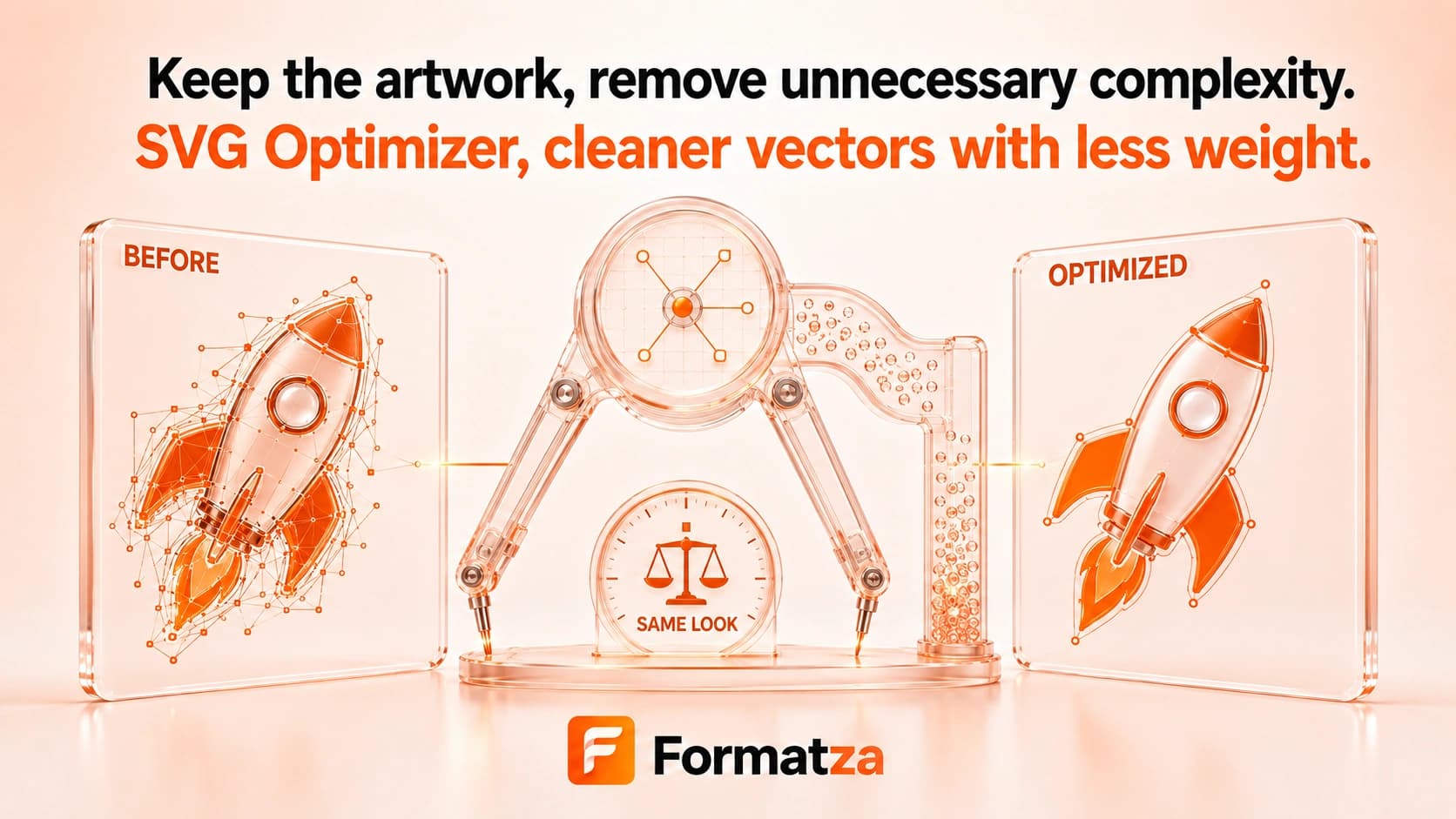
Clean and reduce SVG markup with a lightweight browser-first optimizer. It sanitizes the file, removes comments and unnecessary spacing, and drops a small set of empty or redundant attributes while keeping the result as downloadable SVG code.
Steps
How it works
- Choose one valid SVG file.
- Review the sanitized source markup loaded by the tool.
- Run Optimize SVG to apply the lightweight cleanup rules.
- Compare the text size, preview the result, then copy or download the optimized SVG.
Highlights
Key features
- Removes comments, inter-element whitespace, and repeated spacing.
- Removes empty data-name or id attributes and a redundant xlink namespace declaration.
- Sanitizes scripts, foreignObject elements, event handlers, and JavaScript URLs.
- Shows original and optimized markup with a size-reduction estimate.
- Provides an output preview, clipboard copy, and SVG download.
Use cases
Common uses
- Clean simple SVG icons before adding them to a website.
- Reduce verbose spacing and comments in exported vector markup.
- Prepare a more compact SVG for code review or deployment.
- Remove a small set of redundant attributes from straightforward SVG files.
Notes
Limitations to know
- This is a lightweight optimizer, not a full SVGO pipeline.
- It does not simplify vector paths, round coordinates, collapse groups, rewrite IDs, or remove unused definitions.
- Size reduction depends on the original markup and is not guaranteed to be large.
- Whitespace cleanup can affect SVGs that intentionally use repeated spaces inside text content.
- External resources, CSS references, animations, and complex SVG features should be visually checked after processing.
FAQ
Frequently asked questions
How does this SVG optimizer reduce file size?
It removes comments and excess spacing, then removes a limited set of empty or redundant attributes.
Does it simplify SVG paths?
No. The current optimizer does not rewrite path geometry or round vector coordinates.
Will the optimized SVG look identical?
Simple files usually remain visually similar, but every output should be previewed because whitespace, references, or complex features can behave differently.
Are accessibility elements removed?
The optimizer does not intentionally remove title, desc, or ARIA attributes, although the general sanitization rules still remove active or unsupported content.
Can I copy the optimized SVG code?
Yes. After optimization, you can copy the output markup or download it as an SVG file.