
SVG to GIF
Convert SVG to GIF.
Type to search tools. Use the up and down arrow keys to move through results, Enter to open a result, and Escape to clear the search.
Convert SVG to GIF.
Related tools
Ready tools are shown first.
SVG to PNG
Convert one SVG or batch convert up to 500 SVG files to PNG images.
SVG to JPG
Convert one SVG or batch convert up to 500 SVG files to JPG images.
SVG to WebP
Convert one SVG or batch convert up to 500 SVG files to WebP images.
SVG to PDF
Convert SVG graphics to PDF documents.
SVG Viewer
Preview SVG files directly in your browser.
SVG Optimizer
Optimize SVG files for cleaner output.
Tool guide
Free Online SVG to GIF Converter
Convert one SVG vector file into a static GIF image in your browser. Formatza renders a single browser snapshot at the SVG's declared dimensions or viewBox size, then uses FFmpeg to create a downloadable raster GIF.
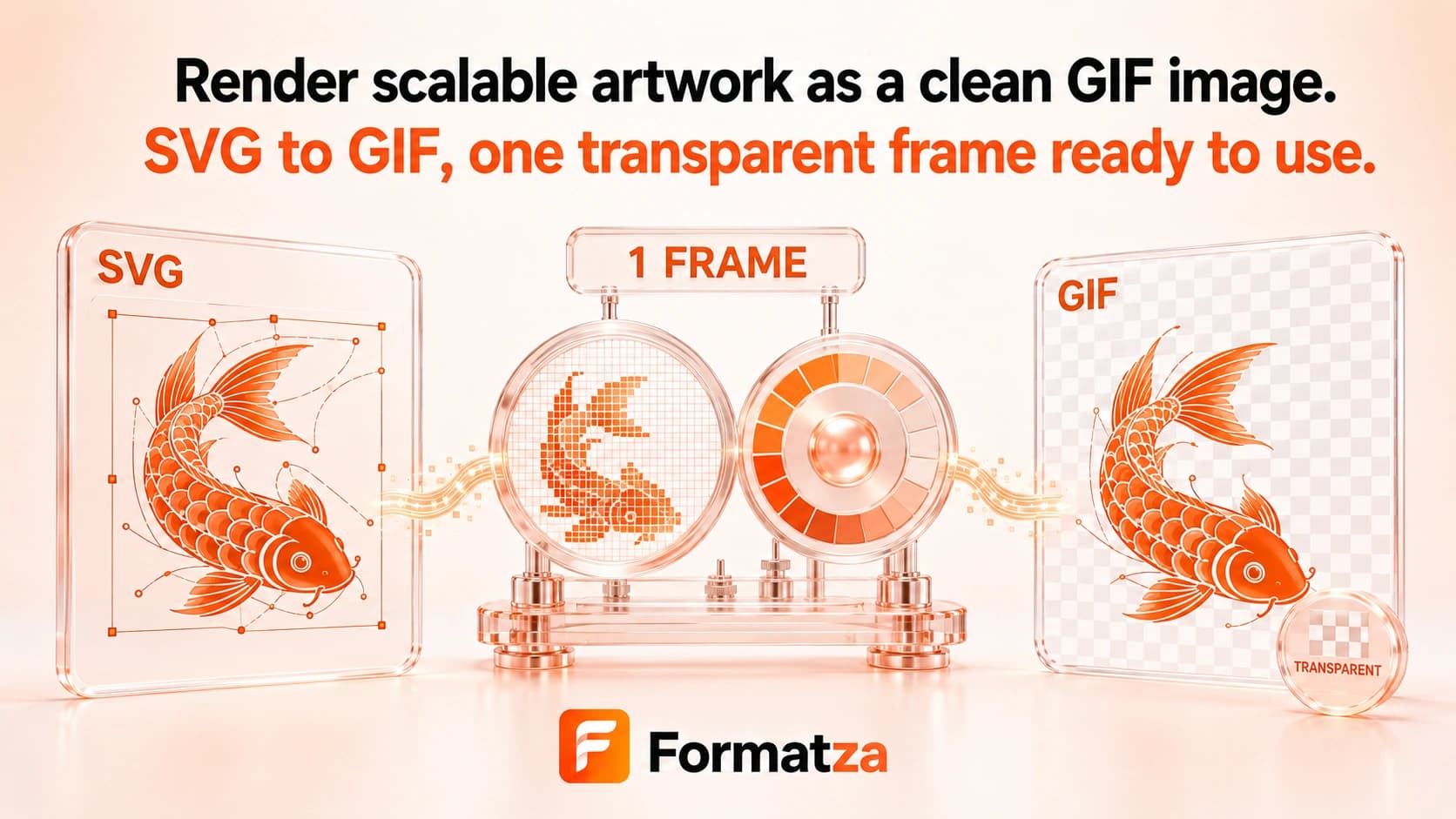
Steps
How it works
- Choose one SVG file up to 10 MB.
- Preview the SVG in your browser.
- Start conversion to render one SVG frame onto a transparent canvas and encode it as GIF.
- Review the raster GIF preview and download the completed file.
Highlights
Key features
- Creates a real static GIF from one browser-rendered SVG file.
- Uses SVG width and height, falls back to viewBox dimensions, or defaults to 800 by 600 pixels.
- Limits each output dimension to a maximum of 4096 pixels for browser processing.
- Keeps transparent canvas areas where the GIF encoding path can represent them.
- Shows source/output previews and conversion progress before download.
Use cases
Common uses
- Create a GIF preview of a static SVG logo or icon.
- Export vector artwork for software that requires a GIF file.
- Make a raster snapshot of a simple SVG illustration.
- Check how gradients and transparency translate into GIF format.
Notes
Limitations to know
- The result is a raster image and no longer scales infinitely like the original SVG.
- Only one static frame is captured; SVG animation is not recorded as animated GIF.
- The tool accepts one SVG at a time and has no batch, bulk, multiple-file, ZIP, size, or background controls.
- GIF's 256-color palette can cause banding or dithering in gradients and complex artwork.
- External fonts, remote images, scripts, filters, masks, and foreignObject content may render differently or fail in the browser image pipeline.
FAQ
Frequently asked questions
Does SVG to GIF create an animated GIF?
No. The current tool renders one static browser snapshot, even when the SVG contains animation.
Is the GIF still a vector image?
No. GIF is raster output made of pixels, so it cannot retain SVG's resolution-independent vector behavior.
How is the GIF size chosen?
The tool uses SVG width and height, then viewBox dimensions when needed, and otherwise defaults to 800 by 600 pixels. Each side is capped at 4096 pixels.
Why do gradients or colors look different?
GIF is limited to 256 colors per frame, so complex colors may be quantized or dithered.
Can I convert several SVG files at once?
No. SVG to GIF currently processes one SVG file up to 10 MB per conversion.