
SVG to Base64
Encode SVG files as Base64 text.
Type to search tools. Use the up and down arrow keys to move through results, Enter to open a result, and Escape to clear the search.
Encode SVG files as Base64 text.
Related tools
Ready tools are shown first.
SVG to PNG
Convert one SVG or batch convert up to 500 SVG files to PNG images.
SVG to JPG
Convert one SVG or batch convert up to 500 SVG files to JPG images.
SVG to WebP
Convert one SVG or batch convert up to 500 SVG files to WebP images.
SVG to PDF
Convert SVG graphics to PDF documents.
SVG Viewer
Preview SVG files directly in your browser.
SVG Optimizer
Optimize SVG files for cleaner output.
Tool guide
Free Online SVG to Base64 Encoder
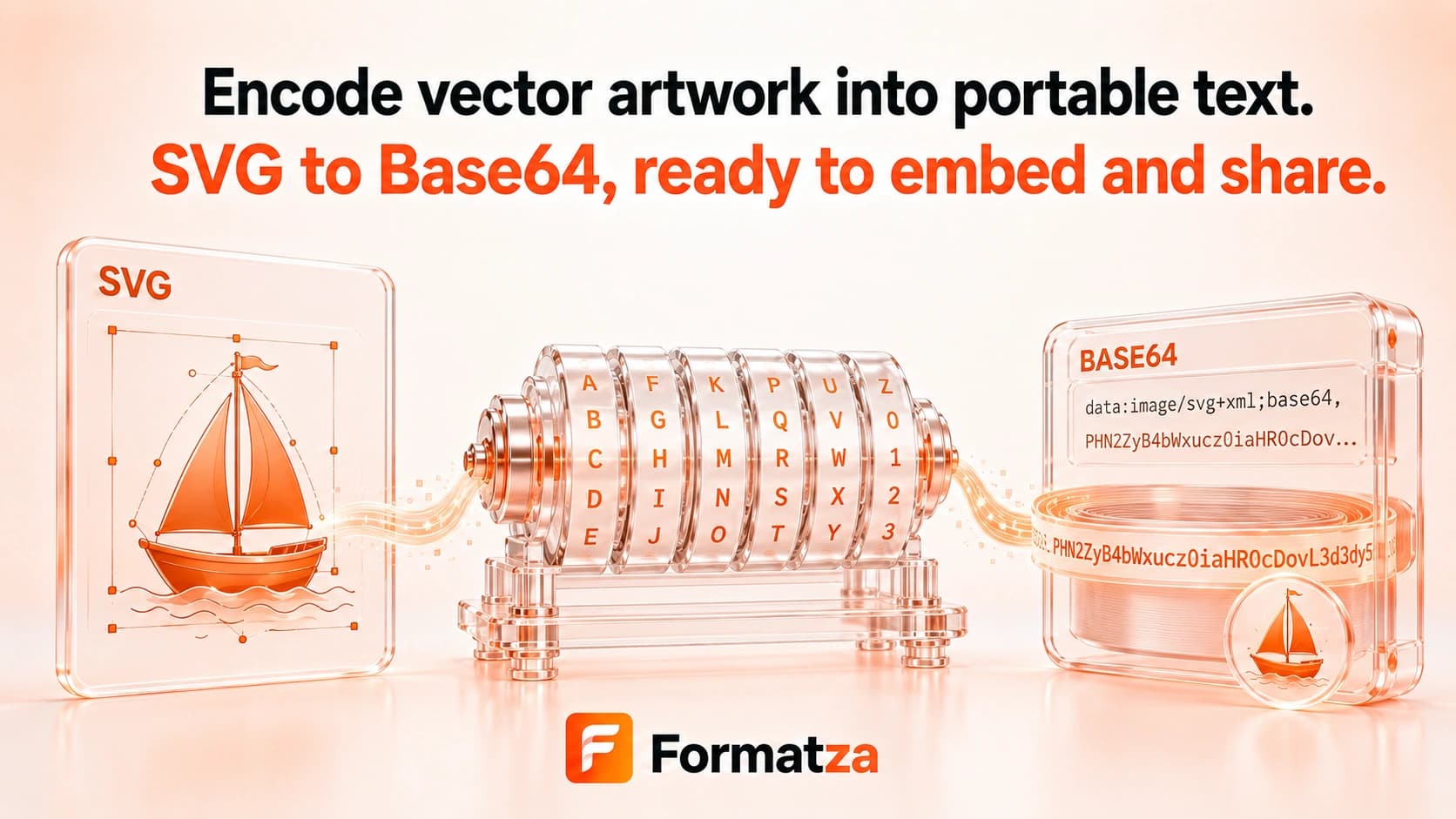
Convert one SVG file into a UTF-8 Base64 data URI directly in your browser. The generated image/svg+xml string can be copied to the clipboard or downloaded as a text file for supported embedding and development workflows.
Steps
How it works
- Choose one valid SVG file.
- The tool validates and sanitizes the SVG markup.
- Click Convert to Base64 to create an image/svg+xml Base64 data URI.
- Copy the generated string or download it as a .txt file.
Highlights
Key features
- Encodes UTF-8 SVG markup with browser-native Base64 handling.
- Outputs a complete data:image/svg+xml;base64 data URI.
- Removes scripts, foreignObject elements, event handlers, and JavaScript URLs before encoding.
- Provides a read-only output field, clipboard copy, and text download.
- Runs the single-file encoding workflow locally in the browser.
Use cases
Common uses
- Embed a small SVG data URI in HTML or CSS.
- Store a sanitized SVG string in JSON or test fixtures.
- Copy encoded vector artwork into a development workflow.
- Create a portable text representation of a self-contained SVG.
Notes
Limitations to know
- The tool accepts one uploaded SVG file; it does not accept pasted markup or batch input.
- It outputs a full data URI rather than a separate raw-Base64 option.
- Base64 is encoding, not encryption, compression, or a security mechanism.
- Base64 is usually larger than the underlying SVG text and can create very long strings.
- Remote images, fonts, or styles referenced by the SVG are not downloaded or embedded automatically.
FAQ
Frequently asked questions
Does the output include a data URI prefix?
Yes. The result begins with data:image/svg+xml;base64, followed by the encoded SVG bytes.
Is Base64 smaller than raw SVG code?
Usually not. Base64 adds encoding overhead, and raw or URL-encoded SVG can be smaller in some web workflows.
Does Base64 make an SVG secure?
No. Encoding is reversible and does not encrypt the content. Formatza sanitizes specific active SVG content before encoding, but you should still trust the source.
Can I encode multiple SVG files at once?
No. SVG to Base64 currently processes one uploaded SVG file at a time.
Are linked images and fonts included?
No. References remain references unless those resources were already embedded inside the SVG itself.