
SVG Minifier
Minify SVG markup to reduce file size.
Type to search tools. Use the up and down arrow keys to move through results, Enter to open a result, and Escape to clear the search.
Minify SVG markup to reduce file size.
Related tools
Ready tools are shown first.
SVG to PNG
Convert one SVG or batch convert up to 500 SVG files to PNG images.
SVG to JPG
Convert one SVG or batch convert up to 500 SVG files to JPG images.
SVG to WebP
Convert one SVG or batch convert up to 500 SVG files to WebP images.
SVG to PDF
Convert SVG graphics to PDF documents.
SVG Viewer
Preview SVG files directly in your browser.
SVG Optimizer
Optimize SVG files for cleaner output.
Tool guide
Free Online SVG Minifier
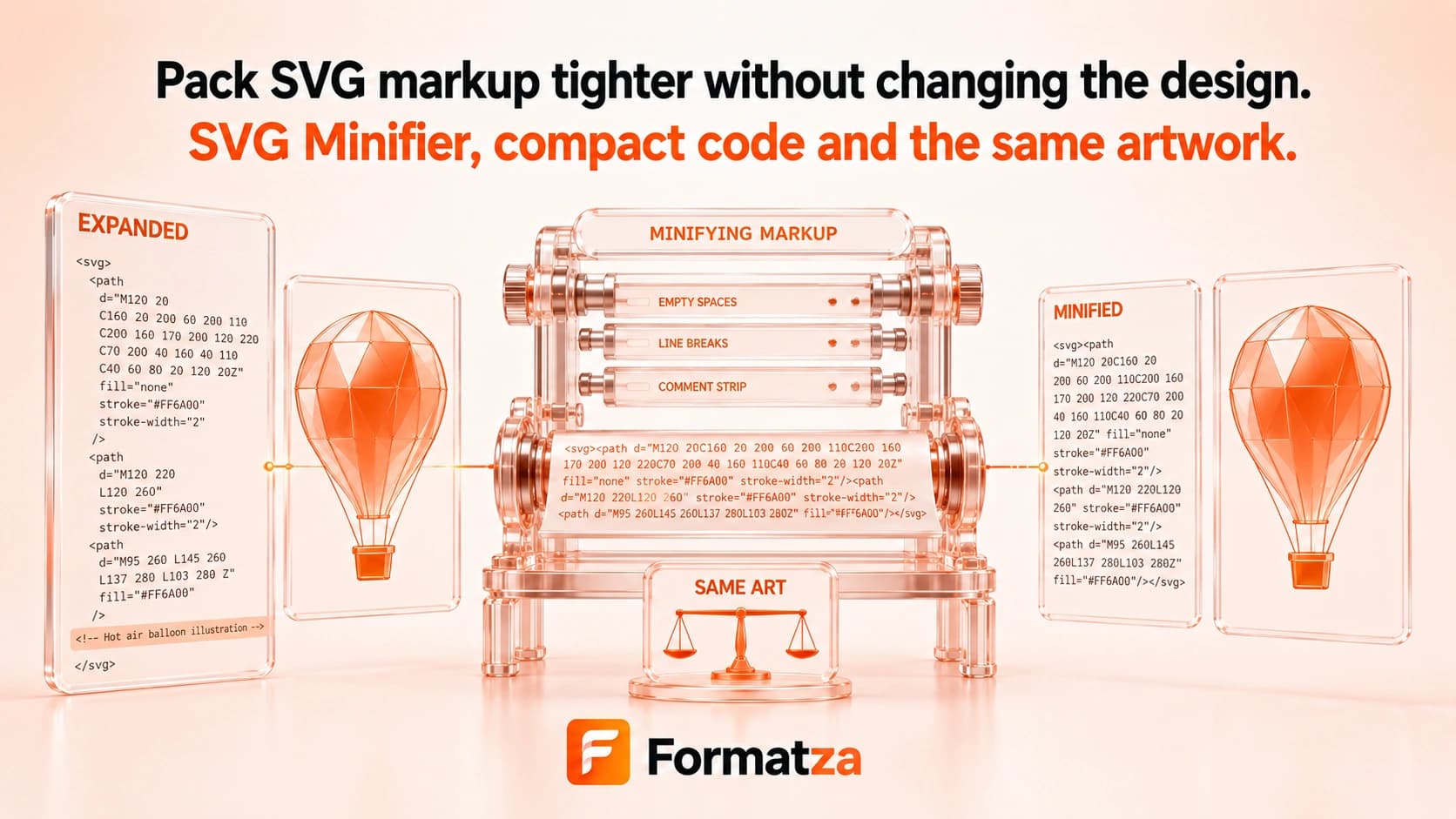
Minify SVG code by removing comments, line breaks between elements, and repeated whitespace. The output remains SVG markup and can be previewed, copied, or downloaded after processing.
Steps
How it works
- Upload one valid SVG file.
- Review the sanitized original markup.
- Click Minify SVG to compact comments and whitespace.
- Check the size comparison and preview before copying or downloading the minified SVG.
Highlights
Key features
- Removes SVG comments from the processed markup.
- Compacts whitespace and line breaks to create a shorter text representation.
- Keeps the output as SVG code rather than rasterizing the artwork.
- Shows the original and minified text with a reduction estimate.
- Includes preview, copy-to-clipboard, and SVG download actions.
Use cases
Common uses
- Compact readable SVG markup before production deployment.
- Reduce whitespace in icons embedded in web projects.
- Create a smaller text version of an SVG for transfer or storage.
- Minify an SVG before encoding it as a data URI.
Notes
Limitations to know
- Minification focuses on comments and whitespace; it does not simplify paths or perform advanced structural optimization.
- The minified code is harder for people to read and edit.
- Savings may be small when the source SVG is already compact.
- Repeated whitespace inside SVG text content may be significant and should be checked after minification.
- Sanitization removes scripts and foreignObject content and may affect SVGs that depend on active or external behavior.
FAQ
Frequently asked questions
What is the difference between SVG minification and optimization?
Minification primarily compacts text and comments. The optimizer adds a few extra cleanup rules, but neither performs advanced path simplification.
Does minifying convert SVG into an image?
No. The result remains SVG markup and retains vector behavior for supported content.
Will comments and formatting be preserved?
No. Comments and much of the original whitespace formatting are intentionally removed.
Can I make the code readable again?
Yes. You can run the output through SVG Formatter to add line breaks and indentation.
Why was the file-size reduction small?
An SVG that is already compact may contain little removable whitespace or comment text.