
SVG Formatter
Format SVG markup for easier reading.
Type to search tools. Use the up and down arrow keys to move through results, Enter to open a result, and Escape to clear the search.
Format SVG markup for easier reading.
Related tools
Ready tools are shown first.
SVG to PNG
Convert one SVG or batch convert up to 500 SVG files to PNG images.
SVG to JPG
Convert one SVG or batch convert up to 500 SVG files to JPG images.
SVG to WebP
Convert one SVG or batch convert up to 500 SVG files to WebP images.
SVG to PDF
Convert SVG graphics to PDF documents.
SVG Viewer
Preview SVG files directly in your browser.
SVG Optimizer
Optimize SVG files for cleaner output.
Tool guide
Free Online SVG Formatter
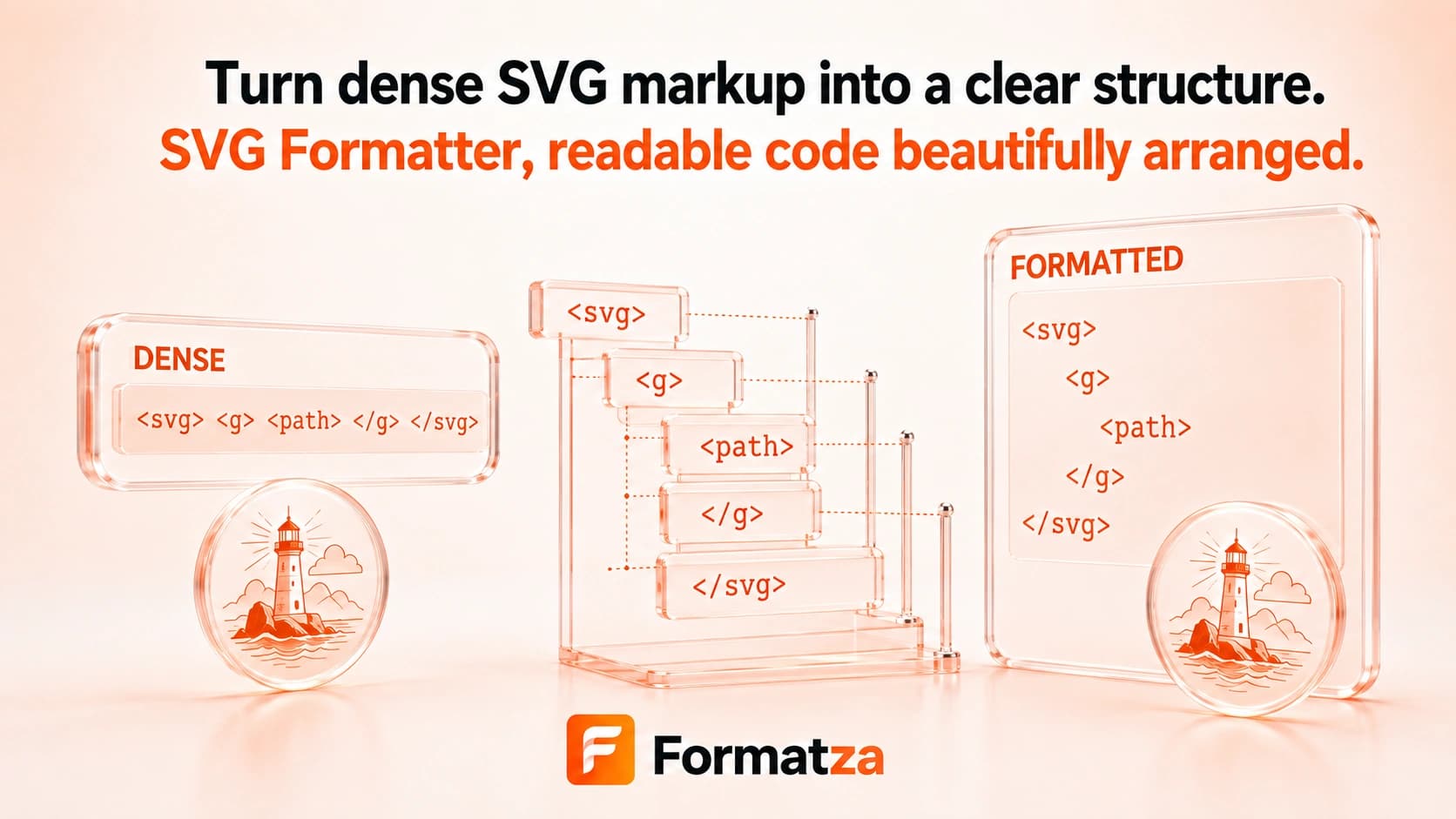
Beautify SVG markup with consistent line breaks and two-space indentation for easier reading and review. Formatza validates and sanitizes the uploaded SVG, then lets you preview, copy, or download the formatted result.
Steps
How it works
- Choose one valid .svg file.
- Review the sanitized source markup.
- Run Format SVG to add line breaks and two-space indentation.
- Preview the artwork, then copy or download the readable SVG code.
Highlights
Key features
- Pretty-prints SVG elements with consistent two-space indentation.
- Validates that the uploaded file contains parseable SVG XML.
- Shows original and formatted markup side by side.
- Provides a rendered output preview.
- Supports clipboard copy and SVG file download after formatting.
Use cases
Common uses
- Make minified SVG code easier to inspect.
- Prepare vector markup for manual edits or code review.
- Study the element structure of an exported SVG.
- Create a readable copy of a compact icon file.
Notes
Limitations to know
- Formatting adds whitespace and may increase the SVG text size.
- There is no indentation-width or attribute-layout control in the current tool.
- Formatting does not simplify paths, remove metadata for size, or otherwise optimize the artwork.
- The tool accepts an uploaded file rather than pasted SVG markup.
- Sanitization removes active content, and serialization may not preserve the source's exact whitespace or attribute presentation.
FAQ
Frequently asked questions
Does formatting reduce SVG file size?
No. Formatting is intended for readability and usually adds whitespace. Use SVG Minifier for compact output.
Can the formatter repair invalid SVG?
No. Invalid XML or markup that does not contain a valid SVG root is rejected rather than repaired.
Can I choose the indentation size?
No. The current formatter uses a fixed two-space indentation style.
Will formatting change the visual artwork?
It is intended to reorganize markup, but sanitization and whitespace handling can affect complex files, so review the included preview.
Can I copy the formatted code?
Yes. The formatted SVG can be copied to the clipboard or downloaded as a new file.