
Stopwatch
Track elapsed time in the browser.
Type to search tools. Use the up and down arrow keys to move through results, Enter to open a result, and Escape to clear the search.
Track elapsed time in the browser.
Smooth browser timing with millisecond precision and lap recording.
Elapsed time
Hours : Minutes : Seconds . Milliseconds
Related tools
Ready tools are shown first.
Timestamp Converter
Convert timestamps into readable dates and back.
Days Between Two Dates
Calculate the number of days between two dates.
Date Difference Calculator
Find the difference between dates in years, months, weeks, and days.
Business Days Calculator
Calculate working days between dates excluding weekends.
Add/Subtract Date Calculator
Add or subtract days, weeks, months, or years from a date.
Date Format Converter
Convert dates between common formats.
Tool guide
Free Online Stopwatch with Laps
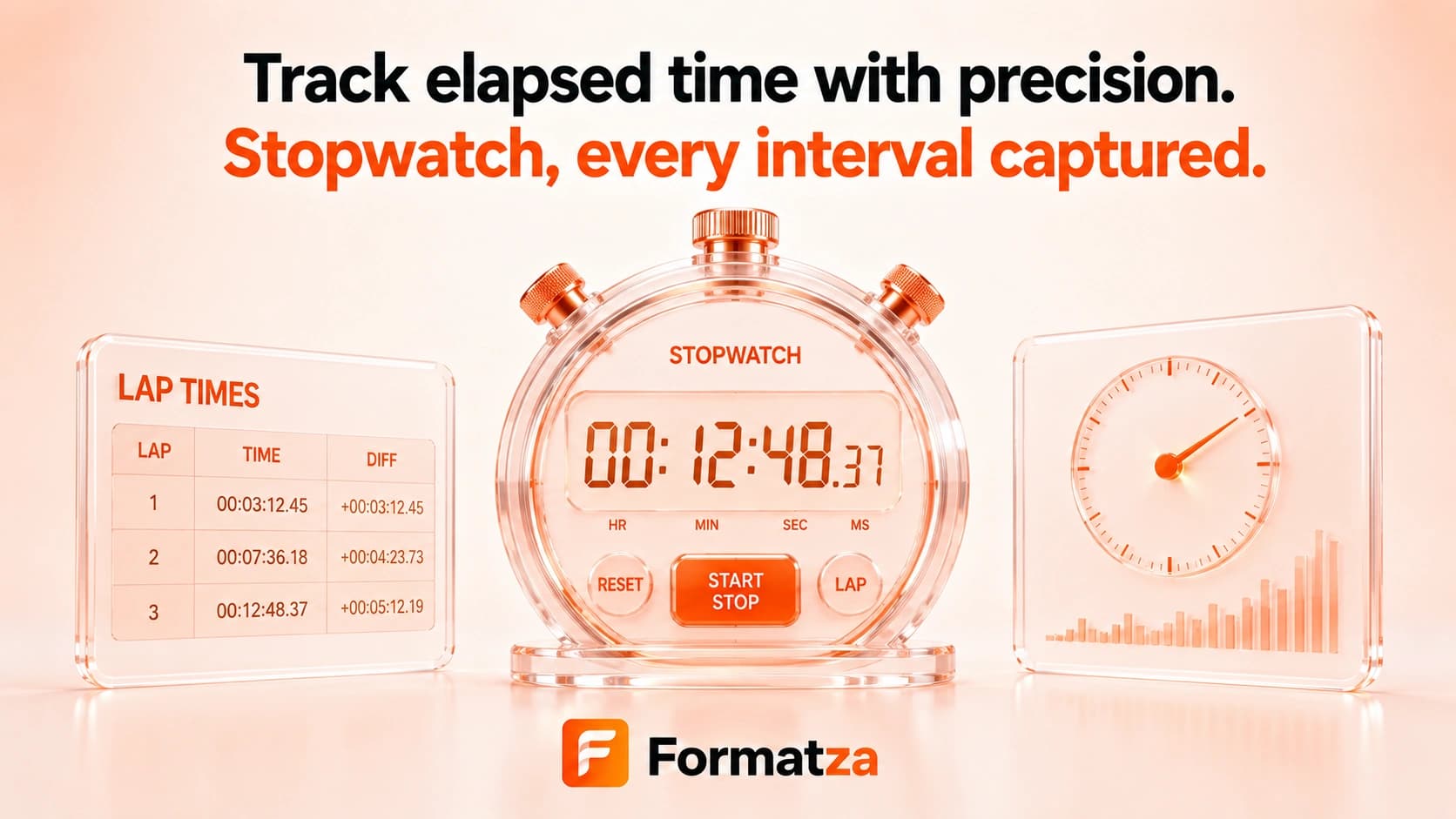
Track elapsed time in your browser with millisecond display, pause and resume controls, and lap recording. Stopwatch updates use the browser's monotonic performance timer during the current page session.
Steps
How it works
- Start the stopwatch when the activity begins.
- Pause and resume elapsed timing when needed.
- Record lap timestamps during the run.
- Copy or download recorded laps, or reset the stopwatch.
Highlights
Key features
- Displays elapsed hours, minutes, seconds, and milliseconds.
- Uses performance.now() deltas rather than wall-clock timestamps while running.
- Supports start, pause, resume, reset, and lap recording.
- Lists lap timestamps with the newest lap first.
- Allows lap results to be copied or downloaded as a TXT file.
Use cases
Common uses
- Time study, exercise, or practice sessions.
- Record intermediate lap timestamps during an activity.
- Pause and resume a browser stopwatch.
- Export a simple lap list for personal reference.
Notes
Limitations to know
- Millisecond display does not guarantee millisecond measurement accuracy.
- Browser scheduling, device load, background throttling, and sleep can affect update timing.
- Laps are cumulative timestamps rather than calculated split durations, fastest laps, or slowest laps.
- Results are not persisted after a refresh and individual laps cannot be deleted.
- Keyboard shortcuts are not included, and the stopwatch is not suitable for official competition timing.
FAQ
Frequently asked questions
Does the stopwatch record laps?
Yes. Each Lap action records the current cumulative elapsed time and adds it to the lap list.
What precision is displayed?
The display includes milliseconds, but actual accuracy still depends on browser scheduling and device conditions.
Does it continue in another tab?
The performance-based elapsed calculation can catch up when callbacks run, but background-tab throttling may make visible updates less frequent.
Can I save the lap results?
Yes. Recorded laps can be copied or downloaded as a text file before leaving the page.
Are keyboard shortcuts supported?
No. Use the visible Start, Pause, Lap, and Reset buttons.
Is it suitable for official race timing?
No. It is a convenient browser stopwatch, not certified professional timing equipment.