
Reverse Video
Reverse playback of video files.
Type to search tools. Use the up and down arrow keys to move through results, Enter to open a result, and Escape to clear the search.
Reverse playback of video files.
Tool guide
Free Online Video Reverser
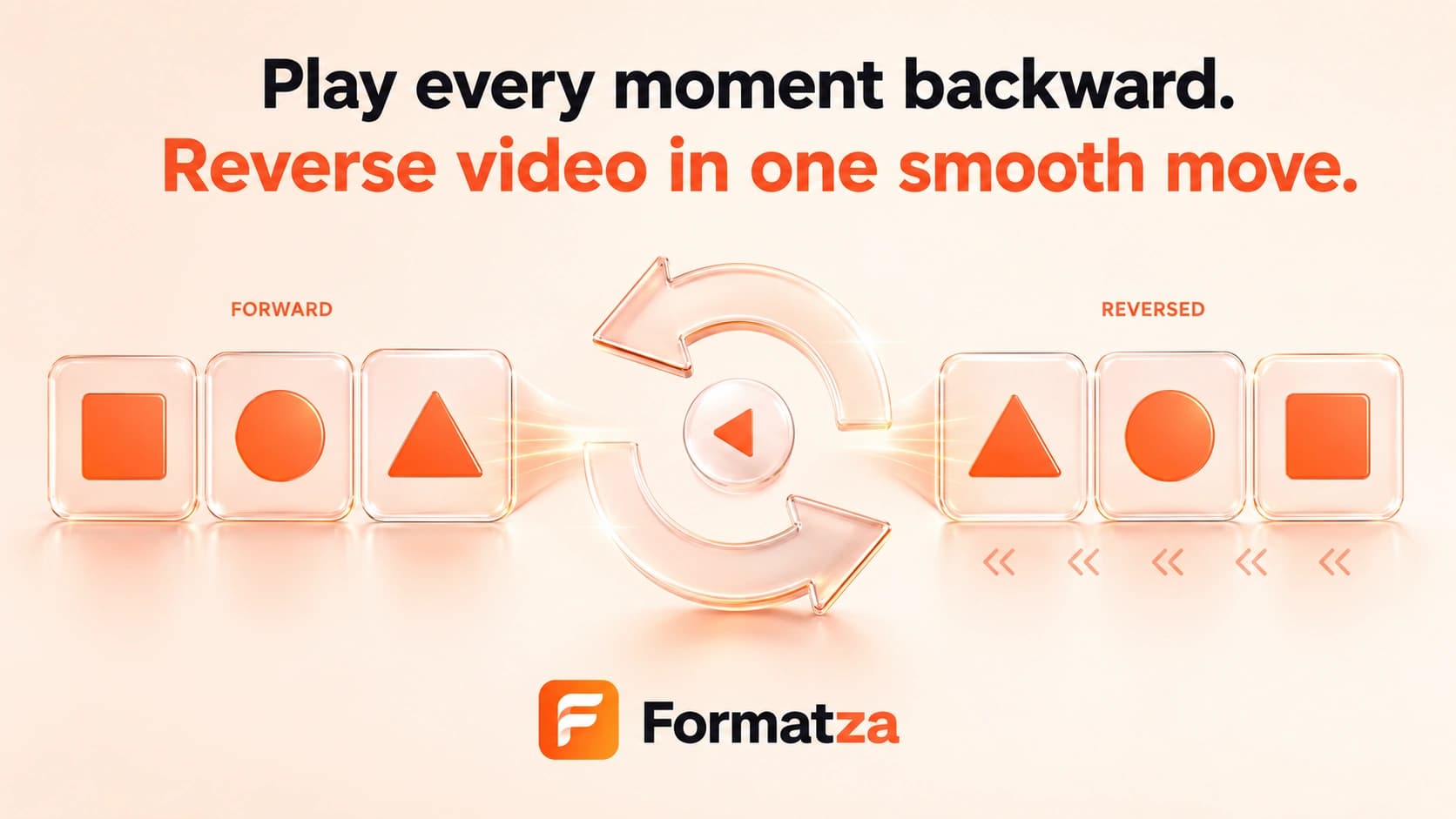
Reverse one MP4, WebM, MOV, or other browser-recognized video up to 250 MB. Formatza plays the complete video backward and also reverses its audio when the browser FFmpeg build can process that track.
Steps
How it works
- Choose one supported video file up to 250 MB.
- Preview the source and confirm its duration and dimensions.
- Reverse the video with the browser-loaded FFmpeg engine.
- Preview the backward result and download the completed file.
Highlights
Key features
- Reverses the order of all decoded video frames.
- Attempts to reverse the audio track with the video.
- Falls back to a silent reversed video when audio reversal cannot complete.
- Exports WebM input as VP9 WebM and other accepted input as H.264 MP4.
- Adds no Formatza watermark to the generated output.
Use cases
Common uses
- Create a rewind effect for a short clip.
- Play an action, reveal, or transition backward.
- Make a reversed MP4 for a creative edit.
- Review motion in reverse without installing an editor.
Notes
Limitations to know
- The complete video is reversed; selecting only part of the timeline is not supported.
- The tool processes one video at a time and does not provide batch reversal.
- Reversing requires re-encoding, so visual and audio quality may change.
- This tool does not create slow motion or change playback speed.
- Long, high-resolution videos can require substantial browser memory and processing time.
FAQ
Frequently asked questions
Is the audio reversed too?
Formatza attempts to reverse the audio with the video. If the audio operation fails, it creates a silent reversed video and reports that fallback.
Does reversing change the duration?
The intended duration stays close to the source because playback order changes rather than playback speed. Encoding can produce small timing differences.
Will video quality change?
It may. Reverse processing re-encodes the video as H.264 MP4 or VP9 WebM and is not a lossless operation.
Can I reverse only part of a video?
No. The current tool reverses the complete uploaded video. Trim the clip first when you need a shorter section.
Can I reverse several videos together?
No. Reverse Video currently processes one file per run, up to 250 MB.