
Remove Duplicate Lines
Remove duplicate lines from text.
Type to search tools. Use the up and down arrow keys to move through results, Enter to open a result, and Escape to clear the search.
Remove duplicate lines from text.
Related tools
Ready tools are shown first.
Tool guide
Free Duplicate Line Remover
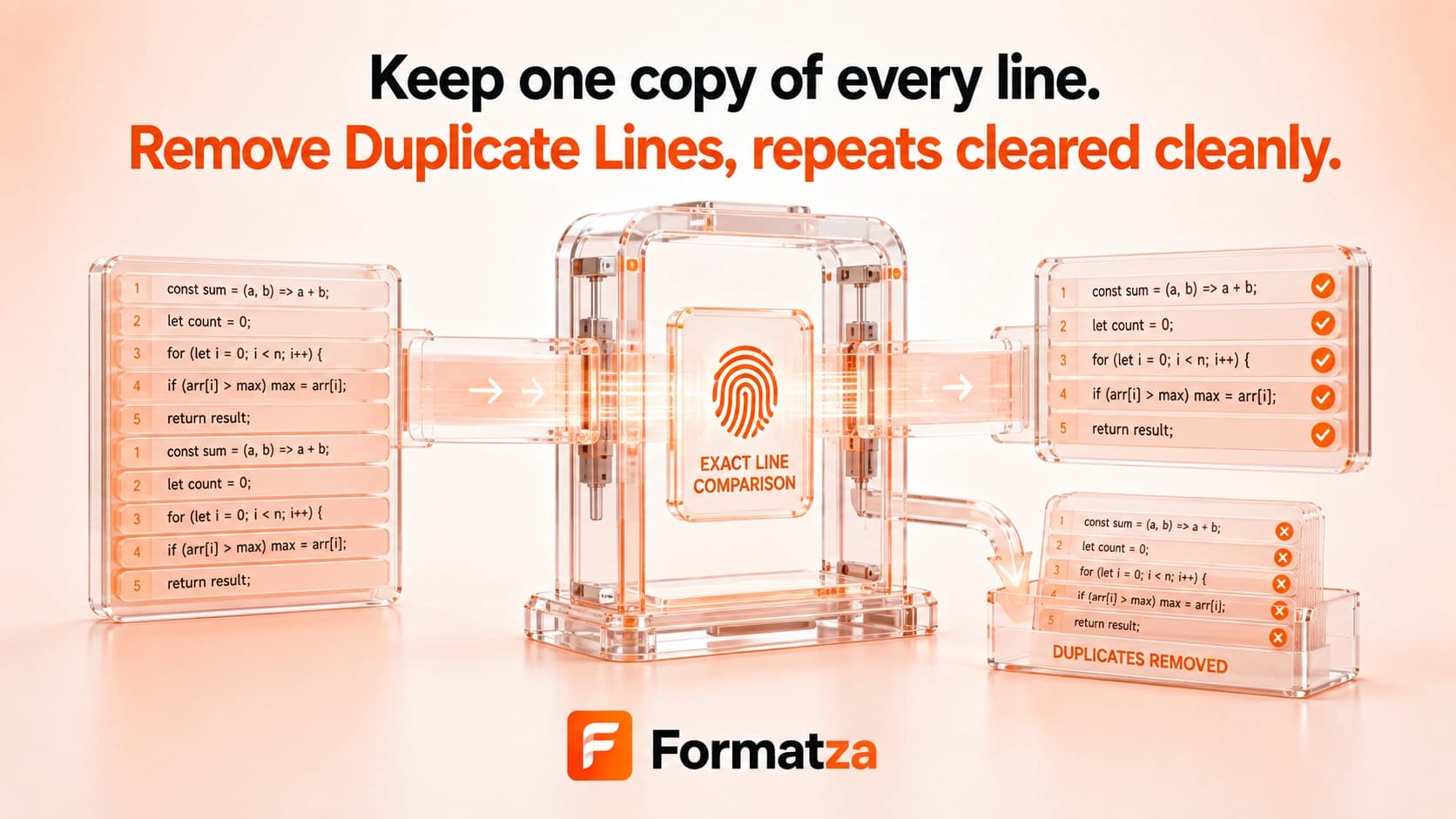
Remove repeated lines from a pasted list while preserving the first occurrence and original order. Choose case-sensitive matching, whitespace trimming, and empty-line removal to control how duplicate entries are identified.
Steps
How it works
- Paste multiline text into the input.
- Choose case sensitivity, whitespace trimming, and empty-line behavior.
- Run the duplicate line remover.
- Review the removed-line count, then copy or download the cleaned list.
Highlights
Key features
- Keeps the first occurrence of each matching line.
- Preserves the original order of retained lines.
- Uses case-insensitive matching by default with a case-sensitive option.
- Can trim leading and trailing whitespace for comparison.
- Can remove empty or whitespace-only lines and reports the total removed.
Use cases
Common uses
- Deduplicate email-free lists, tags, IDs, or simple records.
- Clean repeated values from copied spreadsheet columns.
- Prepare a unique line list for imports or test fixtures.
- Normalize case or surrounding-space differences during comparison.
Notes
Limitations to know
- Matching is exact after the selected case and trim normalization.
- The tool does not detect similar spellings, typos, fuzzy matches, or duplicate meaning.
- When trim is enabled, retained output keeps the first line's original whitespace rather than replacing it with the trimmed version.
- Empty lines count as duplicates when retained, so only the first equivalent blank line remains.
- It processes pasted multiline text and does not parse CSV columns or structured records.
FAQ
Frequently asked questions
Are duplicates case-sensitive?
They are case-insensitive by default. Enable Case-sensitive to treat different capitalization as distinct.
Can surrounding whitespace be ignored?
Yes. Enable Trim whitespace to compare lines after removing leading and trailing whitespace.
Is the original order preserved?
Yes. The first matching line stays in its original position and later matches are removed.
Which duplicate is kept?
The first occurrence is kept.
What happens to blank lines?
Enable Remove empty lines to delete all whitespace-only lines. Otherwise, the first matching blank line remains and later ones are deduplicated.