
Protect PDF
Add AES-256 password protection to a PDF directly in your browser.
Type to search tools. Use the up and down arrow keys to move through results, Enter to open a result, and Escape to clear the search.
Add AES-256 password protection to a PDF directly in your browser.
The PDF and password stay in this browser. Formatza does not upload or store them.
Related tools
Ready tools are shown first.
PDF Compressor
Choose a target reduction and make PDF files smaller directly in your browser.
PDF to JPG
Convert PDF pages to JPG images directly in your browser.
PDF to PNG
Convert PDF pages to PNG images directly in your browser.
PDF to Images
Convert PDF pages to PNG or JPG images online.
PDF to Text
Extract selectable text from PDF files directly in your browser.
PDF to Word
Convert text-based PDF files to editable Word documents directly in your browser.
Tool guide
Protect a PDF with AES-256 Encryption
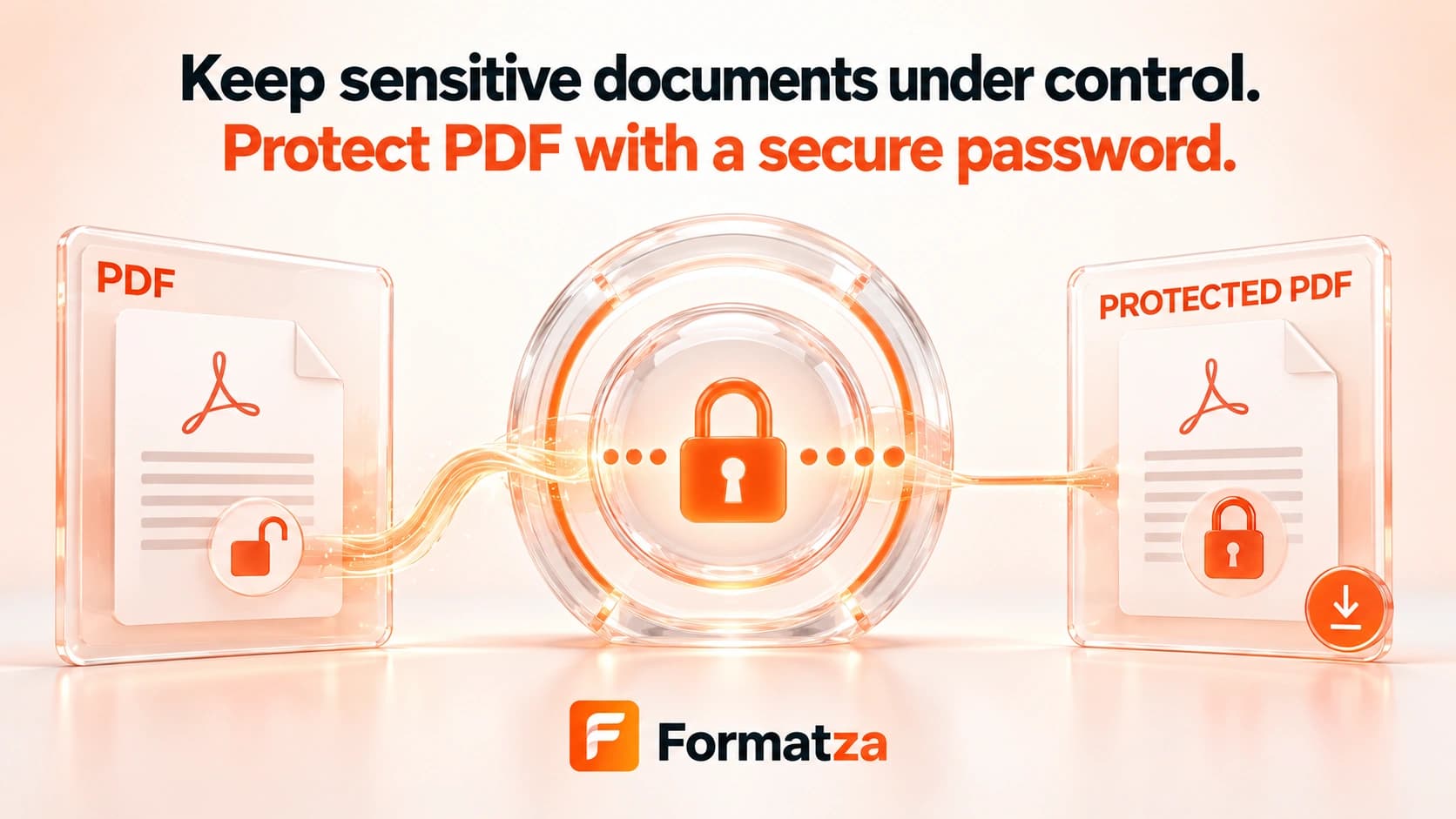
Protect a PDF with an opening password using browser-based AES-256 encryption. The document and password remain on your device during processing.
Steps
How it works
- Choose one unprotected PDF from your device.
- Enter an opening password and confirm it.
- Click Protect PDF to encrypt and verify the document in your browser.
- Download the protected PDF and keep its password in a safe place.
Highlights
Key features
- Applies AES-256 encryption that requires a password to open the PDF.
- Processes the PDF and password locally in the browser without uploading either one.
- Preserves PDF pages and document content without rasterizing them.
- Runs the QPDF WebAssembly engine in a background worker to keep the interface responsive.
- Verifies that password protection was applied before making the download available.
Use cases
Common uses
- Protect a confidential report before sharing it.
- Add an opening password to invoices, statements, or forms.
- Secure a PDF attachment before sending it through another service.
- Protect personal documents without uploading them to a remote converter.
Notes
Limitations to know
- A forgotten password cannot be recovered by Formatza.
- Compatibility may vary in outdated PDF readers.
- Browser memory limits affect very large documents.
- Encrypting or rewriting a digitally signed PDF may invalidate existing signatures.
- Already-protected PDFs must be unlocked before being protected again.
- Password protection does not prevent screenshots or authorized recipients from redistributing content.
FAQ
Frequently asked questions
Does Formatza upload my PDF or password?
No. The PDF, password, encryption process, and generated output remain in your browser and are not sent to an API.
Which encryption method does the tool use?
The tool uses QPDF compiled to WebAssembly to apply AES-256 PDF encryption with an opening password.
Can Formatza recover a forgotten PDF password?
No. Formatza does not store the password and cannot recover it, so keep it in a secure password manager.
Can I protect an already encrypted PDF?
No. Unlock the PDF first, then add the new password protection.
Does protecting a PDF change its pages?
The document is encrypted and rewritten without rasterizing its pages, so page content and supported interactive features remain in PDF form.
Will digital signatures remain valid?
Not necessarily. Encrypting or rewriting a signed PDF can invalidate its existing digital signatures.