
PDF to Word
Convert text-based PDF files to editable Word documents directly in your browser.
Type to search tools. Use the up and down arrow keys to move through results, Enter to open a result, and Escape to clear the search.
Convert text-based PDF files to editable Word documents directly in your browser.
Related tools
Ready tools are shown first.
PDF Compressor
Choose a target reduction and make PDF files smaller directly in your browser.
PDF to JPG
Convert PDF pages to JPG images directly in your browser.
PDF to PNG
Convert PDF pages to PNG images directly in your browser.
PDF to Images
Convert PDF pages to PNG or JPG images online.
PDF to Text
Extract selectable text from PDF files directly in your browser.
PDF to Word
Convert text-based PDF files to editable Word documents directly in your browser.
Tool guide
Free PDF to Word Converter
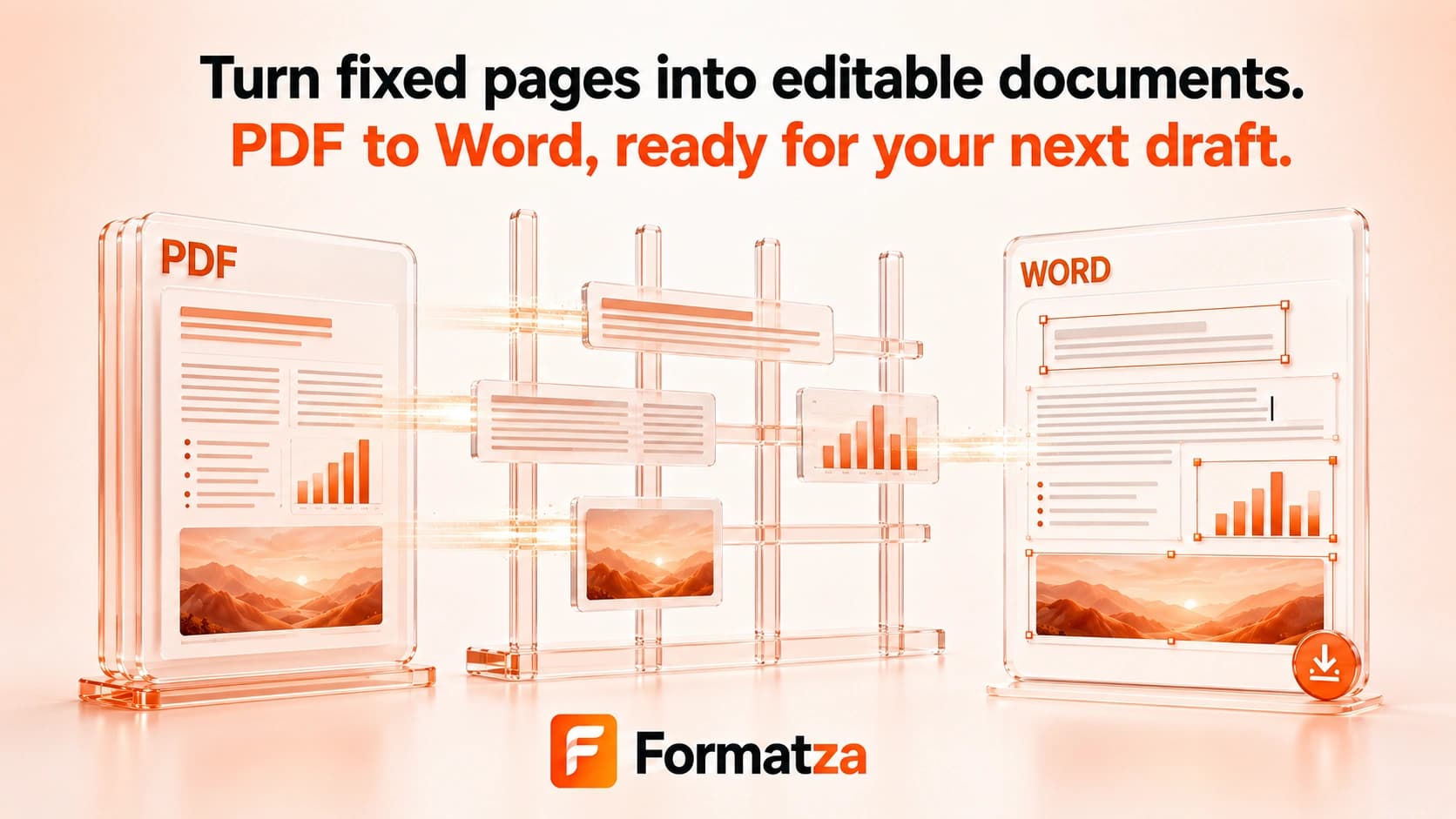
Create a real DOCX file from one PDF using Editable Text, Hybrid, or Visual Layout mode. Text-based PDFs work best for editable output, while complex layouts and scanned pages require clear tradeoffs rather than exact reconstruction.
Steps
How it works
- Upload one PDF and let the browser read its page count.
- Choose Editable Text, Hybrid, or Visual Layout mode.
- Convert each page and add page breaks to the DOCX.
- Review the output details and download the generated Word document.
Highlights
Key features
- Generates a real DOCX file with the docx browser library.
- Editable Text mode converts positioned text lines into editable Word paragraphs.
- Hybrid mode uses text positions, spacing, font size, and simple heading detection for best-effort editable layout.
- Visual Layout mode renders complete pages as PNG images inside the DOCX.
- Preserves PDF page order and inserts Word page breaks.
- Uses lazy-loaded PDF and DOCX libraries in the browser.
Use cases
Common uses
- Create an editable draft from a simple text-based PDF.
- Use Hybrid mode for best-effort spacing and basic heading emphasis.
- Use Visual Layout mode when appearance matters more than editable text.
- Move a PDF's content into a DOCX for further manual cleanup.
Notes
Limitations to know
- PDF fixed positioning and Word reflow differ, so editable output cannot match every layout exactly.
- OCR is not included; scanned PDFs cannot produce editable text in Editable or Hybrid mode.
- Tables, columns, forms, hyperlinks, headers, footers, embedded images, and exact fonts are not reconstructed as native Word structures.
- Visual Layout pages are images, so their text may not be editable or searchable.
- Only one PDF is processed at a time, and locked, malformed, or large files may fail or take longer.
FAQ
Frequently asked questions
Does PDF to Word generate a real DOCX file?
Yes. The browser generates a DOCX document and downloads it with the standard Word document MIME type.
Does it work with scanned PDFs?
Visual Layout can render readable scanned pages as images, but editable text extraction requires OCR, which is not implemented.
Are images and tables preserved?
They are not reconstructed as native editable Word images or tables. Visual Layout preserves the whole page appearance as an image instead.
Will the Word layout exactly match the PDF?
No. Editable and Hybrid modes prioritize usable text, while Visual Layout looks closer by sacrificing editability.
Can it open password-protected PDFs?
Locked PDFs must be unlocked first. The tool provides a separate friendly error when password protection is detected.
Why do columns or line breaks change?
PDF text is stored at fixed page coordinates, while DOCX paragraphs reflow. The converter groups positioned text into lines but does not fully rebuild complex document structure.