
PDF Viewer
View PDF files directly in your browser without uploading them.
Type to search tools. Use the up and down arrow keys to move through results, Enter to open a result, and Escape to clear the search.
View PDF files directly in your browser without uploading them.
Related tools
Ready tools are shown first.
PDF Compressor
Choose a target reduction and make PDF files smaller directly in your browser.
PDF to JPG
Convert PDF pages to JPG images directly in your browser.
PDF to PNG
Convert PDF pages to PNG images directly in your browser.
PDF to Images
Convert PDF pages to PNG or JPG images online.
PDF to Text
Extract selectable text from PDF files directly in your browser.
PDF to Word
Convert text-based PDF files to editable Word documents directly in your browser.
Tool guide
Free Online PDF Viewer
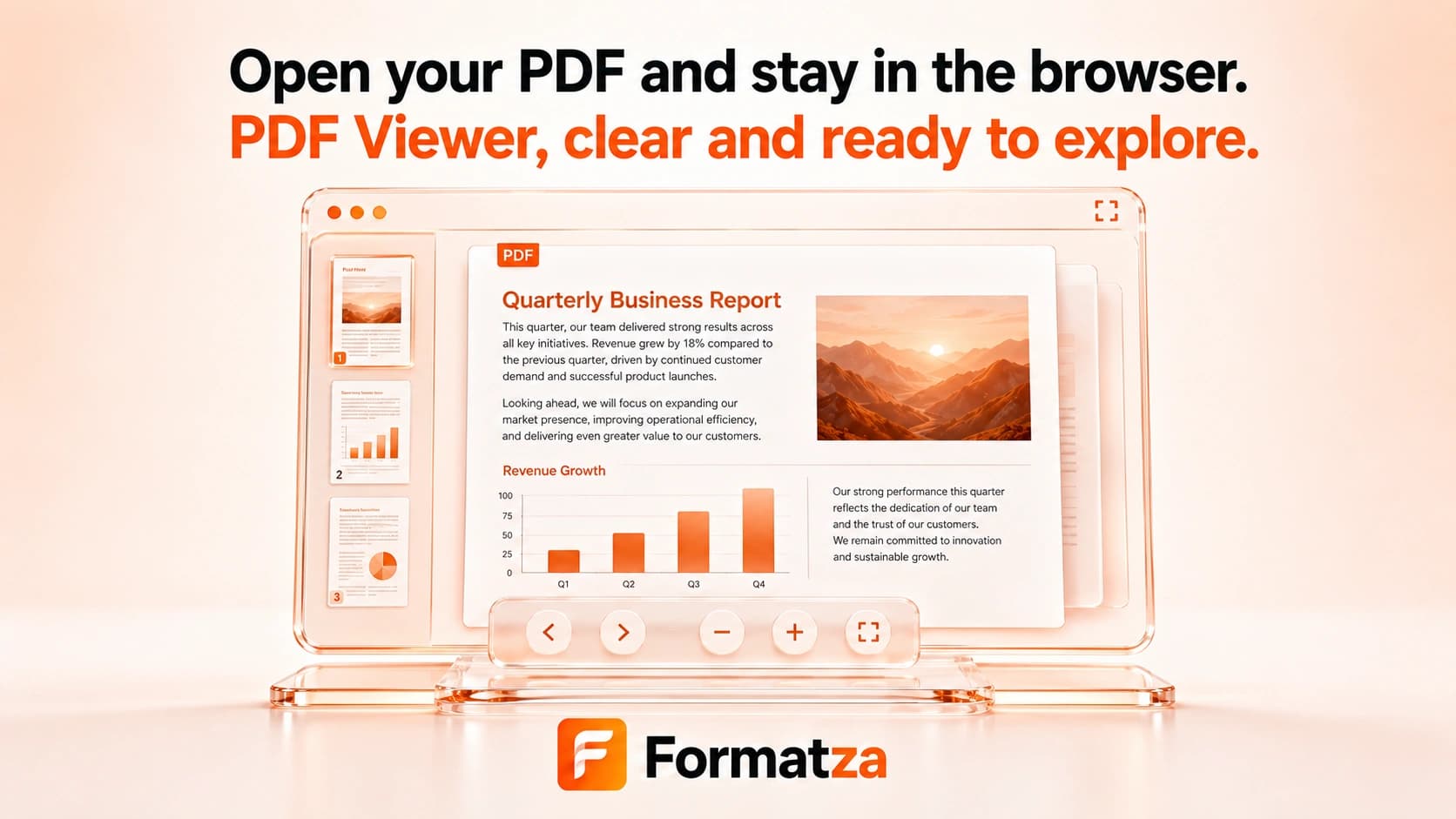
Open and preview one local PDF directly in your browser. Navigate between pages and adjust the canvas preview zoom without a server upload step in this browser-first PDF reader.
Steps
How it works
- Choose one PDF file from your device.
- Wait while the browser reads the document and renders the current page.
- Use Previous and Next to move through the PDF.
- Zoom in, zoom out, or reset the preview scale as needed.
Highlights
Key features
- Opens one local PDF file at a time.
- Shows the document page count and current page number.
- Provides previous-page and next-page navigation.
- Supports preview zoom from 60% to 250%.
- Renders the selected page as a browser-generated image preview.
Use cases
Common uses
- Preview a PDF before sharing or filing it.
- Read through pages without opening a desktop PDF application.
- Zoom in to inspect a page visually.
- Confirm that a local PDF opens and renders in the browser.
Notes
Limitations to know
- The viewer opens local files; it does not fetch a PDF from a remote URL.
- Text search, text selection, rotation, thumbnail navigation, printing, and PDF editing are not included.
- Interactive forms, annotations, scripts, multimedia, and other advanced PDF features are not presented as desktop-reader controls.
- Password-protected or malformed PDFs may not open.
- Large or visually complex PDFs can render slowly or use substantial browser memory.
FAQ
Frequently asked questions
Is my PDF uploaded to a server?
No server upload step is used by this viewer. The selected file is read and rendered in the active browser session.
Can I search or select text inside the PDF?
No. The current viewer renders each page as an image preview and does not provide a searchable or selectable text layer.
Can it open password-protected PDFs?
Locked PDFs are not supported. Unlock the document first, then open the unlocked copy.
Can I zoom and rotate pages?
You can zoom the page preview from 60% to 250%, but page rotation is not available in this viewer.
Are PDF forms and annotations supported?
The page may visually render some existing content, but there are no dedicated controls for editing forms, annotations, or other interactive features.
Can I print or download the PDF from this viewer?
The tool does not provide print or download actions. It previews the local PDF you already selected.