
PDF Thumbnail Generator
Generate thumbnails from PDF pages.
Type to search tools. Use the up and down arrow keys to move through results, Enter to open a result, and Escape to clear the search.
Generate thumbnails from PDF pages.
Related tools
Ready tools are shown first.
PDF Compressor
Choose a target reduction and make PDF files smaller directly in your browser.
PDF to JPG
Convert PDF pages to JPG images directly in your browser.
PDF to PNG
Convert PDF pages to PNG images directly in your browser.
PDF to Images
Convert PDF pages to PNG or JPG images online.
PDF to Text
Extract selectable text from PDF files directly in your browser.
PDF to Word
Convert text-based PDF files to editable Word documents directly in your browser.
Tool guide
Free Online PDF Thumbnail Generator
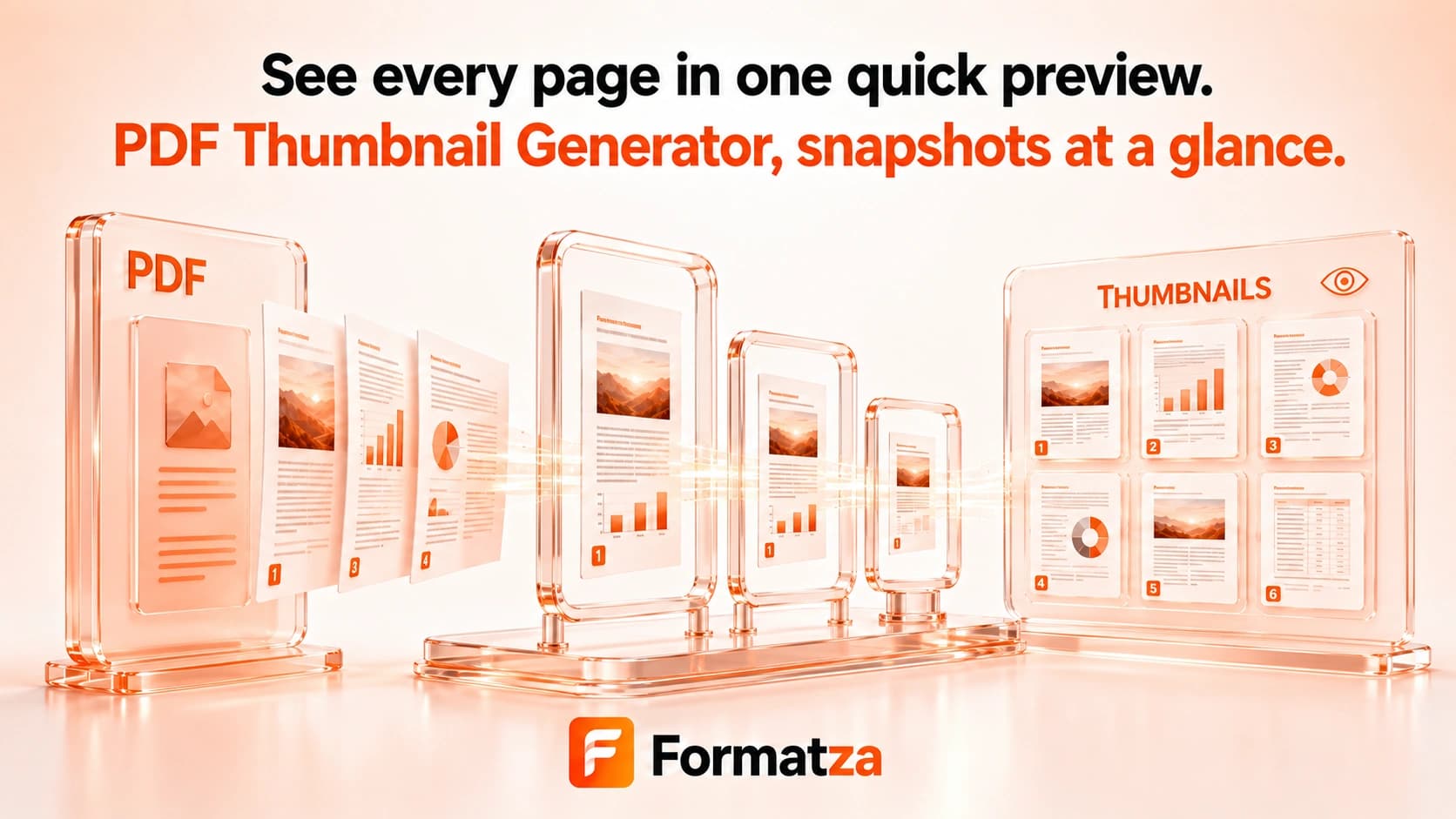
Render selected PDF pages as PNG preview images in your browser. Process one PDF or a batch of up to 500 PDFs, choose all pages, one range, or individual pages, and download successful thumbnails separately or in ZIP files.
Steps
How it works
- Choose one or more PDF files.
- Select all pages, one page range, or specific page numbers.
- Choose a 1x, 1.5x, or 2x rendering scale.
- Generate PNG page previews in the browser.
- Download individual images, one ZIP when available, or smaller ZIP groups.
Highlights
Key features
- Accepts up to 500 PDF files in one browser batch.
- Supports all-page, range, and individual-page selection.
- Generates PNG raster previews from selected PDF pages.
- Offers three rendering scales for output detail.
- Uses page-based output names and supports individual and ZIP downloads.
- Keeps failed files separate so successful outputs remain downloadable.
Use cases
Common uses
- Create a PNG preview from the first page of a PDF.
- Generate thumbnails for selected pages in a document.
- Produce preview images for several PDFs in one batch.
- Create page images for document listings or visual review.
Notes
Limitations to know
- The output is a rasterized page preview, not embedded PDF cover metadata.
- There are no custom pixel width, height, image-quality, or background-color controls.
- Fine text may be difficult to read when a generated image is displayed at a small thumbnail size.
- Password-protected or malformed PDFs may fail.
- Rendering many pages and creating ZIP files can require substantial browser memory, especially on mobile devices.
FAQ
Frequently asked questions
Does the thumbnail generator use the first PDF page?
It can. Choose an individual page and enter page 1, or select another supported page selection.
Can I generate a thumbnail from another page?
Yes. You can choose all pages, one range, or specific individual pages.
Which image format is generated?
The tool generates PNG images.
Can I change thumbnail size?
You can select a 1x, 1.5x, or 2x rendering scale. Exact width and height inputs are not available.
Can multiple PDFs be processed?
Yes. The batch workflow accepts up to 500 PDF files and processes their selected pages.
Is the result an embedded PDF cover image?
No. The browser renders a selected PDF page into a new PNG preview; it does not extract cover metadata.