
PDF Page Counter
Count the number of pages in a PDF document.
Type to search tools. Use the up and down arrow keys to move through results, Enter to open a result, and Escape to clear the search.
Count the number of pages in a PDF document.
Related tools
Ready tools are shown first.
PDF Compressor
Choose a target reduction and make PDF files smaller directly in your browser.
PDF to JPG
Convert PDF pages to JPG images directly in your browser.
PDF to PNG
Convert PDF pages to PNG images directly in your browser.
PDF to Images
Convert PDF pages to PNG or JPG images online.
PDF to Text
Extract selectable text from PDF files directly in your browser.
PDF to Word
Convert text-based PDF files to editable Word documents directly in your browser.
Tool guide
Free Online PDF Page Counter
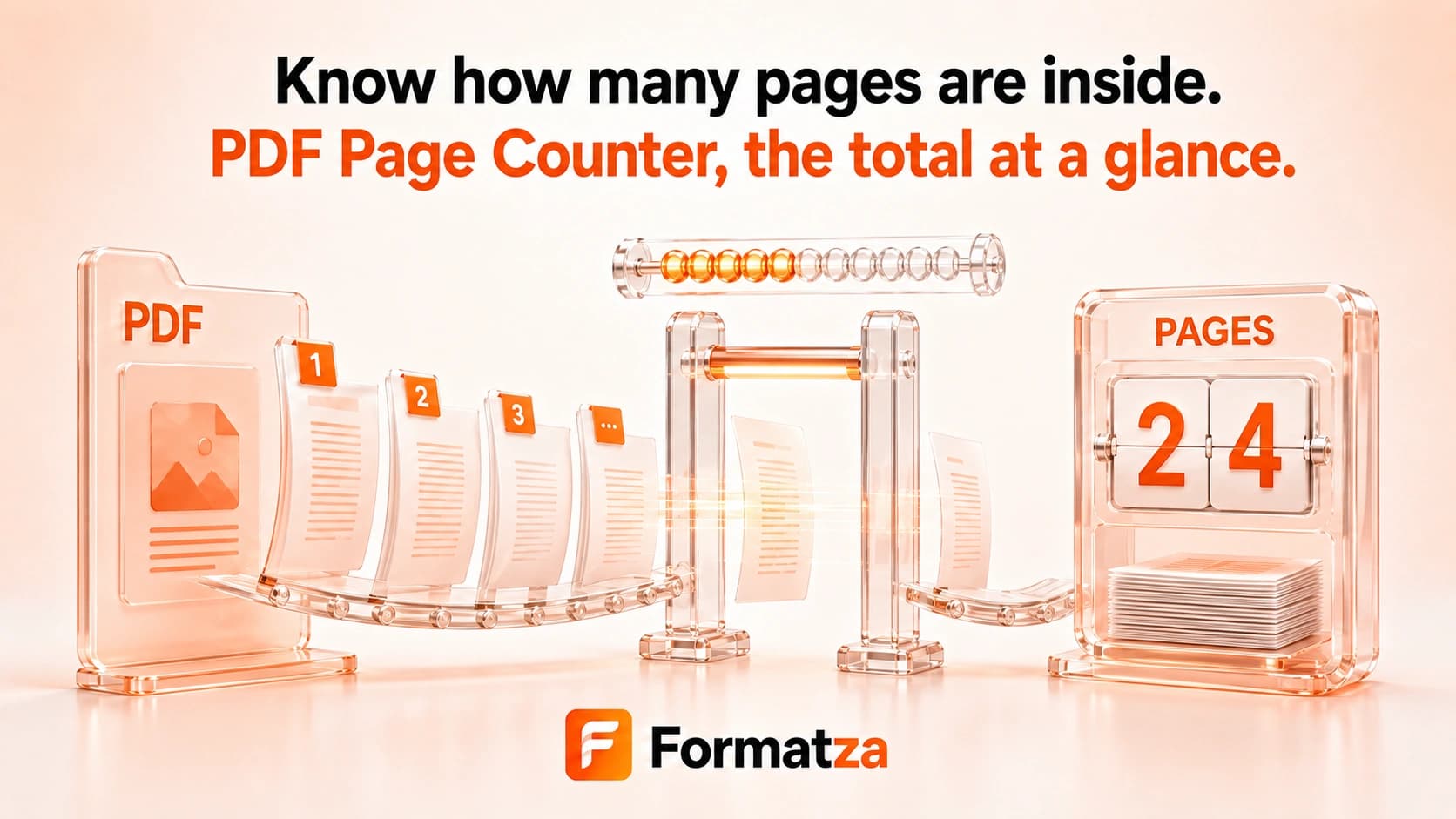
Count the total pages in one PDF directly in your browser. Formatza reads the document structure, then shows the file name, file size, and page count without rendering every page.
Steps
How it works
- Choose one PDF file.
- Wait while the browser reads the document structure.
- Review the file size and total page count.
- Clear the file when you are finished.
Highlights
Key features
- Counts pages in one PDF at a time.
- Shows the selected PDF file name and size.
- Reads the PDF page tree without rendering every page.
- Returns the total document page count in the browser.
- Provides clear errors for locked or unreadable PDFs.
Use cases
Common uses
- Check the length of a report before printing.
- Confirm a PDF page count before submitting it.
- Count pages in a scan, ebook, form packet, or document.
- Review the page total without opening a full PDF reader.
Notes
Limitations to know
- Only one PDF can be counted at a time; there is no batch or combined total.
- The count represents PDF pages, not physical sheets or printed sides.
- The tool does not inspect page content, validate the document, or repair damaged PDFs.
- Password-protected or malformed PDFs may not be readable.
- There is no copy or download action for the page-count result.
FAQ
Frequently asked questions
Can I count multiple PDFs at once?
No. The current page counter accepts one PDF at a time.
Does it show a combined page total?
No. Because only one PDF is accepted, the displayed number is the total for that document.
Does the tool render every PDF page?
No. It reads the document structure to obtain the page count without generating page previews.
Is the PDF page count the same as printed sheets?
Not necessarily. Duplex printing can place two PDF pages on one physical sheet.
Can it count pages in a password-protected PDF?
Locked PDFs must be unlocked first.
Can it count pages in a damaged PDF?
Only if the browser PDF parser can read the file. This tool does not repair corrupt documents.