
Merge PDF
Combine multiple PDF files into one document.
Type to search tools. Use the up and down arrow keys to move through results, Enter to open a result, and Escape to clear the search.
Combine multiple PDF files into one document.
Related tools
Ready tools are shown first.
PDF Compressor
Choose a target reduction and make PDF files smaller directly in your browser.
PDF to JPG
Convert PDF pages to JPG images directly in your browser.
PDF to PNG
Convert PDF pages to PNG images directly in your browser.
PDF to Images
Convert PDF pages to PNG or JPG images online.
PDF to Text
Extract selectable text from PDF files directly in your browser.
PDF to Word
Convert text-based PDF files to editable Word documents directly in your browser.
Tool guide
Merge PDF Files Online
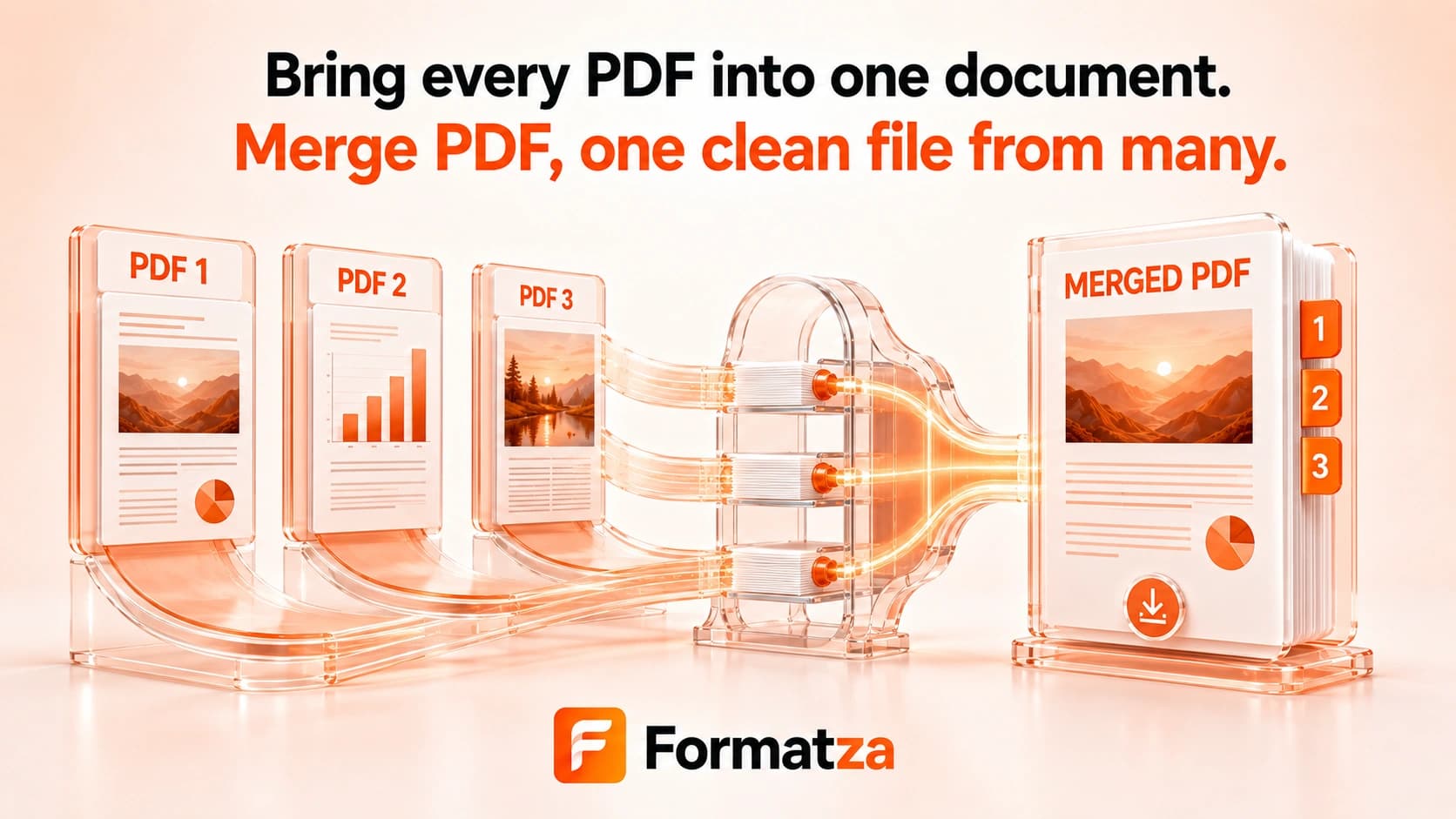
Combine two or more PDF files into one browser-generated document. Arrange whole PDFs with the Up and Down controls, merge their pages in that file order, and download the real merged PDF.
Steps
How it works
- Choose at least two PDF files.
- Use the Up and Down controls to set the whole-file order.
- Merge the PDFs in your browser.
- Download merged.pdf after the output is created.
Highlights
Key features
- Accepts multiple PDF files in one merge operation.
- Supports whole-file reordering before processing.
- Copies every page from each source in the selected file order.
- Creates one downloadable PDF named merged.pdf.
- Leaves the original files unchanged.
Use cases
Common uses
- Join reports, invoices, or forms into one PDF.
- Combine document chapters in a chosen order.
- Create one upload from several PDF files.
- Prepare a single PDF for sharing or archiving.
Notes
Limitations to know
- Files are ordered as whole documents; page previews and page-level interleaving are not available.
- The interface does not enforce a numeric file-count limit, but browser memory limits still apply.
- Merging does not compress the PDFs or guarantee a smaller output.
- Bookmarks, outlines, page labels, metadata, attachments, links, annotations, and forms are not guaranteed to be preserved fully.
- Password-protected PDFs may fail, and resaving a signed PDF can invalidate its digital signature.
FAQ
Frequently asked questions
Can files be reordered before merging?
Yes. Use the Up and Down buttons to arrange the uploaded PDFs before merging.
Is there a PDF file limit?
The interface does not enforce a fixed count, but available browser memory and the combined file sizes determine what the device can process reliably.
Are bookmarks, forms, and links preserved?
Page content is copied, but advanced document structures such as bookmarks, forms, annotations, links, attachments, and metadata are not guaranteed to survive unchanged.
Can password-protected PDFs be merged?
Locked PDFs may fail and should be unlocked before merging.
Does merging reduce PDF file size?
No. The tool combines pages and does not perform PDF compression.
What happens to digital signatures?
Creating and saving a new merged document generally means existing digital signatures should not be treated as preserved or valid.