
Merge Audio
Merge multiple audio files into one.
Type to search tools. Use the up and down arrow keys to move through results, Enter to open a result, and Escape to clear the search.
Merge multiple audio files into one.
Related tools
Ready tools are shown first.
Tool guide
Free Online Audio Merger
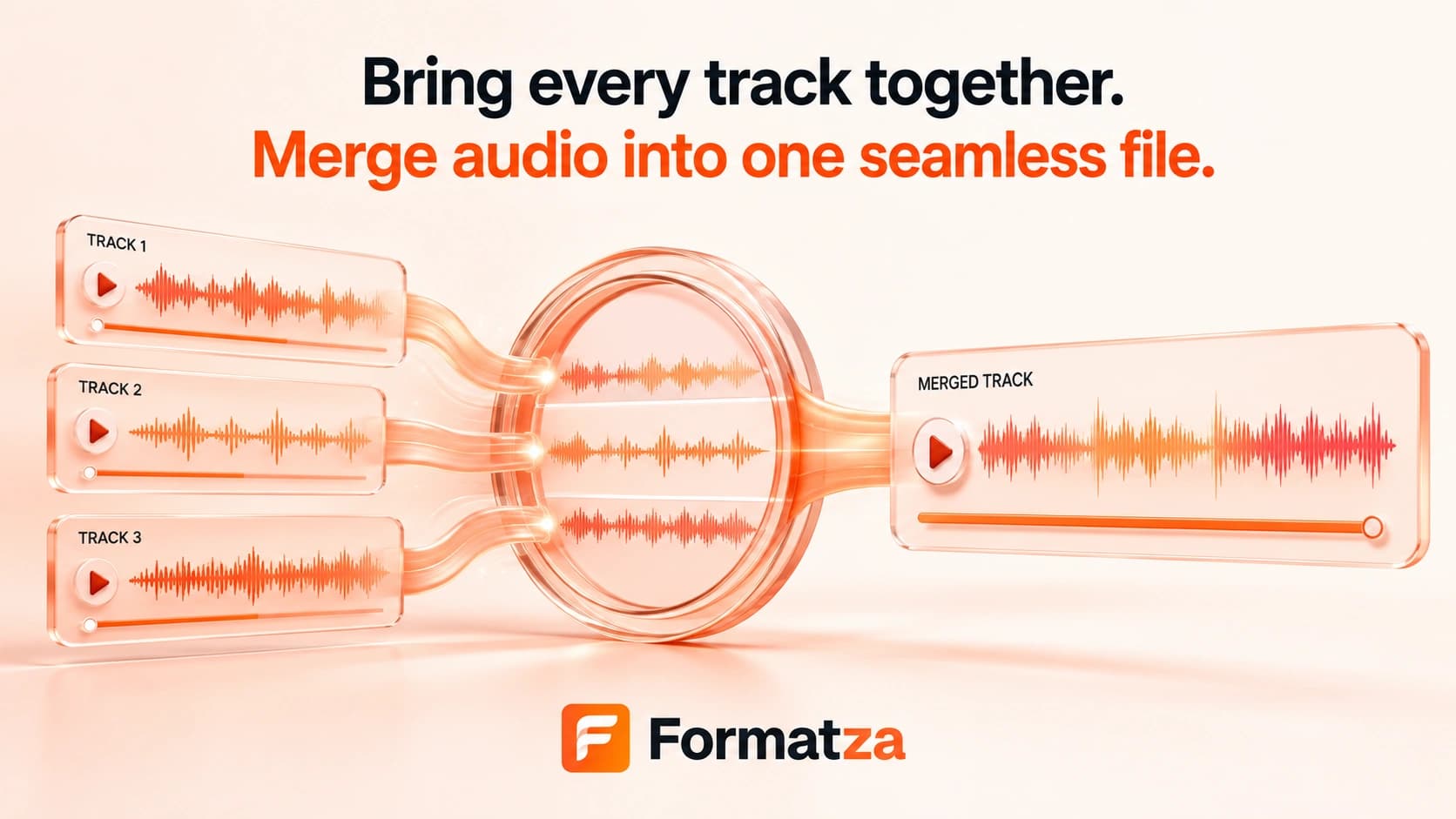
Merge multiple supported audio files into one WAV file directly in your browser. The selected tracks are joined sequentially in their current order, making this audio joiner useful for combining recordings, music clips, and spoken segments.
Steps
How it works
- Choose at least two supported audio files, with each file up to 100 MB.
- Review the selected files and remove any track you do not want to include.
- Merge the files sequentially with the browser-based FFmpeg processor.
- Preview and download the merged WAV output.
Highlights
Key features
- Accepts multiple common audio files in one merge operation.
- Supports mixed MP3, WAV, OGG, M4A, and FLAC inputs where FFmpeg can decode them.
- Joins tracks one after another rather than playing them simultaneously.
- Exports a single PCM 16-bit WAV file for reliable browser playback.
- Shows processing progress, an output preview, file size, and individual file removal.
Use cases
Common uses
- Combine several voice recordings into one continuous file.
- Join music or podcast segments in a chosen selection order.
- Merge MP3 and WAV clips into one WAV output when their audio properties are compatible.
- Create one playback file from multiple short audio clips.
Notes
Limitations to know
- Files remain in selection order; there is no drag-and-drop reordering control.
- The tool joins tracks sequentially and does not overlay or mix them together.
- There are no crossfade, silence insertion, loudness matching, trimming, or volume controls.
- Inputs are decoded and re-encoded as PCM 16-bit WAV, so the output can be much larger and is not a stream-copy merge.
- Audio with incompatible sample rates or channel layouts may fail, and source metadata or cover art is not explicitly preserved.
FAQ
Frequently asked questions
Can I change the order of the audio files?
The files are merged in their current selection order. You can remove files, but the tool does not currently provide a reordering control.
Can I merge MP3 and WAV files together?
Yes, mixed supported formats can be selected when the browser FFmpeg build can decode them and their audio properties are compatible with the concat operation.
Are the tracks played one after another?
Yes. This tool concatenates tracks sequentially; it does not layer several tracks at the same time.
Can I add crossfades or silence between tracks?
No. The current merger does not include crossfade, transition, or silence controls.
What are the output format and file limits?
The result is a PCM 16-bit WAV file. Each selected input must be no larger than 100 MB, and practical totals depend on browser memory and device performance.