
Cut Audio
Cut audio files to desired segments.
Type to search tools. Use the up and down arrow keys to move through results, Enter to open a result, and Escape to clear the search.
Cut audio files to desired segments.
Related tools
Ready tools are shown first.
Tool guide
Free Online Audio Cutter
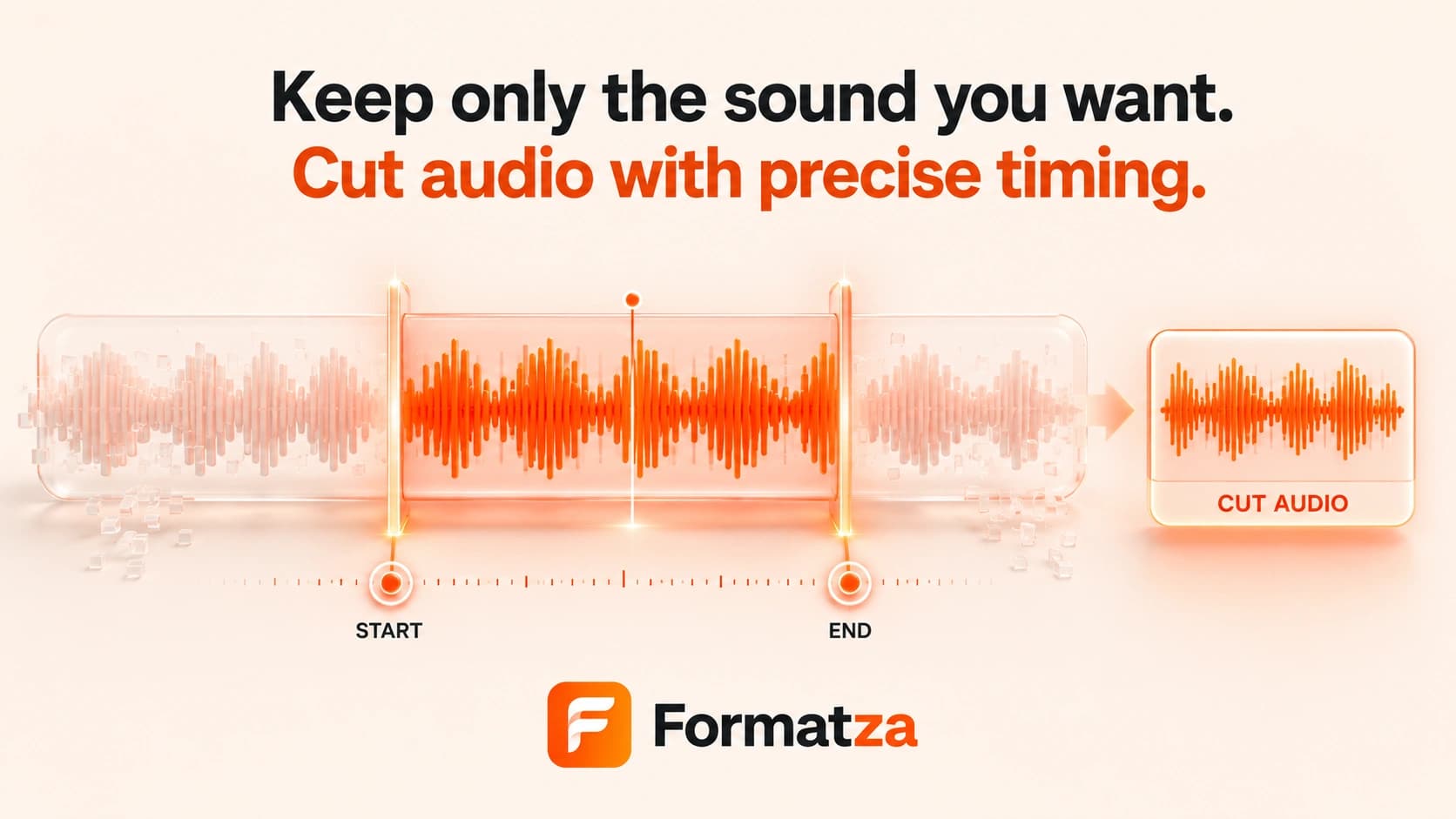
Cut one supported audio file by entering the exact start and end times for the section you want to keep. Formatza first attempts stream copying and re-encodes only when the source cannot be cut that way.
Steps
How it works
- Choose one supported audio file up to 100 MB.
- Preview the source and note its duration.
- Enter start and end times in seconds for the section to keep.
- Cut the audio, preview the output, and download the selected clip.
Highlights
Key features
- Numeric start and end controls use 0.1-second input steps.
- Keeps the selected section and removes audio before and after it.
- Attempts codec stream copy before falling back to format-specific re-encoding.
- Supports common MP3, WAV, OGG, and M4A audio workflows.
- Shows source duration, processing progress, cut preview, output size, and format.
Use cases
Common uses
- Remove silence from the beginning or end of an audio file.
- Keep a short excerpt from a recording.
- Trim music or narration to a needed duration.
- Create one focused clip from a longer MP3.
Notes
Limitations to know
- The interface has numeric time fields but no waveform or draggable timeline.
- It creates one selected clip and does not split a source into multiple files.
- Only one audio file is handled at a time; batch cutting is not available.
- Stream copy can avoid re-encoding for compatible input, but fallback encoding may change quality.
- There are no fade-in, fade-out, ringtone preset, metadata, or multiple-range controls.
FAQ
Frequently asked questions
Can I enter exact start and end times?
Yes. Enter values in seconds using 0.1-second steps. Actual cut boundaries can still vary slightly with codec and frame boundaries.
Will audio quality change?
The tool first attempts stream copy. If that is not compatible, it re-encodes the selected section and quality may change.
Can I preview the selected range before cutting?
You can play the original audio, but the current tool does not loop only the selected range. The generated cut has its own preview.
Can I add fade-in or fade-out?
No. The current audio cutter does not include fade controls.
Can I create several clips from one file?
No. One start and end range creates one output file per run.