
Markdown Preview
Preview Markdown content as rendered output.
Type to search tools. Use the up and down arrow keys to move through results, Enter to open a result, and Escape to clear the search.
Preview Markdown content as rendered output.
Related tools
Ready tools are shown first.
Tool guide
Free Online Markdown Preview
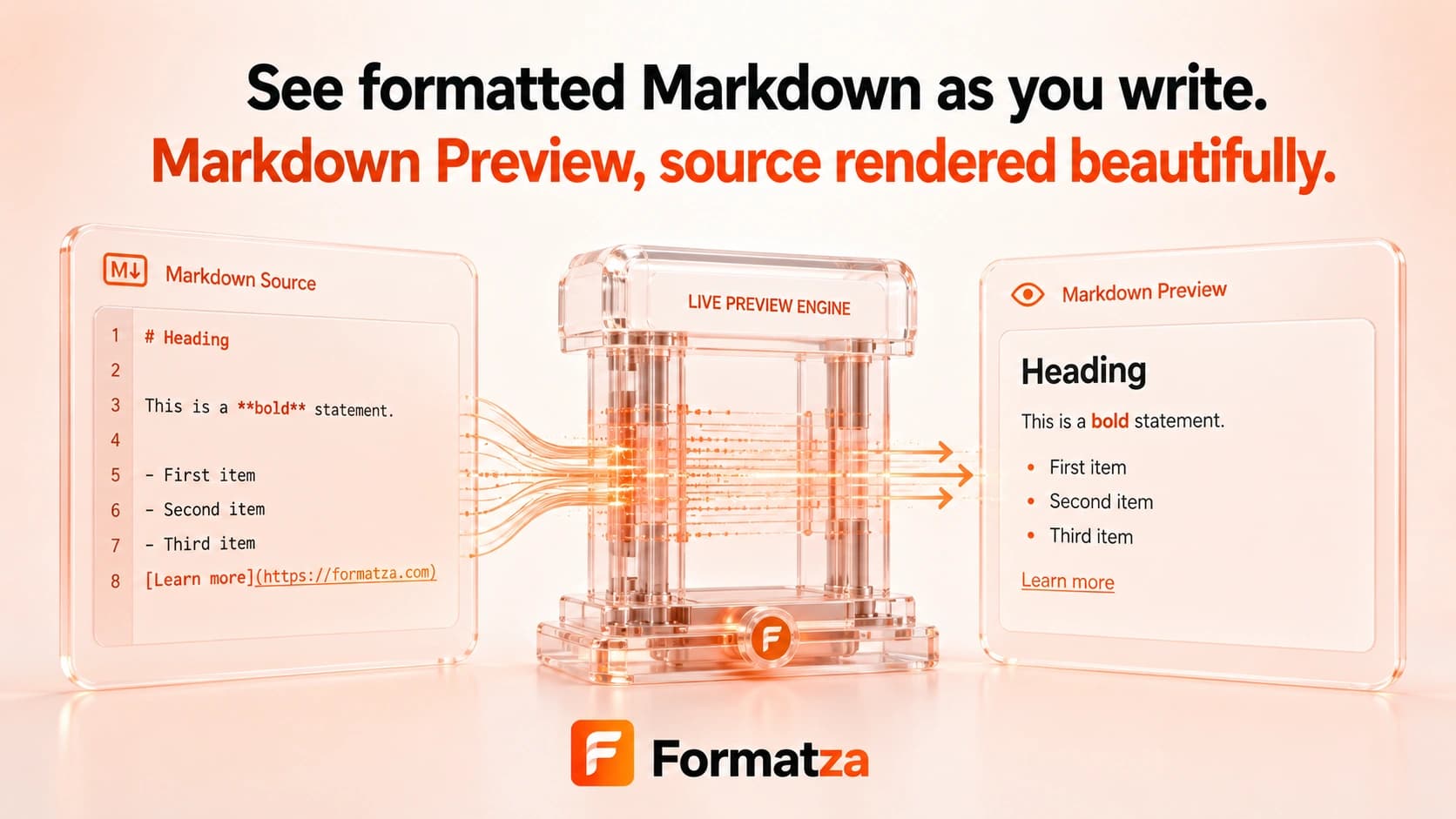
Write Markdown and see a live rendered preview directly in your browser. The preview uses GitHub Flavored Markdown parsing, applies a basic HTML safety filter, and can generate HTML that you can copy or download.
Steps
How it works
- Enter Markdown in the editor.
- Review the live visual preview as the text changes.
- Generate the filtered HTML output when you are ready.
- Copy the generated HTML or download it as an HTML file.
Highlights
Key features
- Updates the rendered preview while you edit.
- Uses GitHub Flavored Markdown parsing for features such as tables, task lists, and strikethrough.
- Supports headings, links, images, lists, blockquotes, and fenced code blocks.
- Removes script and style blocks, inline event handlers, and JavaScript URLs with a basic filter.
- Provides generated HTML for copying or downloading.
Use cases
Common uses
- Preview README content before adding it to a project.
- Draft documentation, release notes, or formatted comments.
- Inspect the HTML produced from a Markdown snippet.
- Test common GitHub Flavored Markdown structures.
Notes
Limitations to know
- Rendering can differ from GitHub and other Markdown platforms.
- Code blocks are rendered without syntax highlighting.
- The HTML filter is intentionally basic and is not a full security sanitizer for untrusted publishing workflows.
- Relative links and image paths may not resolve outside their original project.
- Markdown file upload and Markdown file download are not included.
FAQ
Frequently asked questions
Is the Markdown preview updated live?
Yes. A visual preview is generated from the current editor content as you type.
Does it support GitHub Flavored Markdown?
Yes. The parser enables GFM behavior, including common tables, task lists, and strikethrough syntax.
Are fenced code blocks syntax highlighted?
No. Fenced code blocks render as code, but a syntax-highlighting engine is not included.
Is raw HTML sanitized?
A basic filter removes scripts, styles, inline event handlers, and JavaScript URLs, but it should not replace a dedicated production sanitizer.
Can I download the generated result?
Yes. After generating the output, you can download the filtered HTML as preview.html.