
JSONPath Finder
Find JSONPath expressions for nested JSON data.
Type to search tools. Use the up and down arrow keys to move through results, Enter to open a result, and Escape to clear the search.
Find JSONPath expressions for nested JSON data.
Related tools
Ready tools are shown first.
Tool guide
Free Online JSONPath Finder
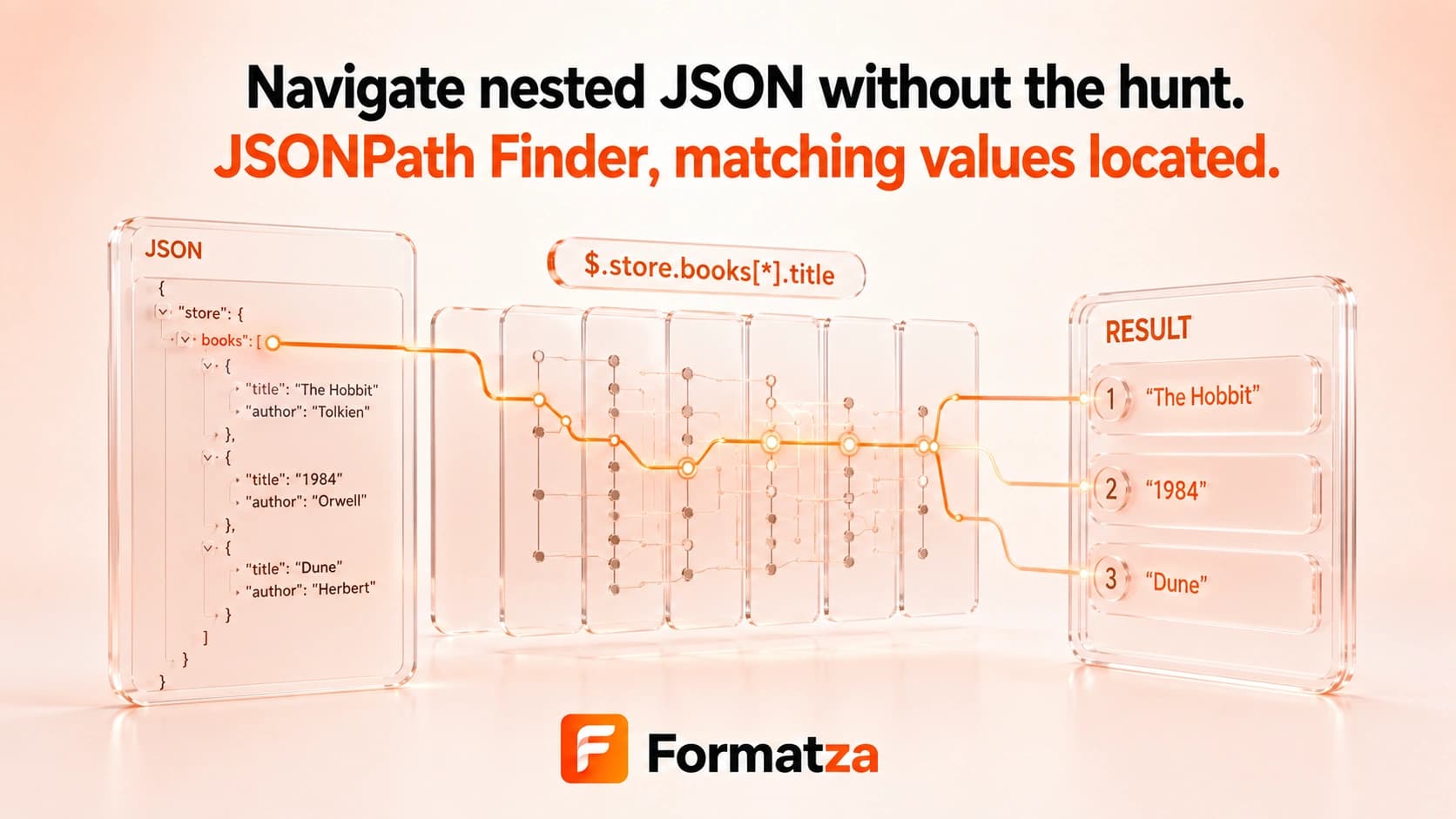
Test a focused set of JSONPath expressions against parsed JSON and inspect every matching value. This browser-first JSONPath evaluator supports property access, bracketed property names, array indexes, and wildcards.
Steps
How it works
- Paste valid JSON into the input editor.
- Enter a JSONPath expression beginning with the root symbol.
- Run the finder to evaluate the path.
- Review, copy, or download the matching values as JSON.
Highlights
Key features
- Supports dot notation for standard property names.
- Supports quoted bracket notation for property names that need escaping.
- Selects array items by numeric index.
- Uses wildcards across arrays or object values.
- Returns all matches in a JSON array.
Use cases
Common uses
- Test a path such as $.items[0].name against API sample data.
- Select the same property from each item in an array.
- Access keys containing spaces or punctuation with bracket notation.
- Explore nested JSON before writing application code.
Notes
Limitations to know
- Expressions must begin with the JSONPath root symbol $.
- Recursive descent, filters, slices, functions, unions, and script expressions are not supported.
- The tool evaluates entered expressions; it does not generate paths by clicking values.
- JSONPath dialects vary, so expressions accepted by other libraries may not work here.
- The input JSON must be valid, but JSON parsing is separate from JSONPath syntax checking.
FAQ
Frequently asked questions
Which JSONPath syntax is supported?
Use dot properties, quoted bracket properties, numeric array indexes, and wildcards, for example $.items[*].name.
Are filters and recursive descent supported?
No. Filter expressions, recursive descent, slices, functions, and script expressions are outside this focused evaluator.
Can JSONPath Finder return multiple matches?
Yes. Wildcards can collect multiple values, and the output is shown as a JSON array.
How do I access a key containing spaces or dots?
Use quoted bracket notation, such as $['property name'] or $['property.with.dots'].
Does this tool modify my JSON?
No. It reads parsed JSON and returns selected values without changing the source data.