
JavaScript Beautifier
Beautify JavaScript code for easier review.
Type to search tools. Use the up and down arrow keys to move through results, Enter to open a result, and Escape to clear the search.
Beautify JavaScript code for easier review.
Related tools
Ready tools are shown first.
Tool guide
Free Online JavaScript Beautifier
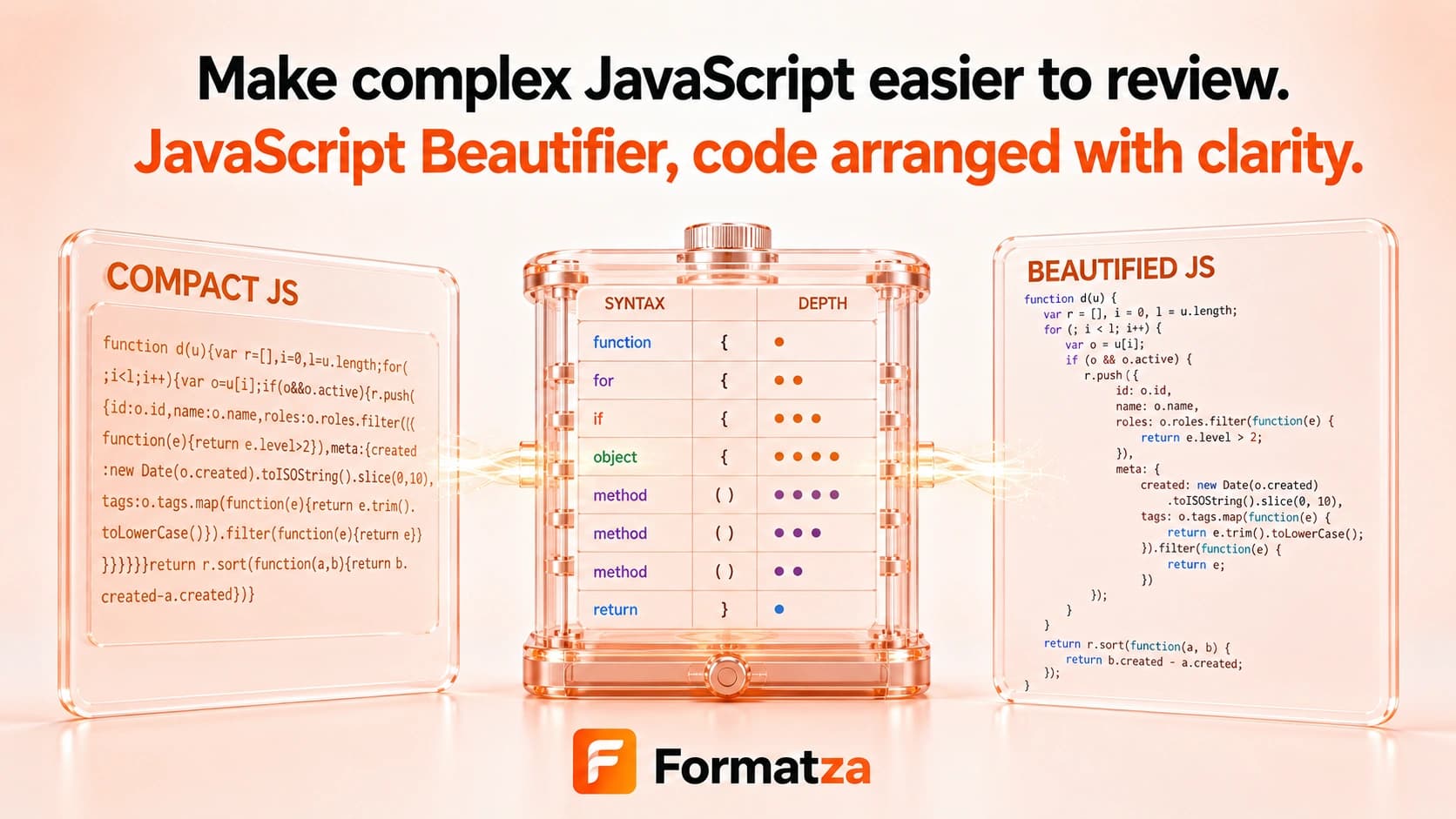
Beautify JavaScript code with basic line breaks and your choice of 2-space or 4-space indentation. This browser-first JavaScript formatter transforms text for easier reading without executing, validating, linting, or debugging the code.
Steps
How it works
- Paste JavaScript or choose one JS, MJS, or TXT file.
- Choose 2-space or 4-space indentation.
- Run the JavaScript beautifier and review the reformatted text.
- Copy the result or download the beautified JS file.
Highlights
Key features
- Adds line breaks after braces and semicolons using lightweight text rules.
- Indents brace-delimited blocks with 2 or 4 spaces.
- Accepts pasted code and supported JavaScript or text files.
- Processes the input as text without executing JavaScript.
- Provides copy and JavaScript download actions.
Use cases
Common uses
- Make a compact JavaScript snippet easier to scan.
- Add basic indentation to copied code before review.
- Prepare short JavaScript examples for notes or documentation.
- Inspect simple minified code when the original source is unavailable.
Notes
Limitations to know
- Formatting is whitespace-based rather than parser- or AST-based.
- Whitespace inside strings, template literals, regular expressions, and comments may be changed, so review the result carefully.
- There are no tabs, quote-style, semicolon-style, or line-width settings.
- JSX, TypeScript, invalid syntax, and complex modern JavaScript are not parsed or specifically supported.
- The tool does not validate, lint, execute, transpile, debug, or optimize code.
FAQ
Frequently asked questions
Does JavaScript Beautifier validate my code?
No. It changes text layout only and cannot confirm that the JavaScript is valid or behaves correctly.
Can I choose the indentation?
Yes. The current tool offers 2-space and 4-space indentation.
Are comments and string contents guaranteed to remain unchanged?
No. The lightweight whitespace rules are not syntax-aware, so comments, strings, templates, and regular expressions should be checked after formatting.
Does it support JSX or TypeScript?
There is no JSX or TypeScript parser. Some simple text may format, but those languages are not reliably supported.
Does beautifying JavaScript change its behavior?
Whitespace-only formatting normally should not, but this lightweight implementation can affect syntax-sensitive content. Test the output before using it.
Can it beautify minified JavaScript?
It can add basic spacing and indentation to simple minified snippets, but it cannot restore original names, comments, or exact formatting.